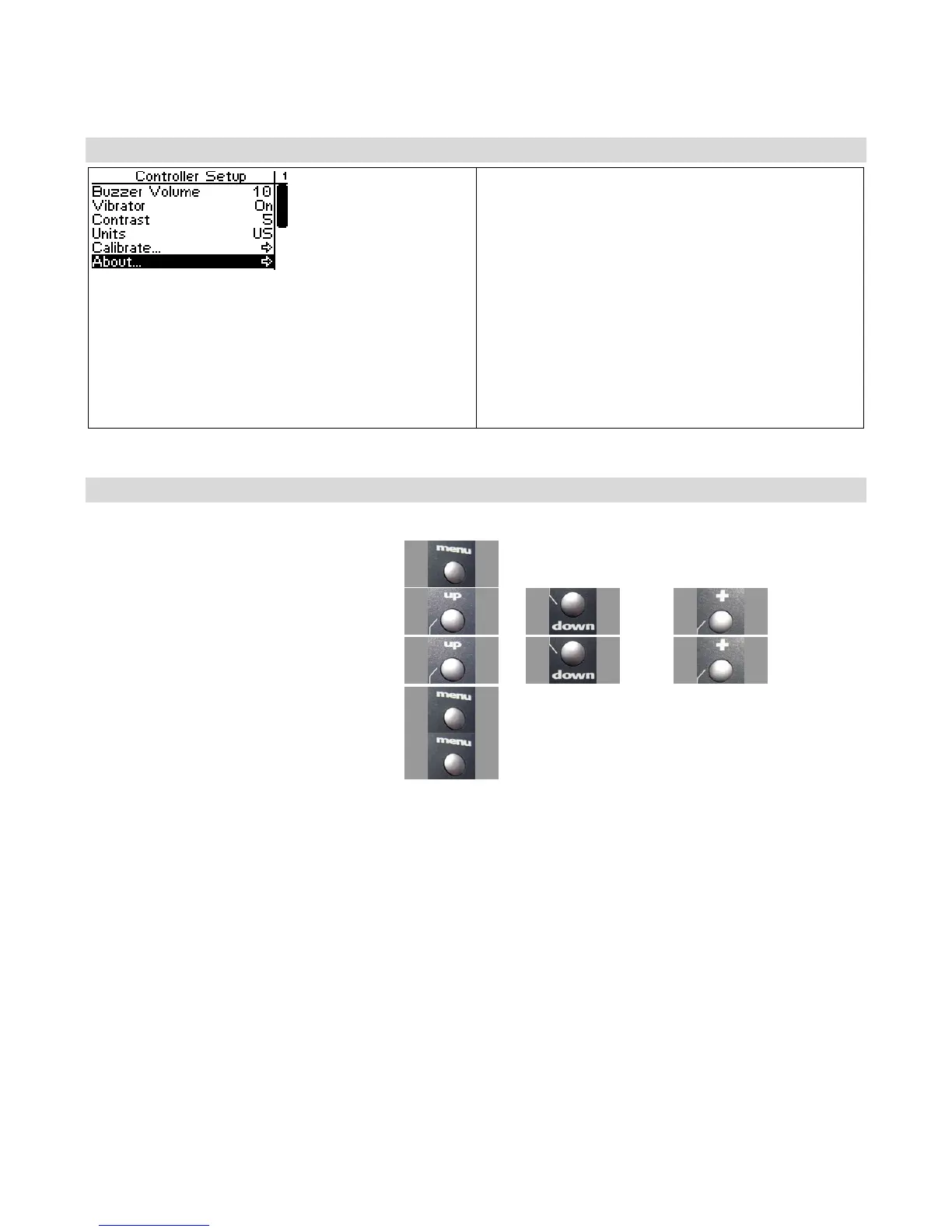
About
The About screen displays the version number and
ID number for your React.
If you are connected to a transceiver the version
number and VIN for the transceiver are also
shown.
This function also displays your startup screen and
user name. This is a great way to show off your
customized graphics to your friends!
Viewing the React About Screen
Use the navigation controls to view the about screen as follows:
1. Access the top function menu from the
driving screen.
2. Navigate to the Controller Setup menu.
or then
3. Navigate to and activate About.
or then
4. View the startup screen and user name, then
press OK.
5. View the versions and IDs, then press OK.



 To Next Page