Steering Functions
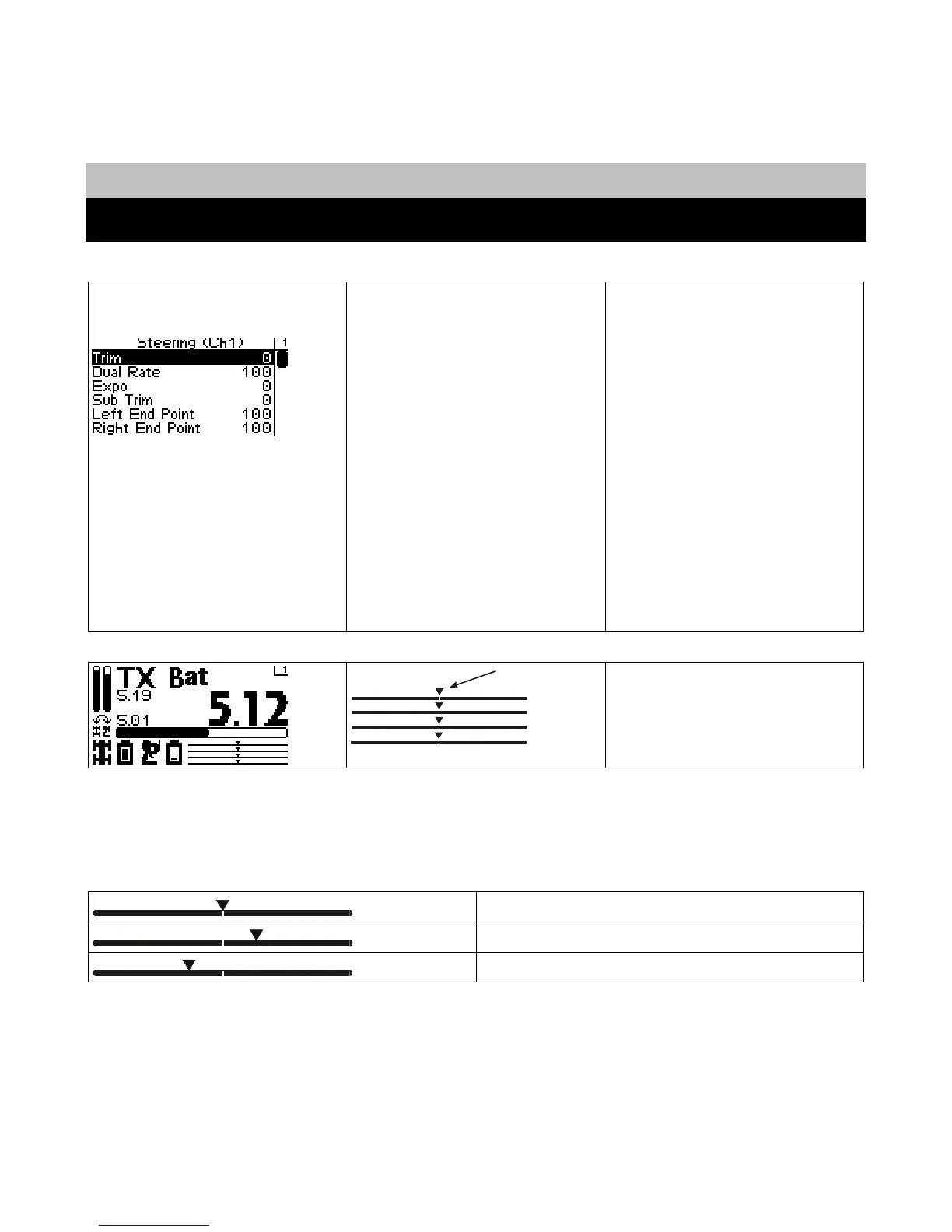
Steering Trim
Steering trim adjusts the center
point of the steering servo by
adjusting the center point within
the steering servo’s total travel
range. Unlike steering sub-trim,
the steering left and right end
points are unaffected by steering
trim; by moving the center point
of the steering servo using trim,
the center position moves closer
to one end point or the other.
Steering trim should be used
only after you have initially
adjusted steering sub-trim.
Throttle (Ch2)
Shift (Ch3)
On the driving screen, steering
trim is represented by the
position of the pointer on the
upper bar.
As you change the steering trim, it is shown graphically on the driving screen trim indicator bars:
Steering trim is centered in range (value = 0)
Steering trim is offset to the RIGHT (+ve value
Steering trim is offset to the LEFT (-ve value)
If you find that you have to use a large amount of steering trim to get the vehicle to drive straight, you
should consider resetting the steering trim to 0 and re-adjusting the servo horn on the servo output
shaft.



 To Next Page