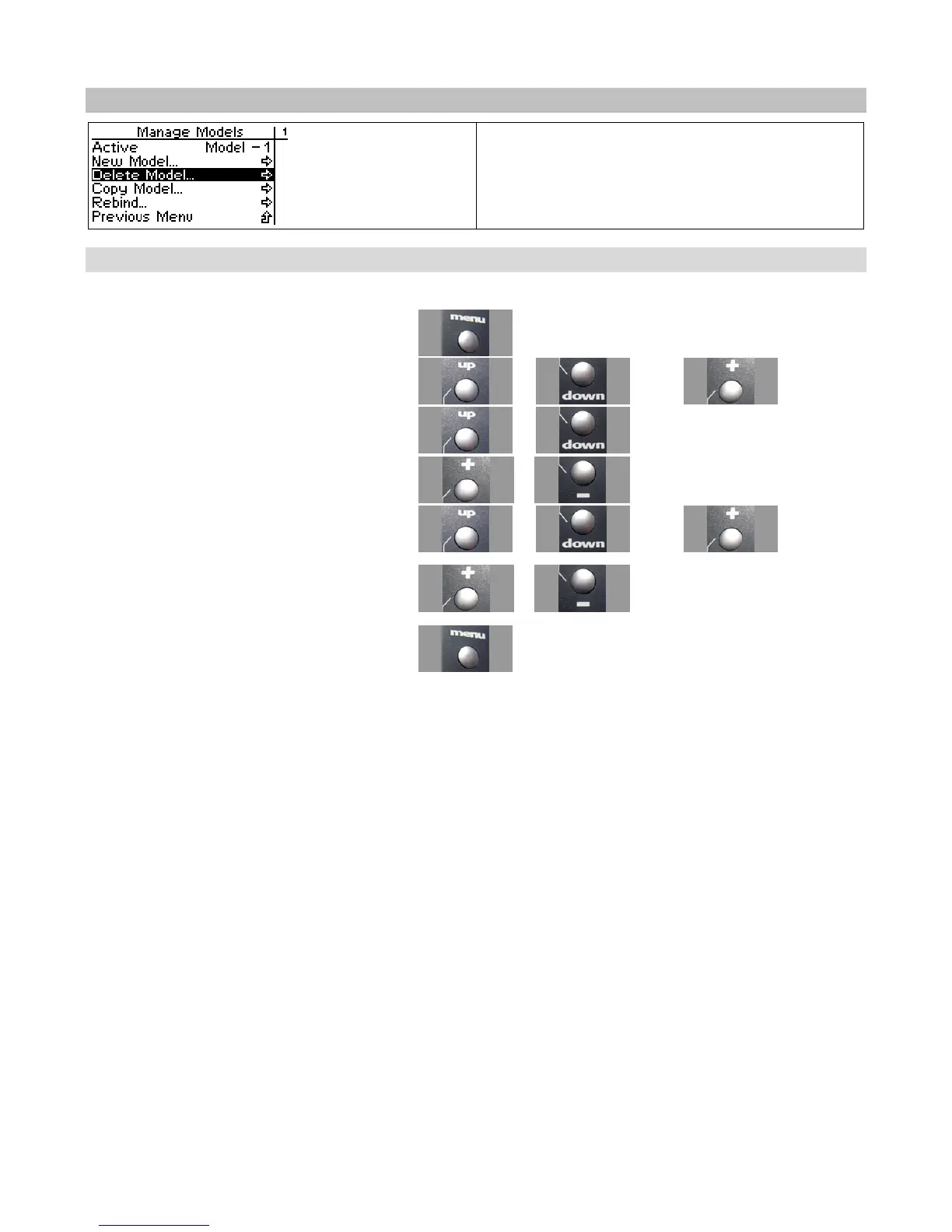
Delete Model
You can delete a model settings profile. This
removes all stored settings for the model from
memory.
Deleting a Model
Use the navigation controls to delete a model as follows:
1. Access the top function menu from the driving
screen.
2. Navigate to the Manage Models menu.
or then
3. Navigate to Active Model.
or
4. Navigate to the model you want to delete.
or
5. Navigate to and activate Delete Model.
or then
6. At the confirmation screen:
5. Select Yes to delete the active model.
6. Select No to cancel the operation.
or
7. Confirm your selection.



 To Next Page