Connecting the React to your Computer
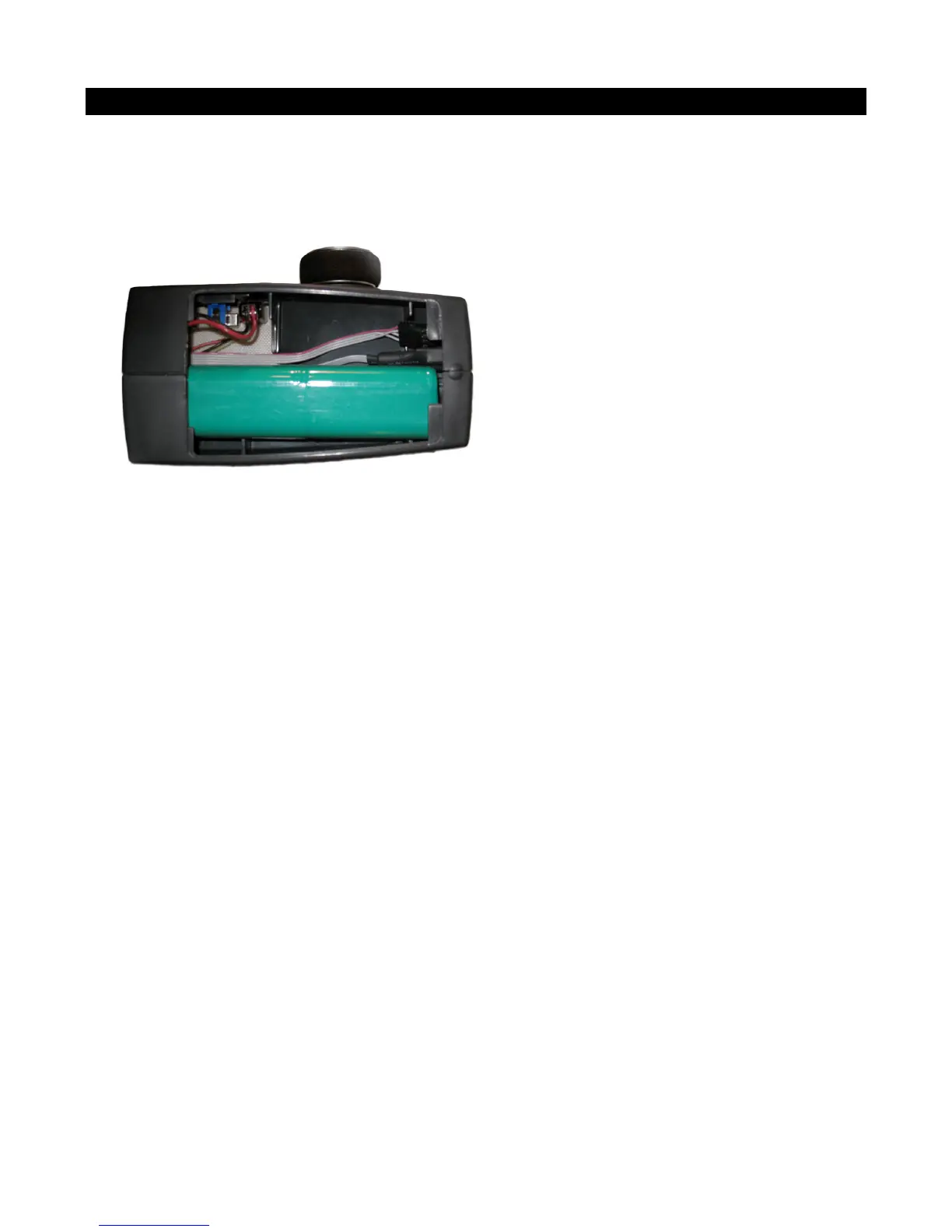
To connect your React to your computer, do the following:
1. Open the battery compartment
2. Plug the smaller end of the included USB cable into the cable with the matching USB connector
inside the React’s battery compartment.
3. Turn on your React. (note that if your battery is dead, it will power off the USB port when you
plug in. Do still put the switch in the On position. Your computer will recognize the React as being
connected and will likely make a beeping noise. Run RC Desktop to send and receive settings.
To use your React as a gaming controller, follow the same instruction except make sure
the React is turned off.



 To Next Page