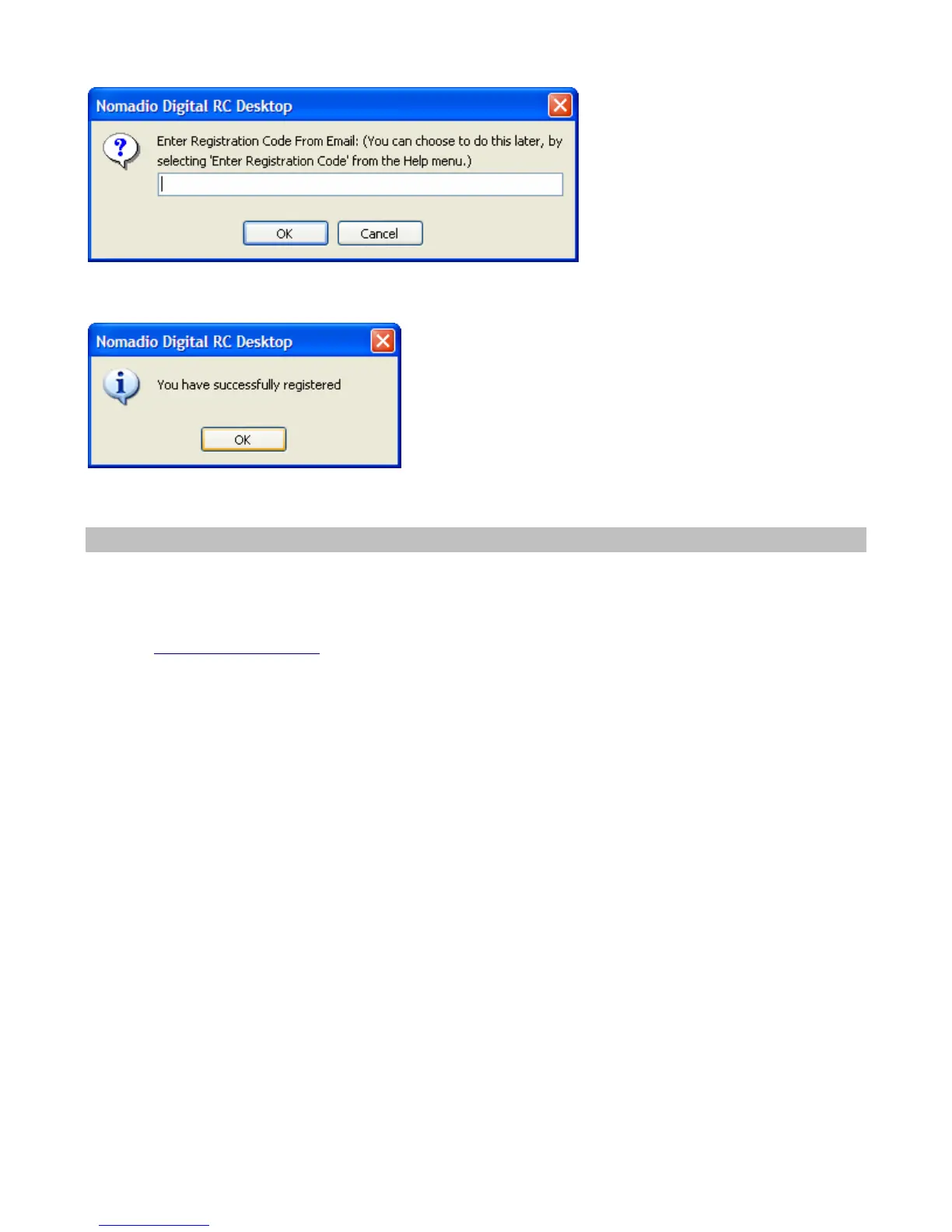
5.Enter your registration code in the Digital RC Desktop and click the OK button. If you press Cancel,
you can enter your registration code by choosing the Help menu and choosing Enter Registration Code.
6.You are now registered.
Registering a Second Computer
If you wish to register a second computer (for example, a laptop you take to the track, your work
computer, etc) simply repeat the installation and registration process using the same email address.
If you encounter problems or no longer have access to the email address you used to register send an
email to support@nomadio.net.



 To Next Page