Receiving Settings From the React
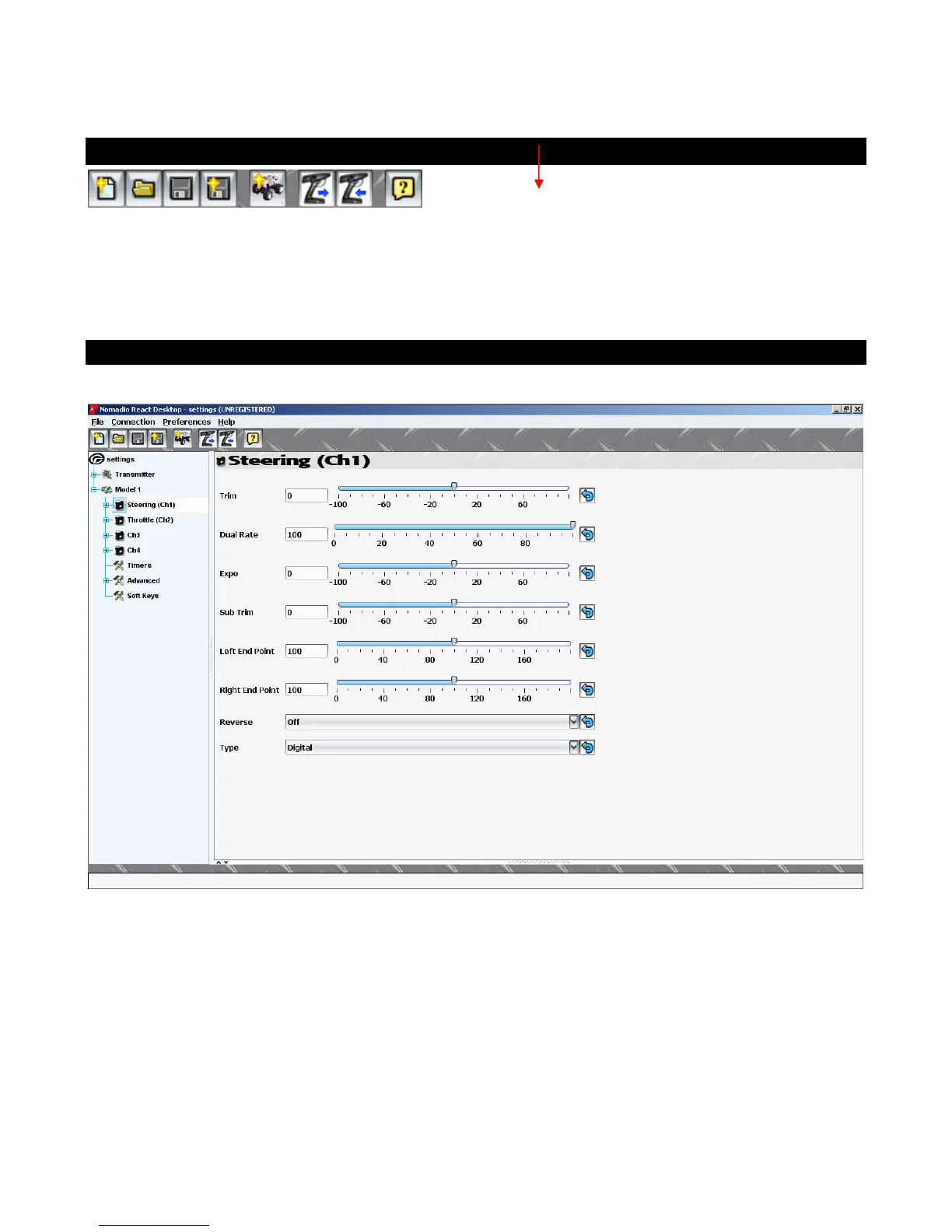
The Digital RC Desktop will attempt to receive settings from the React on startup. You can also
choose the Connection menu and then choose Receive Settings from React. Finally you can choose the
Receive Settings From React toolbar button.
1.The Digital RC Desktop will then connect to your React and download the settings from it.
Editing Settings
Simply use the settings menu on the left side of the screen to find the settings you wish to edit.
Individual settings appear in the right side of the screen. Changes can be saved to a file on your PC
and/or sent to the React.



 To Next Page