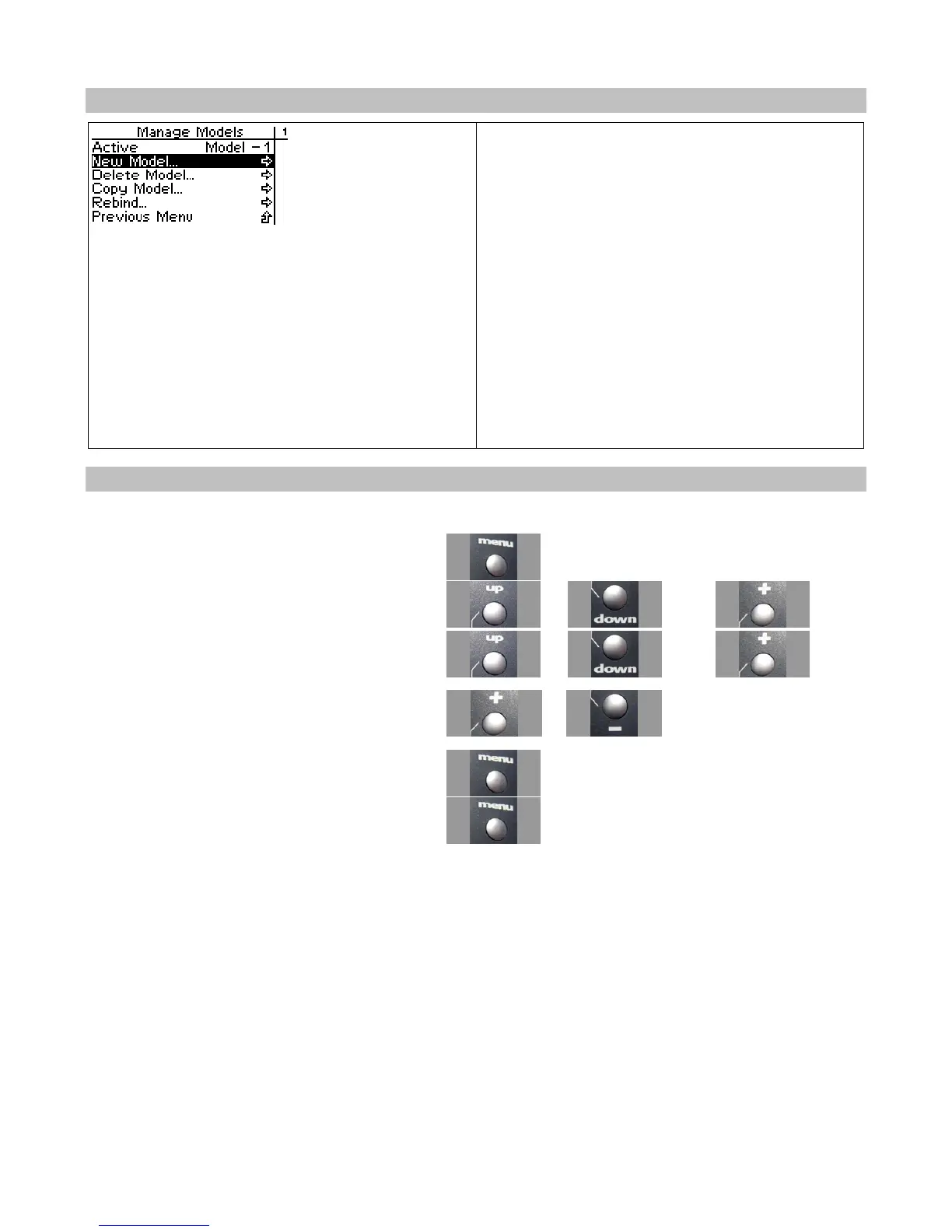
New Model
You can create a new model settings profile if
there are any model memories remaining.
Creating a new model allows you to store the
settings for another model.
By default, the new model setting is given the
number of the next highest model number (For
example, if there are currently 4 model settings,
creating a new model will create “Model 5” and
make it the default model.)
You can change the model name from your PC
using the Digital RC Desktop.
Creating a New Model
Use the navigation controls to create a new model as follows:
1. Access the top function menu from the driving
screen.
2. Navigate to the Manage Models menu.
or then
3. Navigate to and activate New Model.
or then
4. At the confirmation screen:
3. Select Yes to create a new default model.
4. Select No to cancel the operation.
or
5. Confirm your selection.
6. The “connecting” screen appears.
You can press the “Menu” button to cancel.



 To Next Page