Adjusting Steering Trim using the Function Menu
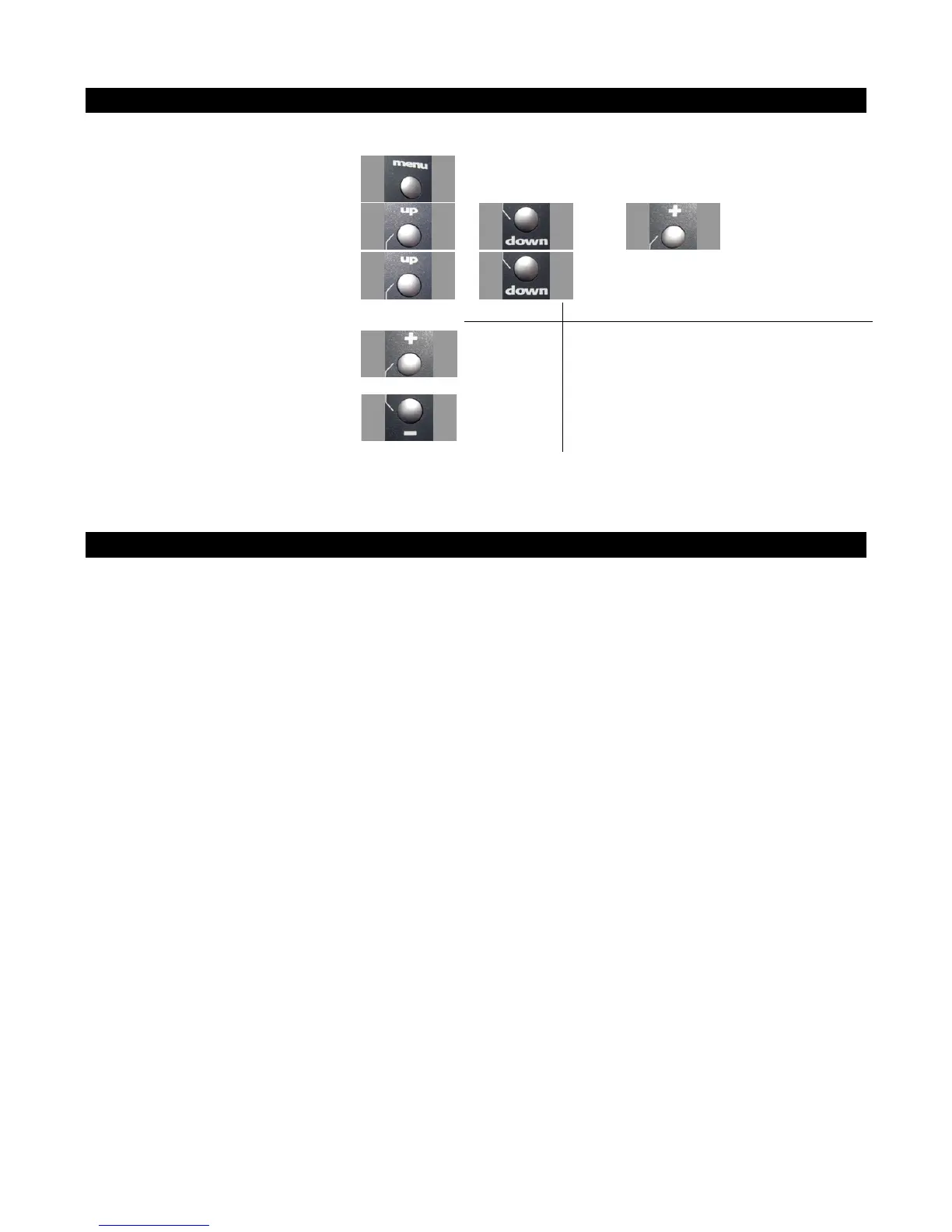
Use the navigation controls to adjust steering trim as follows:
1. Access the top function menu from
the driving screen.
2. Navigate to the Steering (Ch1) menu.
or then
3. Navigate to Trim.
or
Value Description
0 Steering trim is centered within the servo
range.
-ve value
(-100 -1)
Steering trim is to the LEFT.
4. Change the value.
or
+ve value
(1 100)
Steering trim is to the RIGHT.
Adjusting Steering Trim using the Steering Trim Buttons
Push the trim button forward to advance the trim, backward to reduce it.
A trim (or sub-trim) setting of 100 is equivalent to an End point setting of 50.



 To Next Page