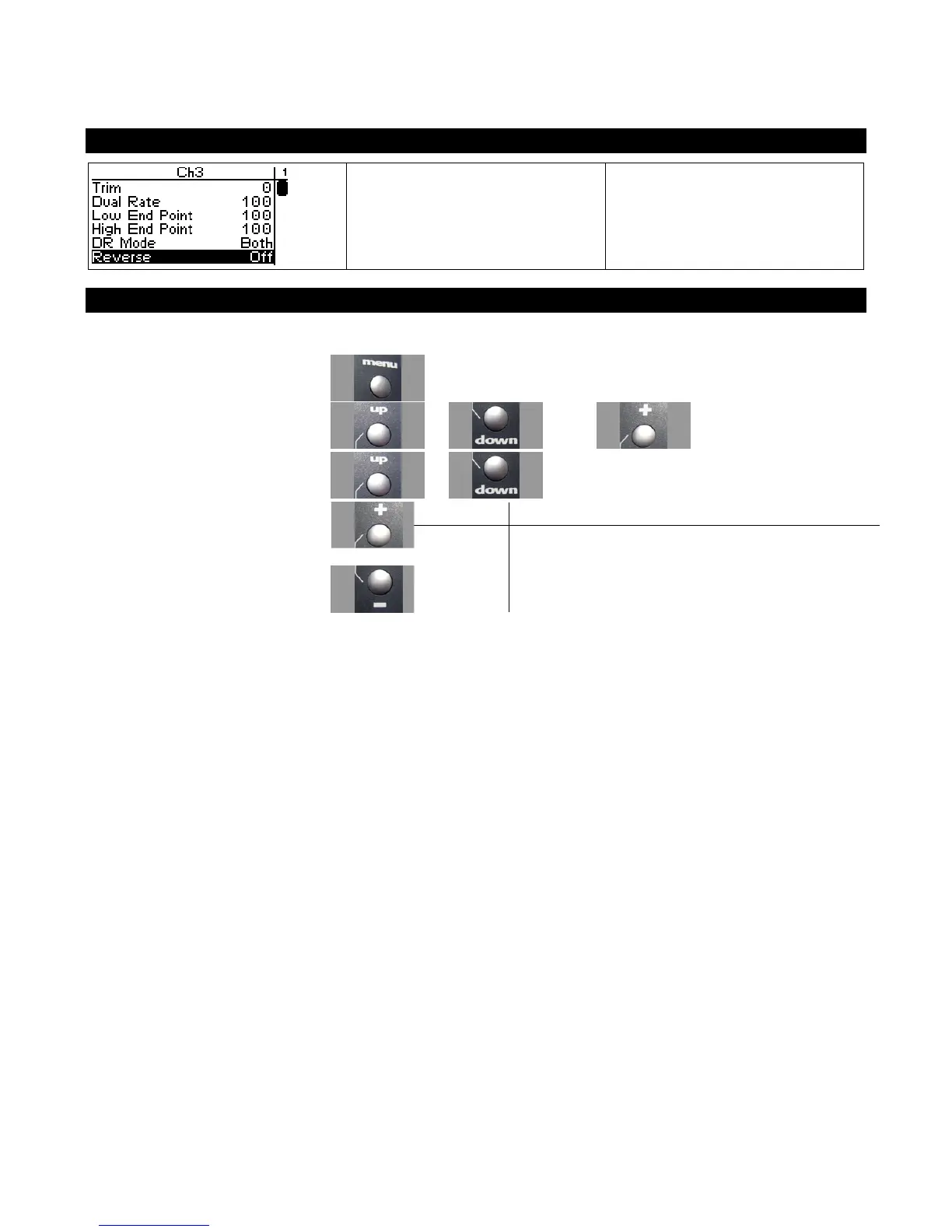
Channel 3 /4 Servo Reverse
Servo reversing reverses the
direction the shift servo moves
upon receiving an input from the
grip buttons.
Changing the Channel 3 / 4 Servo Reverse Setting
Use the navigation controls to change the servo reverse setting as follows:
1. Access the top function menu
from the driving screen.
2. Navigate to the Channel 3 or
Channel 4 menu.
or then
3. Navigate to Servo Reverse.
or
Value Description
Off
Standard servo direction.
4. Change the value. or
On Reversed servo direction.



 To Next Page