Adjusting Channel 3 / 4 Servo Trims
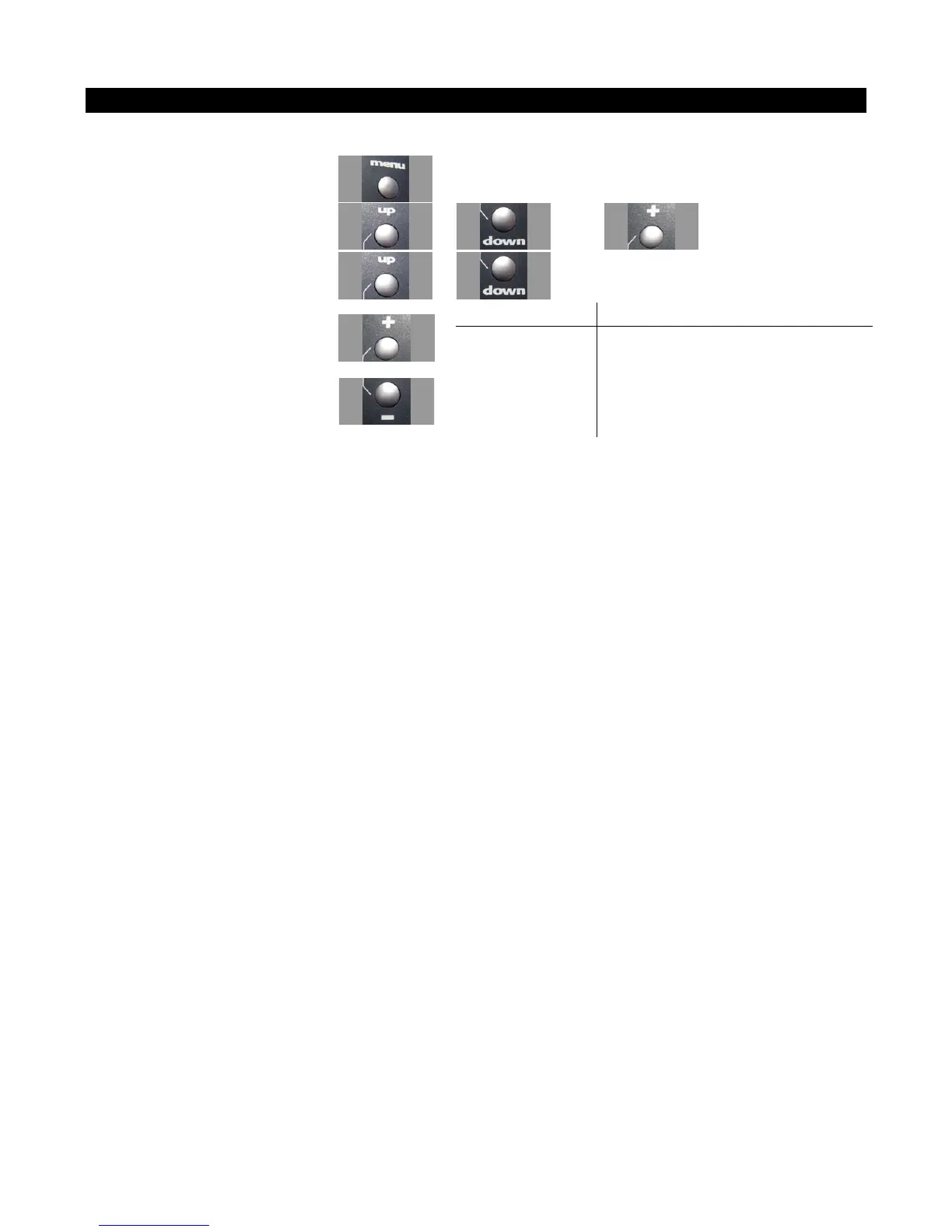
Use the navigation controls to adjust shift servo trim as follows:
1. Access the top function menu
from the driving screen.
2. Navigate to the Channel 3 or
Channel 4 menu.
or then
3. Navigate to Trim.
or
Value Description
0 Shift servo trim is centered within the
servo range.
-ve value
(-100 -1)
Shift servo trim is to the LOW end.
4. Change the value.
or
+ve value
(1 100)
Shift servo trim is to the HIGH end.
Trim and EPA Interaction
A trim (or sub-trim) setting of 100 is equivalent to an End point setting of 50.



 To Next Page