Advanced Features
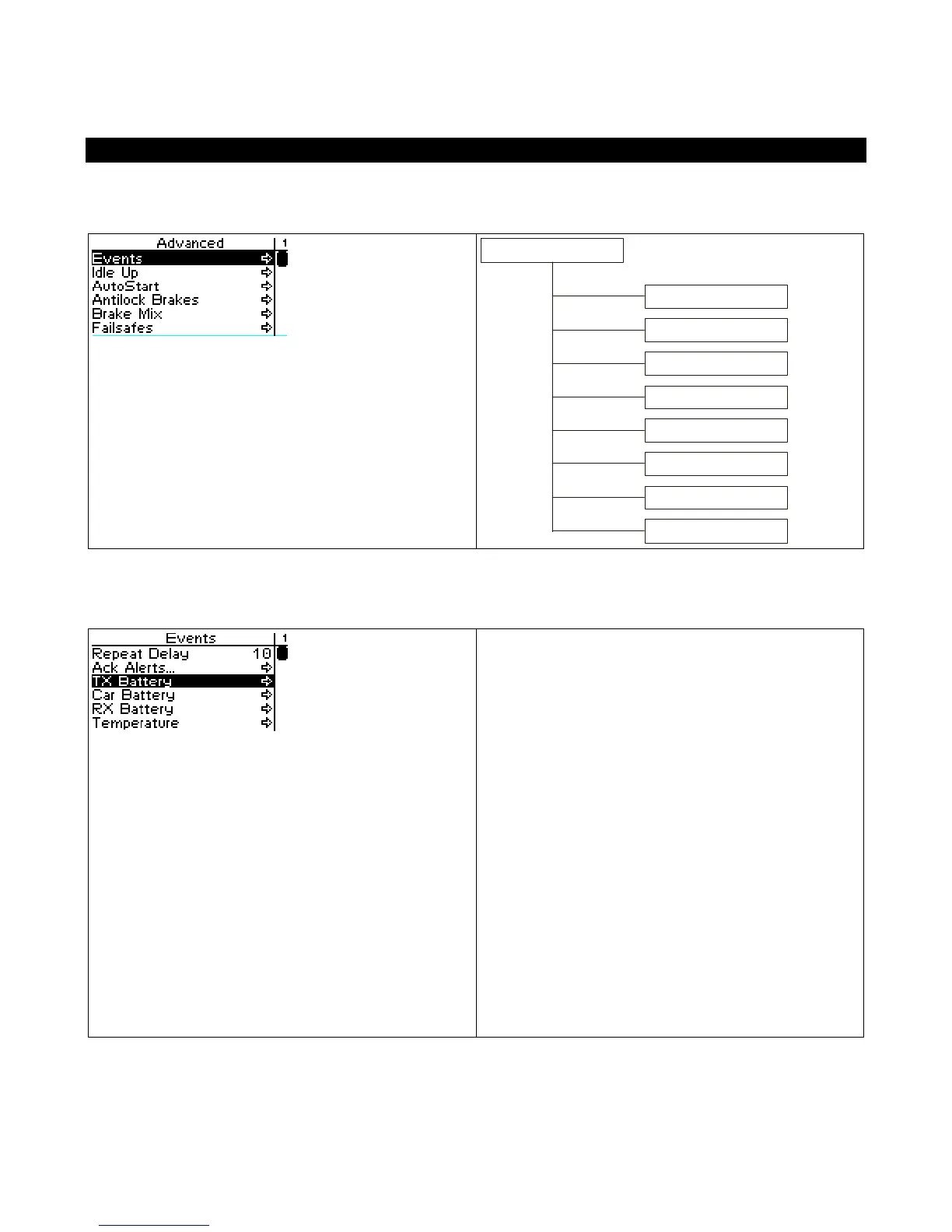
The following illustration shows the function menu structure for the advanced functions:
Advanced
Events
Antilock Brakes
Stat Rotate
Events
The Events menu is where you control the
feedback and alerts that the React delivers to you,
based on Reacts and user actions.
Note that you configure the actual vibration
patterns which are triggered by these events
through the Digital RC Desktop software on your
PC.
Some events have an alert setting that controls
how the React alerts you when that event occurs.
Each event also has a level, which controls what
trigger sets off the event. The meaning of the
level setting varies with each event, and is
documented in the table below.



 To Next Page