Registration
1.When you start the Digital RC Desktop the first time, you will be prompted to register. Click Yes to
continue. If you click No, you can register you will be prompted again the next time you start the
Digital RC Desktop. You can register immediately by choosing the Help menu and then choosing
Register new React
.
2.The Digital RC Desktop will now read your React’s ID. Connect your React and click OK.
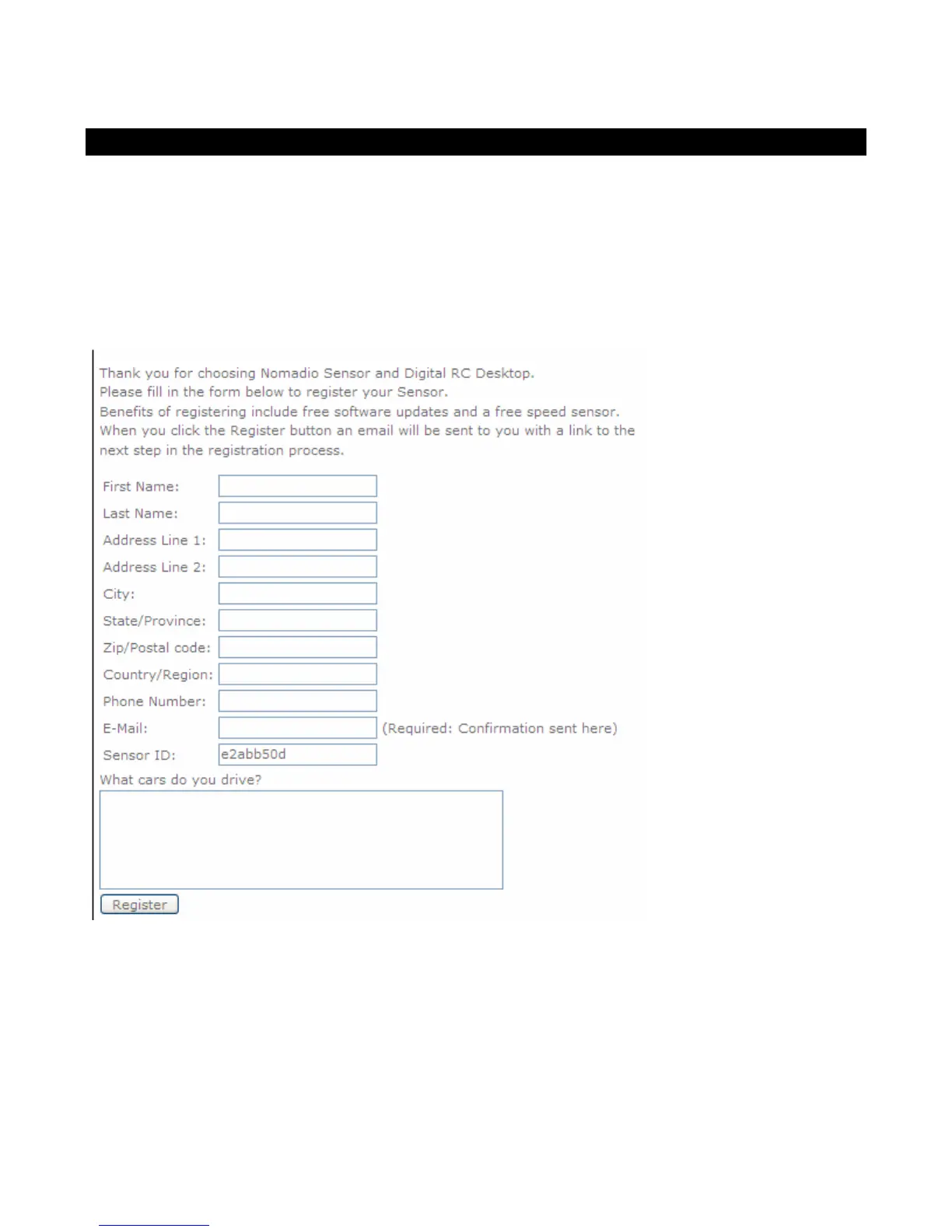
3.Your web browser will then be opened to a web page that will ask you for registration information.
Your React ID will be automatically read from your React and filled in.
4.When you click the Register button, a confirmation e-mail will be sent to you. This will e-mail will
contain a link back to Nomadio’s registration site where you will be able to get your registration code.



 To Next Page