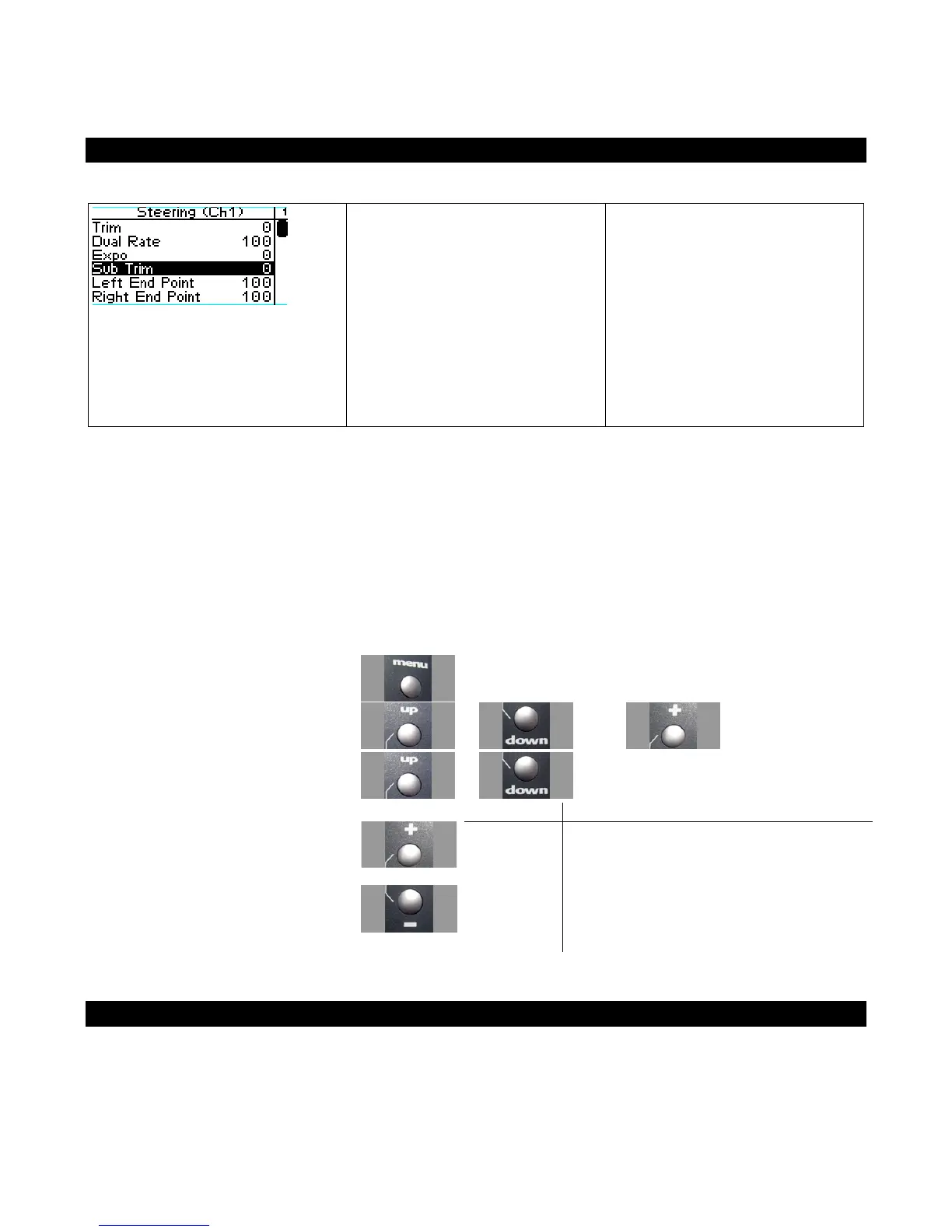
Steering Sub-Trim
Steering sub-trim adjusts the
center point of the steering servo.
This differs from steering trim in
that steering sub-trim adjusts the
servo’s entire travel range; by
moving the center point of the
servo, the left and right end
points (left, right) stay the same
relative “distance” from the
servo center.
Steering sub-trim should be initially adjusted after you have assembled your vehicle’s steering system;
after you begin driving the vehicle, use steering trim to make fine adjustments to center the steering
within the total steering range. If you find that you have to use a large amount of steering sub-trim to
get the vehicle to drive straight, you should consider resetting the steering sub-trim to 0 and re-
adjusting the servo horn on the servo output shaft.
Adjusting Steering Sub-trim
Use the navigation controls to adjust steering sub-trim as follows:
1. Access the top function menu from
the driving screen.
2. Navigate to the Steering (Ch1) menu.
or then
3. Navigate to Sub Trim.
or
Value Description
0 Steering sub-trim is centered within the servo
range.
-ve value
(-100 -1)
Steering sub-trim is to the LEFT.
4. Change the value.
or
+ve value
(1 100)
Steering sub-trim is to the RIGHT.
Trim and EPA Interaction
A trim (or sub-trim) setting of 100 is equivalent to an End point setting of 50.



 To Next Page