Printing Functions
71
3
E Press [OK].
When the settings are success-
fully stored, the m indicator
followed by the program num-
ber and program name will be
displayed. After a while, the
screen reverts back to the initial
display.
Recalling a Program
You can recall the program if you
have registered it already.
A Press [Program / Recall].
B Press [Recall].
The stored settings are dis-
played.
Note
❒ Program numbers displayed
with m next to them already
have settings.
C Press the number of the pro-
gram you want to recall.
E Press [OK] twice.
F Press the {Start} key.
Separate per Original
A Place first original on the expo-
sure glass or in the optional ADF.
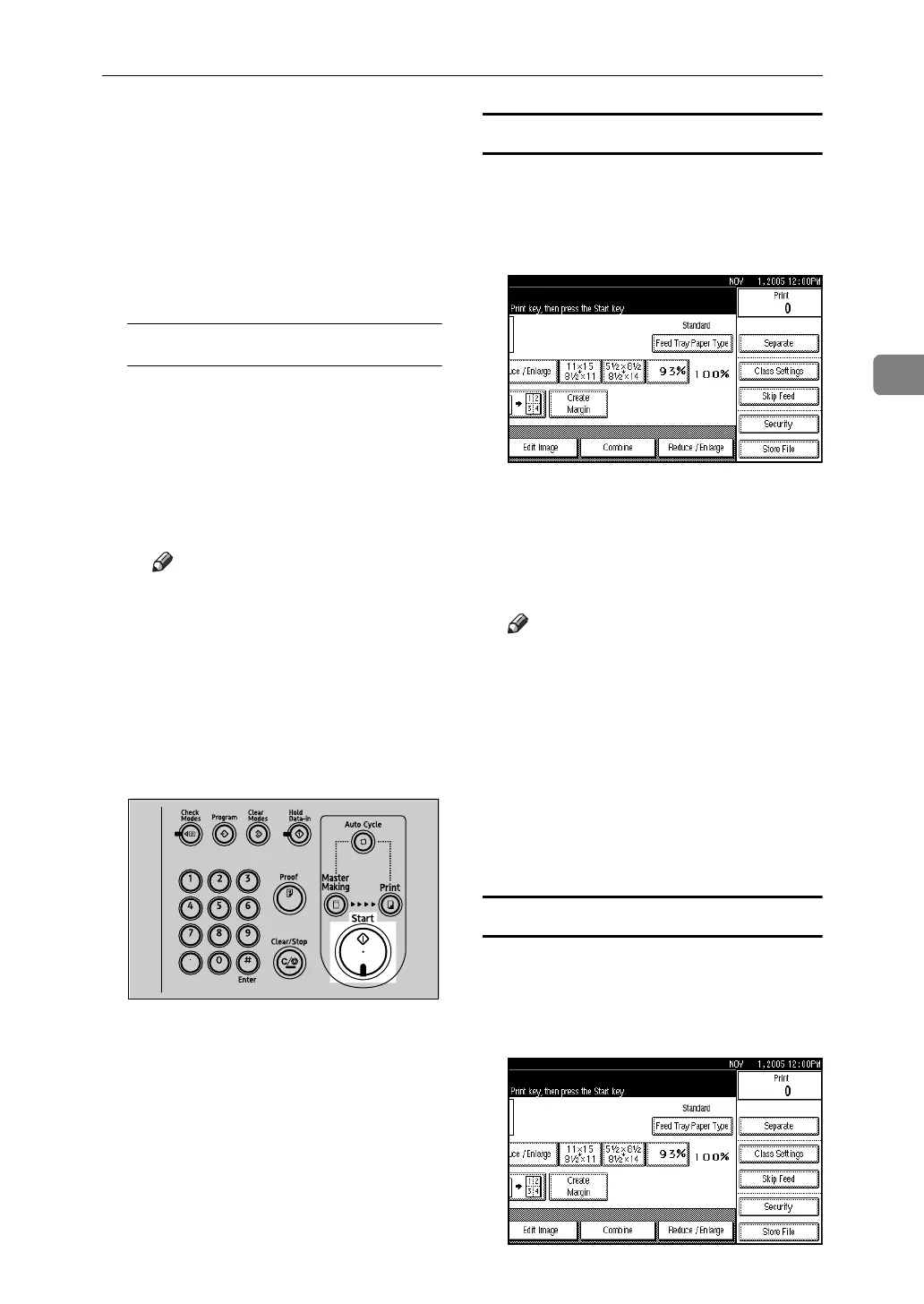
B Press [Class Settings].
C Press [Separate per Orig.].
D Enter the number of prints per
original using the number keys,
and then press the {q} key.
Note
❒ Up to 30 originals can be set.
❒ If you use this setting frequently
you can register and recall a
program. For details, see p.70
“Registering a program” and
p.71 “Recalling a Program”.
E Press [OK] twice.
F Press the {Start} key.
Separate Prints
A Place one original on the expo-
sure glass or in the optional ADF.
B Press [Class Settings].
AJK408S












 To Next Page