Printing Functions
72
3
C Press [Separate Prints].
D Enter print quantity per number
of class using the number keys,
and then press the {q} key.
Note
❒ Up to 30 classes can be set.
❒ If you use this setting frequently
you can register and recall a
program. See procedure of
“Registering a Program” and
“Recalling a Program” on p.70
“Class mode”
E Press [OK] twice.
F Press the{Start} key.
Year/Class
Preparation
You must register the number of
students in each class. See p.72
“Registering Classes” .
A Place one original on the expo-
sure glass or in the optional ADF.
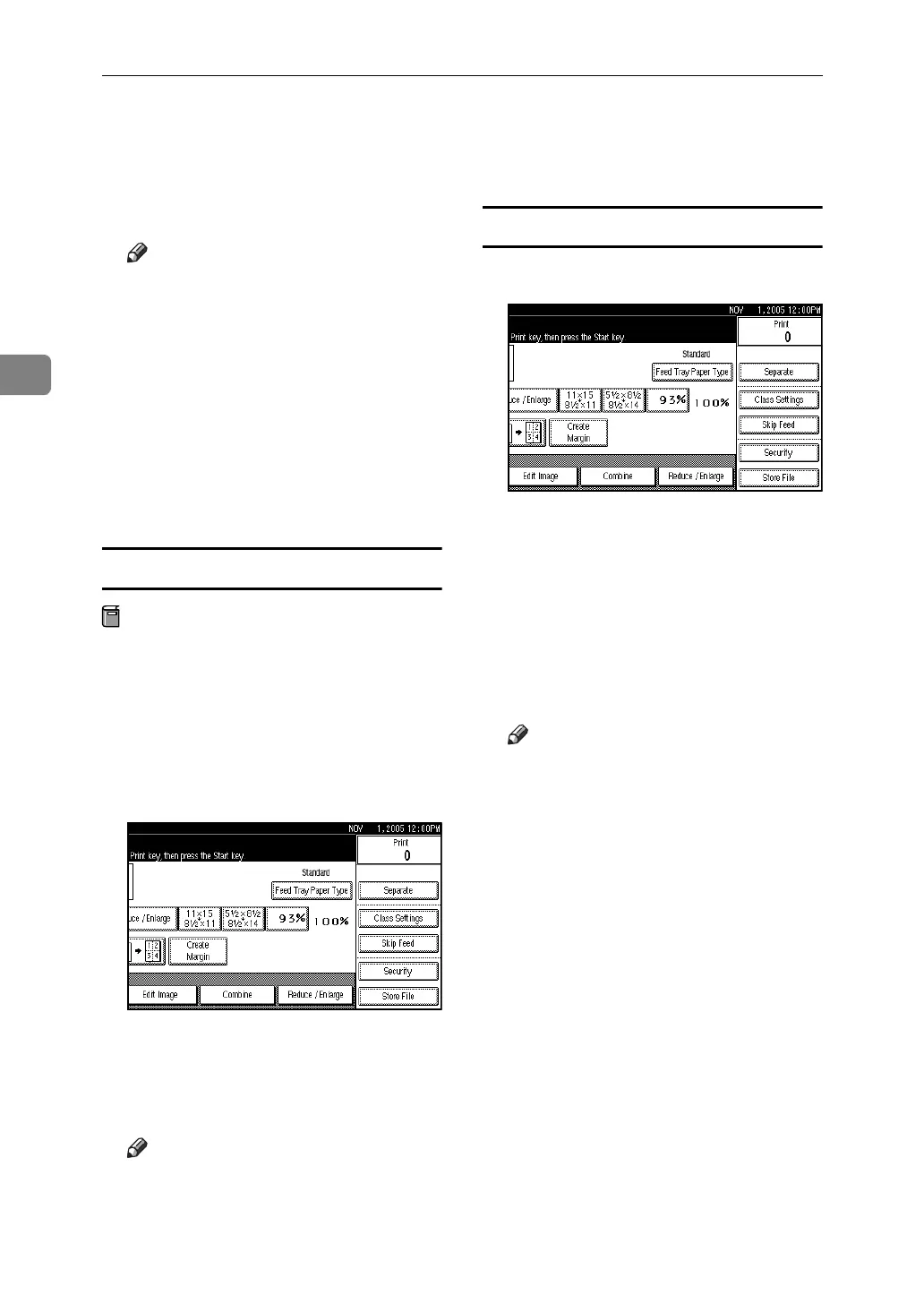
B Press [Class Settings].
C Press [Year / Class].
D Press the registered class for each
year you want.
Note
❒ To select all classes of year,
press [All] of the desired year.
❒ Make prints for all registered
classes, press [All Years].
E Press [OK] twice.
F Press the{Start} key.
Registering Classes
A Press [Class Settings].
B Press [Year / Class].
C Press [Program / Change].
D Press the class number.
E Enter the number of students us-
ing the number keys, and then
press the {q} key.
Note
❒ Repeat steps
D
and
E
until you
have finished registering the
number of students in each class
for each year.
❒ Up to 9 years and 12 classes for
each year can be set
F Press [OK] twice.












 To Next Page