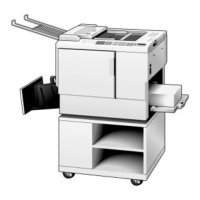
VT2130
1 2
3 4
1.
2.
3.
4.
5.
6.
7.
8.
9.
10.
11.
12.
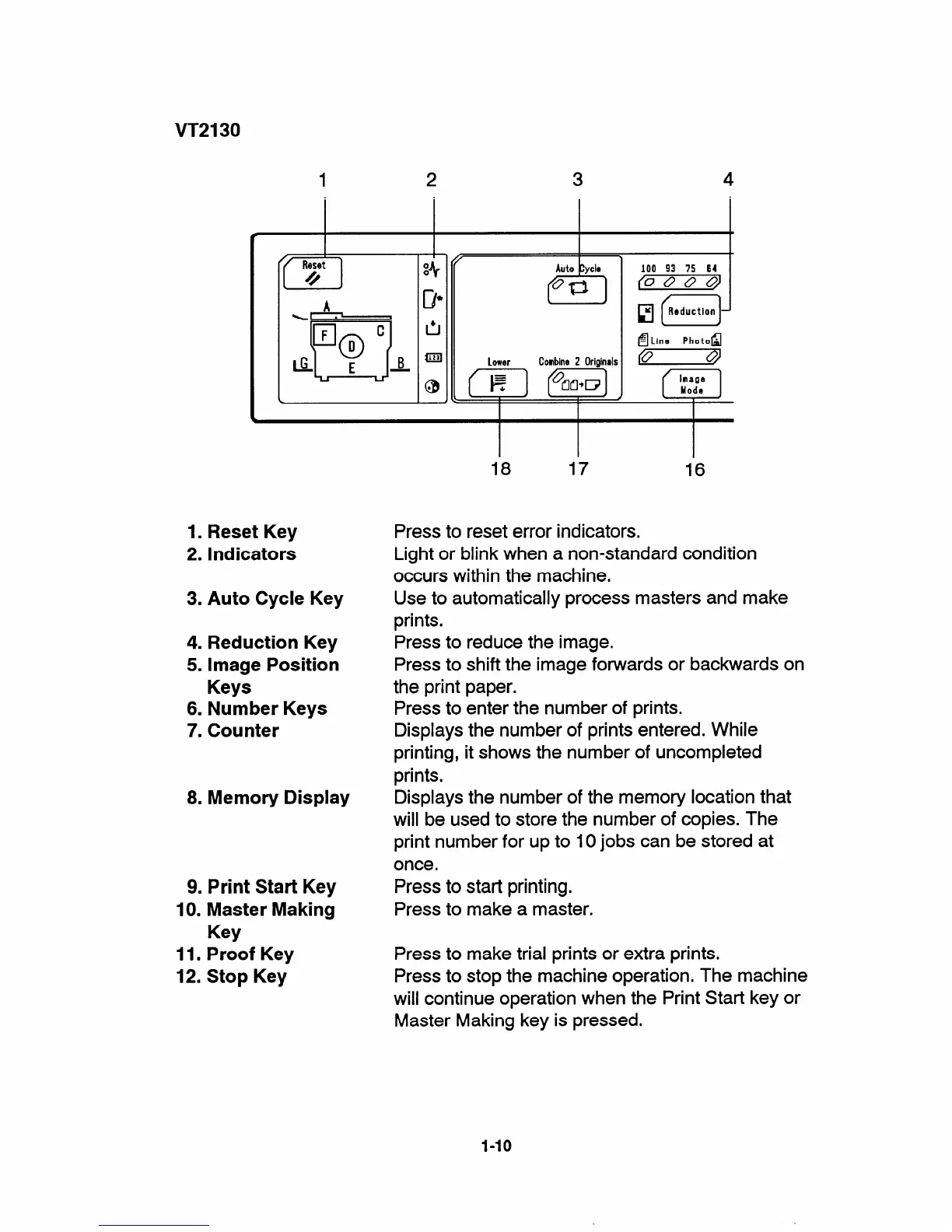
Reset Key
Indicators
Auto Cycle Key
Reduction Key
Image Position
Keys
Number Keys
Counter
Memory Display
Print Start Key
Master Making
Key
Proof Key
Stop Key
lower Combine2 Originals
*
100 93 75 64
(0000)
El f-]
1
o
Image
Mode
18 17
16
Press to reset error indicators.
Light or blink when a non-standard condition
occurs within the machine.
Use to automatically process masters and make
prints.
Press to reduce the image.
Press to shift the image forwards or backwards on
the print paper.
Press to enter the number of prints.
Displays the number of prints entered. While
printing, it shows the number of uncompleted
prints.
Displays the number of the memory location that
will be used to store the number of copies. The
print number for up to 10 jobs can be stored at
once.
Press to start printing.
Press to make a master.
Press to make trial prints or extra prints.
Press to stop the machine operation. The machine
will continue operation when the Print Start key or
Master Making key is pressed.
1-1o


 To Next Page