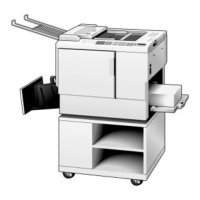
4. PRINTING PROCESS
2
---------------EEl--u
1,
4 I n
I
I
I
1
1
J
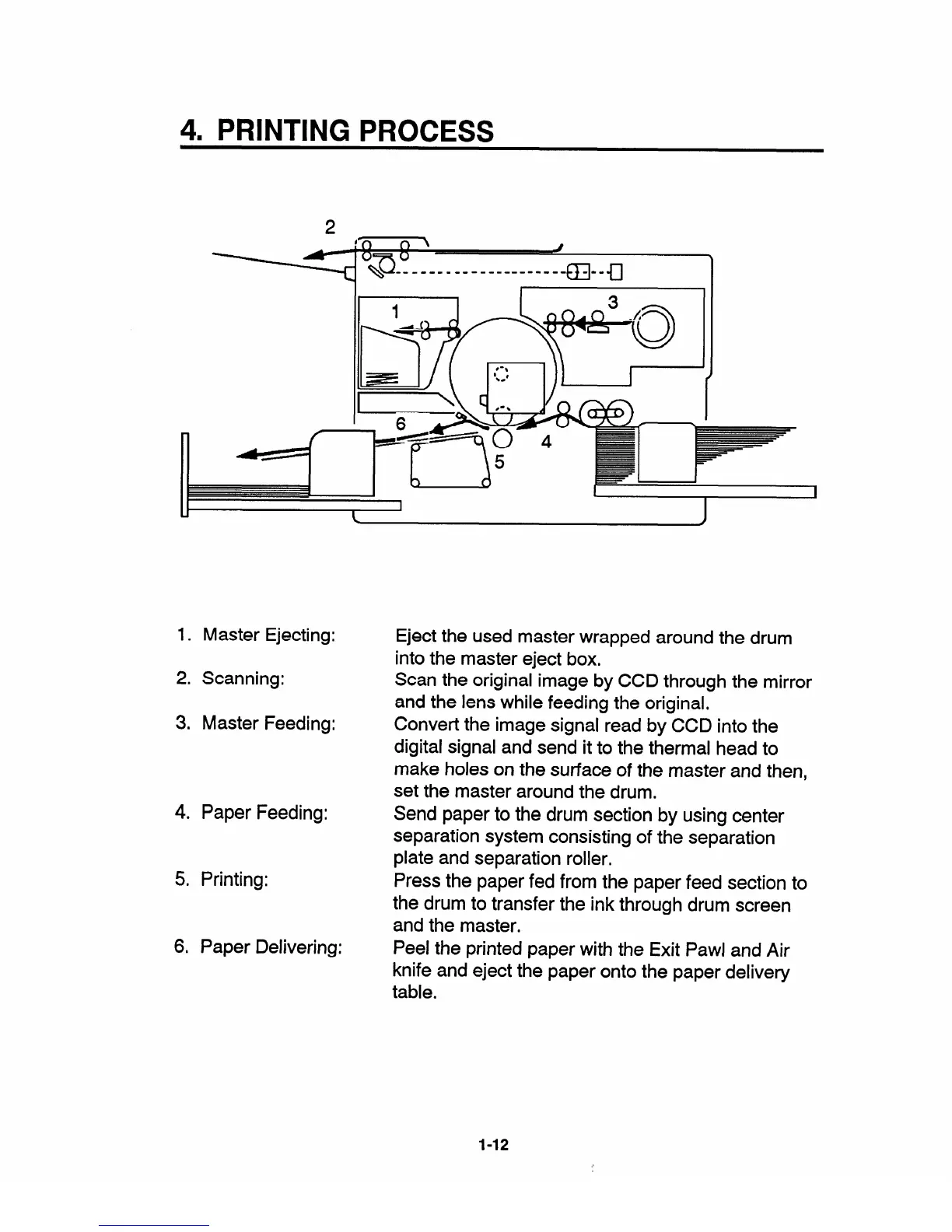
1. Master Ejecting:
Eject the used master wrapped around the drum
into the master eject box.
2.
Scanning:
Scan the original image by CCD through the mirror
and the lens while feeding the original,
3. Master Feeding:
Convert the image signal read by CCD into the
digital signal and send it to the thermal head to
make holes on the surface of the master and then,
set the master around the drum.
4. Paper Feeding:
Send paper to the drum section by using center
separation system consisting of the separation
plate and separation roller,
5. Printing:
Press the paper fed from the paper feed section to
the drum to transfer the ink through drum screen
and the master.
6. Paper Delivering:
Peel the printed paper with the Exit Pawl and Air
knife and eject the paper onto the paper delivery
table.
1-12


 To Next Page