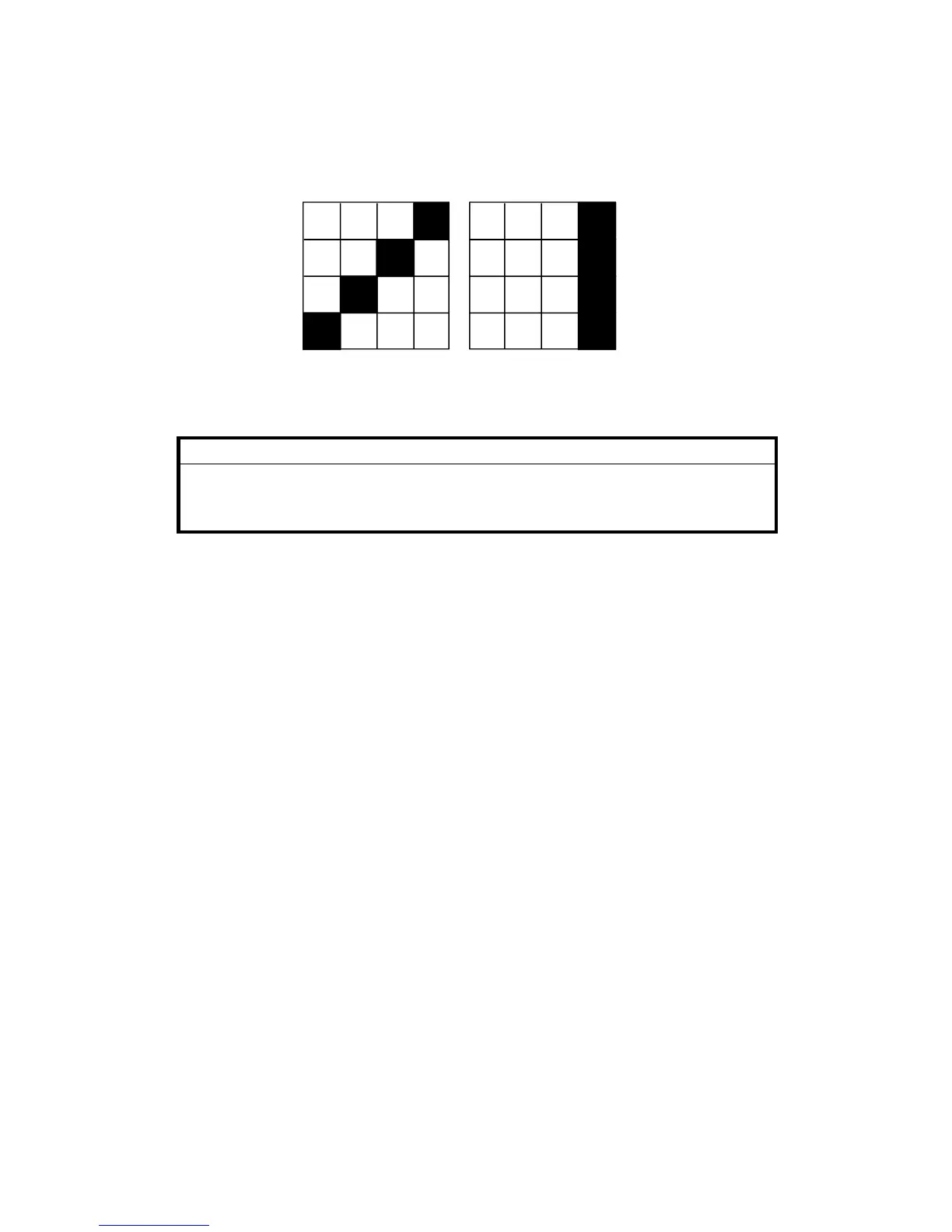
3) Set DIP SW102-1 on the image processing PCB to the off setting.
CAUTION: Do not change the setting with the power switch on.
4) Turn the power switch on.
5) Press the Image Mode key to select the test pattern image.
5) Place an original on the original table.
+
CAUTION:
To prevent overheating of the thermal head, make the original as
short as possible. Any type of original is suitable as the test pattern
being used is in the image processing PCB memory.
6) Press the Master Making key and make a print.
7) After completion of the test pattern image mode, turn the power switch
off and set DIP SW 102-1 on.
Test pattern in line mode
Test pattern in photo mode
SM 4-13 C224


 To Next Page