09/2016 Page 44 5IN2371 C
To define zone termination resistance values:
1. At the installer Programming menu, go to: 2 > 1 > 3
(Zones > Parameters > Resistance).
2. Scroll to the detector-compatible termination resistance option, and then press
OK ( ):
Step 6: Advanced Zone Configuration for Bus Zones
and Wireless Zones
Advanced Programming for Bus Zones
Configuring advanced parameters for bus zones:
1. At the installer Programming menu, go to: 2>1>2>7>4 (Zones > Parameters >
By Category > Advanced > BZ Parameters), and then press OK ( ).
2. Scroll to the bus zone number to program, and then press .
3. Scroll through the options and configure the relevant parameters for the zone,
pressing after each to confirm.
Advanced Programming for Wireless Zones
Configuring advanced parameters for wireless zones:
1. At the installer Programming menu, go to: 2>1>2>7>5 (Zones > Parameters > By
Category > Advanced > WL Parameters), and then press OK ().
2. Enter the wireless zone number to program, and then press .
3. Scroll through and configure the relevant parameters for the zone, pressing
after each to confirm.
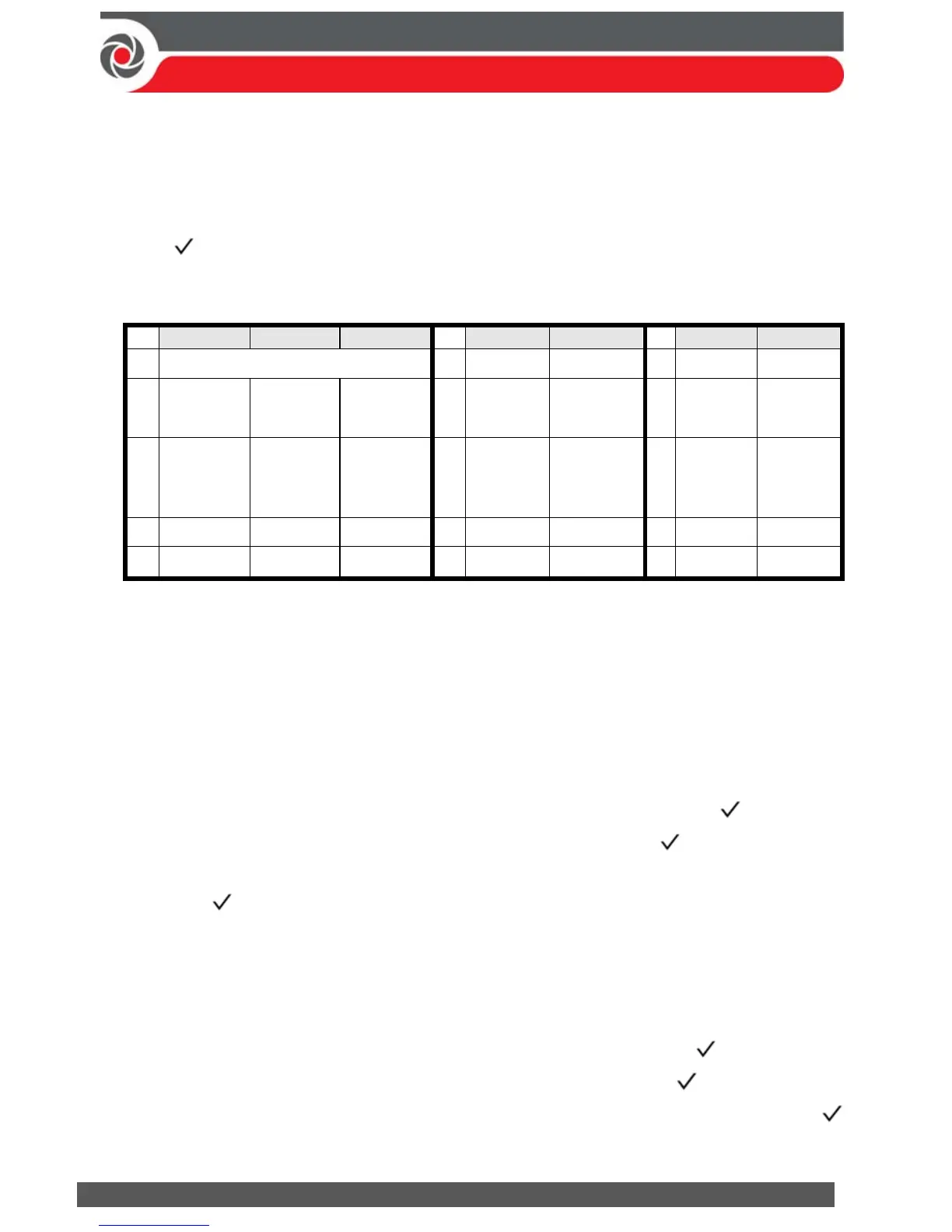
Zone Termination Resistance Values (in Ohms)
EOL DEOL TEOL
EOL DEOL
EOL DEOL
00 Custom 05
3.74K 3.74K , 6.98K
10
3.3K 3.3K , 3.3K
01
2.2K
(default)
2.2K , 2.2K
(default)
06
2.7K 2.7K , 2.7K
11
5.6K 5.6K , 5.6K
02
4.7K
4.7K, 6.8K 4.7K, 6.8K,
12K
(default)
07
4.7K 4.7K , 4.7K
12
2.2K 2.2K , 1.1K
03
6.8K 6.8K , 2.2K
08
3.3K 3.3K , 4.7K
13
2.2K 2.2K , 4.7K
04
10K 10K , 10K
09
1K 1K , 1K



 To Next Page