09/2016 Page 56 5IN2371 C
Licensing Procedure
This appendix specifies the procedure for purchasing and activating licenses of the
following category:
ProSYS Plus – Zone licenses (base license of 64 zones)
There are two main steps to the Licensing procedure, as follows:
1. License purchasing: The RISCO customer can purchase an allocation of licenses
for a specific Installer Admin account in the RISCO Cloud. Each license category
has a separate allocation.
2. License activation: The Installer Admin activates licenses for a specific Panel ID
using the HandyApp. The number of activated licenses per Panel ID can be
either a part of the allocation or the entire allocation.
Note: Only users that are registered as Installer Admins in the RISCO Cloud can activate
a license in the HandyApp.
Purchasing Licenses from the RISCO Store
Every transaction in the RISCO Store is performed for a single Installer Admin
account.
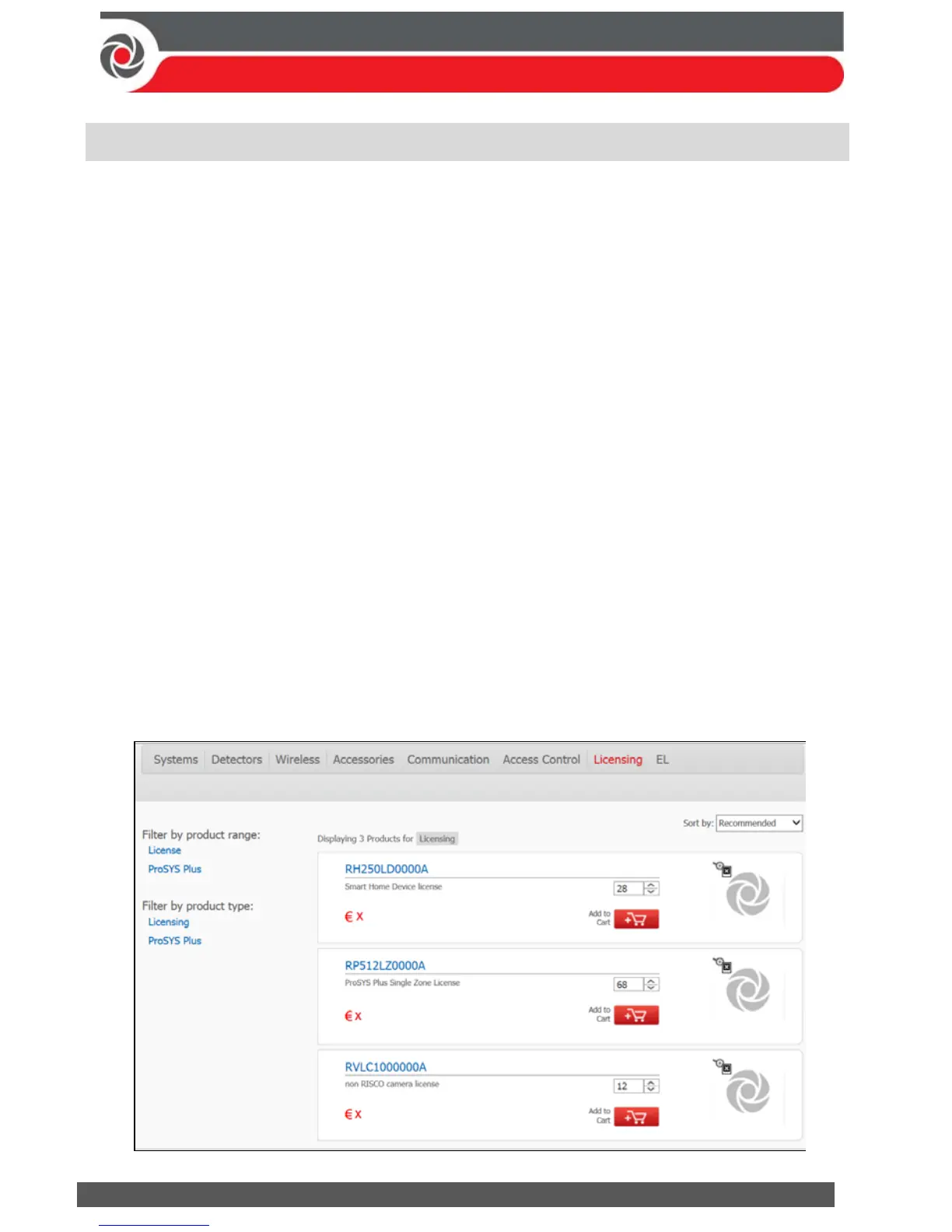
To Purchase a License:
1. Select the required license part numbers and quantity for the ProSYS Plus
license category as shown in the following screen.



 To Next Page