09/2016 Page 60 5IN2371 C
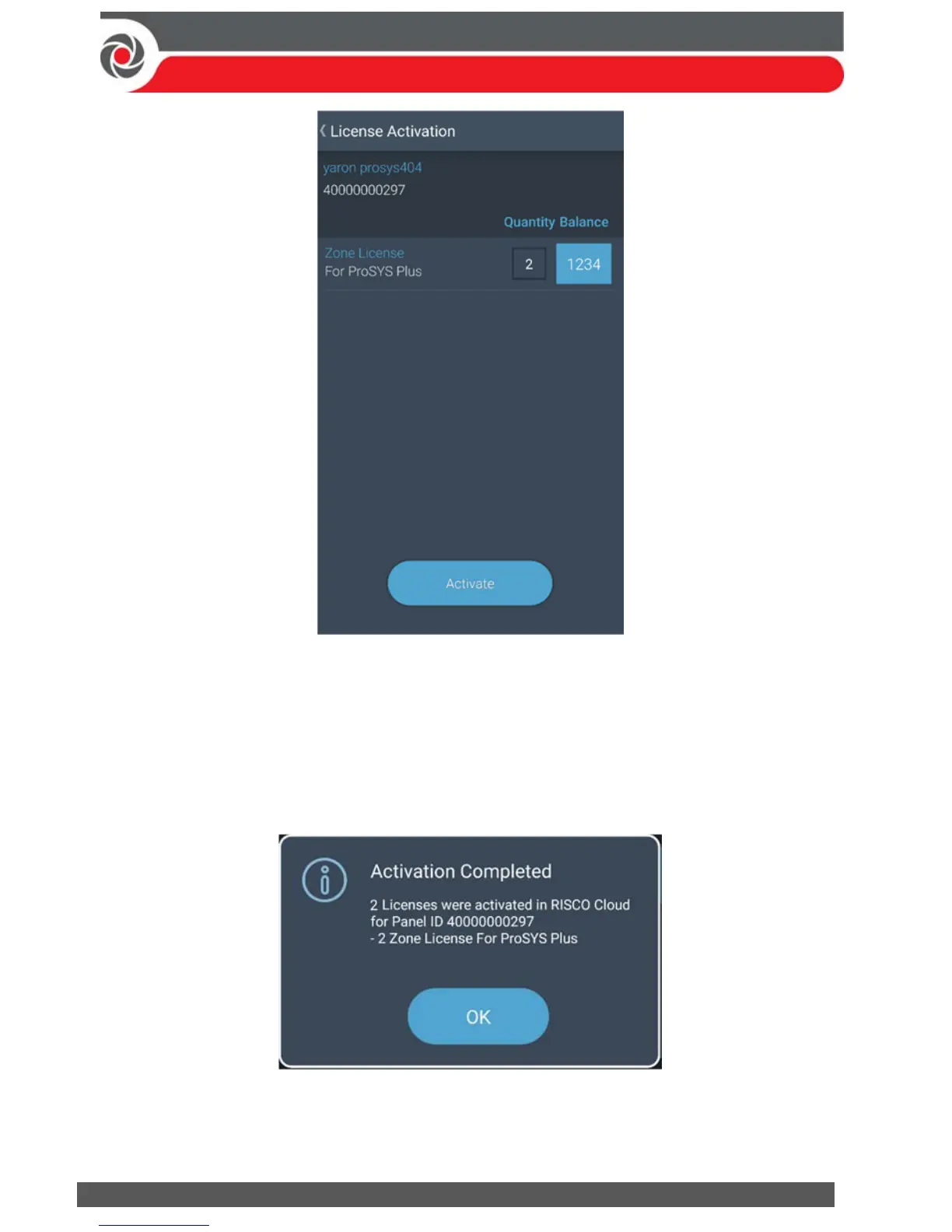
Balance indicates the number of available (purchased) licenses from the
Installer Admin License Allocation.
Quantity indicates the number of these licenses to activate for the selected
Panel ID.
6. In the Quantity box, enter the number of licenses to activate per each category.
7. Press the Activate button; the following success screen appears.
8. Press the OK button to take you back to the Panel Selection screen.



 To Next Page