AX10 Palletizing Solution
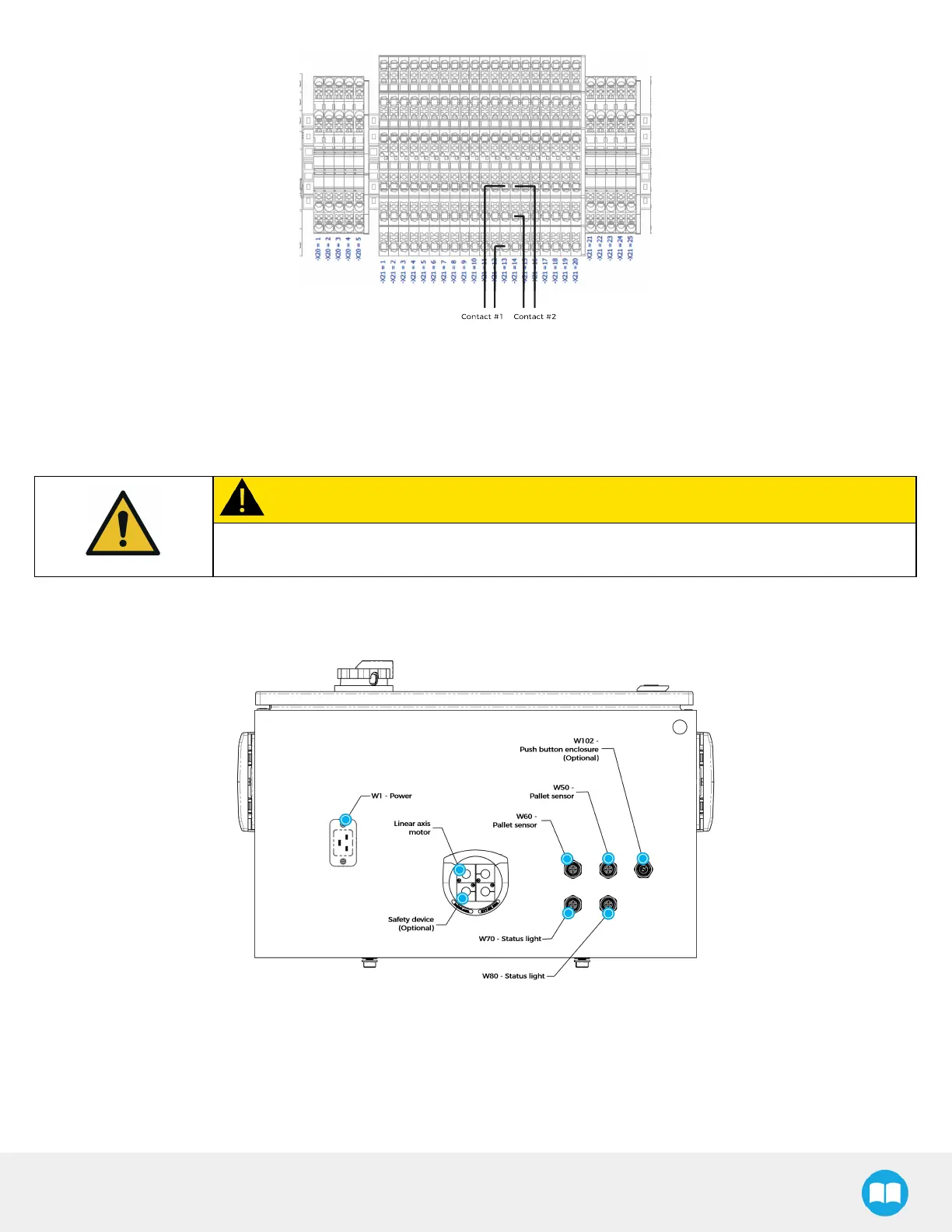
Fig. 6-10: Example of 24V Safety Device (Dry Contact) Connections
8. Close the linear axis controller.
External Emergency Stop Button
CAUTION
Shut down the robot and power off the linear axis controller before making inter-controller and
safety signal connections.
1. Open the linear axis controller.
2. Run the safety device cable inside via the cable gland under the controller.
Fig. 6-11: Linear Axis Controller Connections
3. On terminal bank -X21, locate the two (2) jumpers that correspond to the E-stop contact point points. The 21st and 22nd
terminal blocks (IN21 and IN22) are allocated to E-Stop Button.



 To Next Page