AX10 Palletizing Solution
Pattern Block
CAUTION
In order to edit pallet layer patterns, at least one pallet side has to be selected in the Pallet menu.
Single Recipe
By default (single recipe), the home view of the Palletizer node displays the Box, Pallet, Pattern and Settings blocks of the only
recipe available.
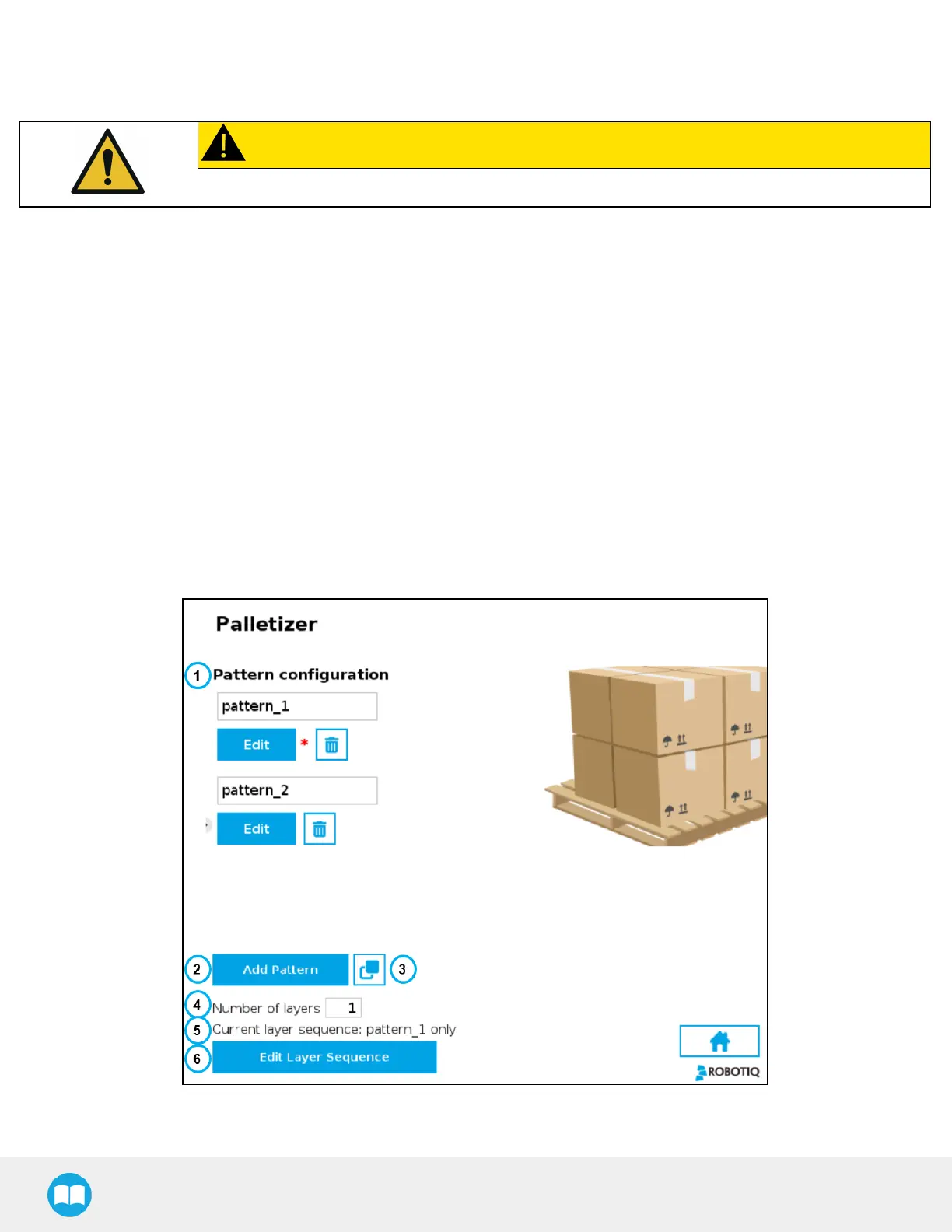
Tap the Edit button of the Pattern block to open the Pattern menu.
Multi-Recipe
If the multi-recipe feature has been enabled in the Settings menu, the home view of the Palletizer node displays the list of recipes
created.
Tap the Edit button under the name of a recipe to bring up the Box, Pallet, Pattern and Settings blocks specific to the recipe to
edit.
Tap the Edit button of the Pattern block to open the Pattern menu.
Pattern Menu
Fig. 5-22: Pattern Menu
97



 To Next Page