Robotiq Screwdriving Solution - Instruction Manual
l
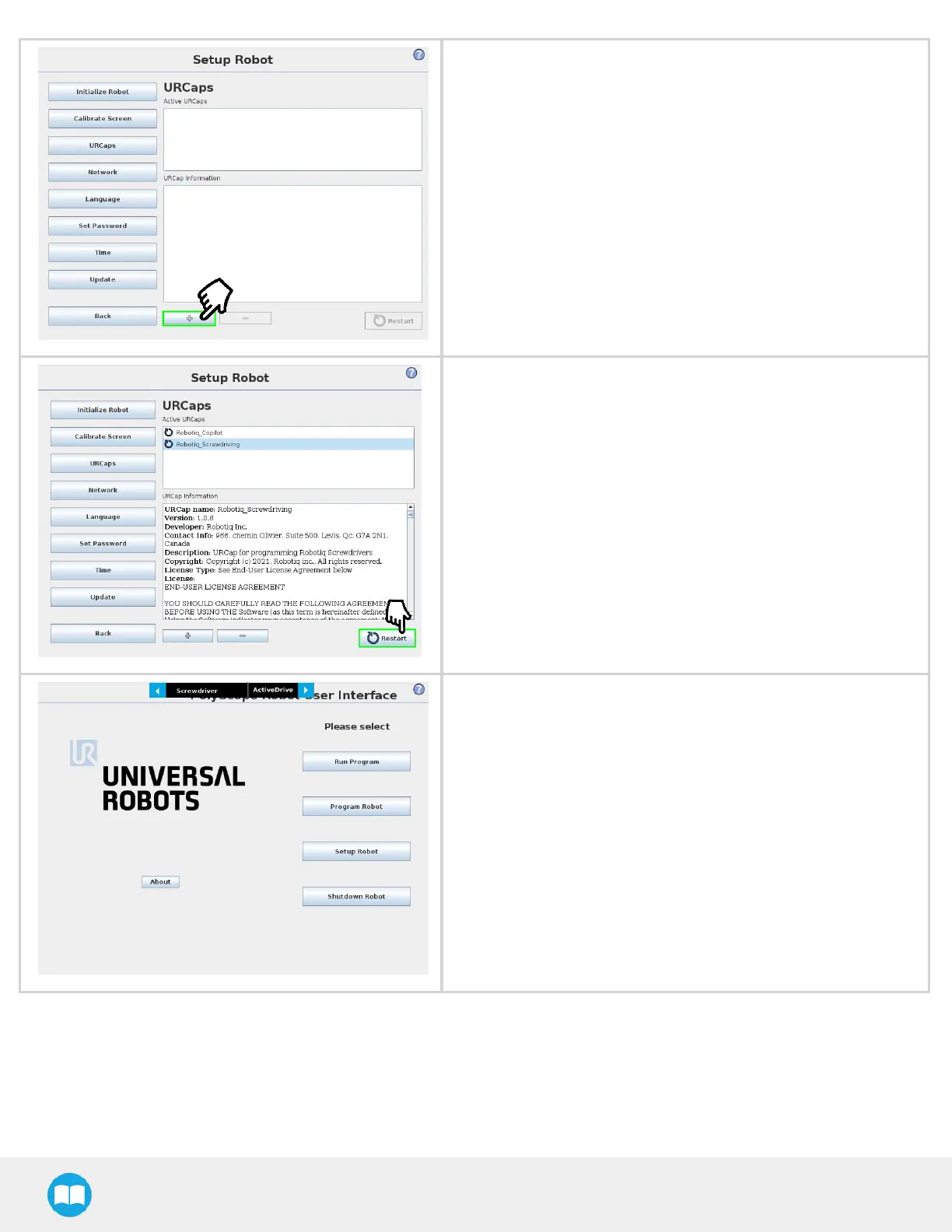
Tap the plus(+)button to add the Screwdriving Solution URCap
package.
l
Open Robotiq_UCT-X.X.X.urcap from the USB storage device.
l
Tap the plus(+)button to add the Force Copilot URCap pack-
age.
l
Open Robotiq_UCS-X.X.X.urcap from the USB storage device.
Restart PolyScope to complete the installation of the URCaps. By
doing so, you accept the License Agreement that is detailed in the
URCap Information text box (text also available in the License
Agreement section).
After PolyScope restarts, the Screwdriver Toolbar will be
displayed.
31



 To Next Page