Robustel R5020 User Guide
RT_UG_R5020_v.1.0.2 Mar. 17, 2023 114/167
Enter a description for this group.
Click the toggle button to enable/disable this option. When enabled, the router will
send notification to the specified phone numbers via SMS if event occurs. The
specified phone number is set in "4.5.4 SMS".
Enter the phone numbers used for receiving event notification. Use a semicolon (;)
to separate each number.
Click the toggle button to enable/disable this option. When enabled, the router will
send notification to the specified email box via Email if event occurs. Set the related
email address in “4.5.5 Services > Email”.
Enter the email addresses used for receiving event notification. Use a space to
separate each address.
Click the toggle button to enable/disable this option. When enabled, the DO output
is triggered.
Click the toggle button to enable/disable this option. Enable to save event to
nonvolatile memory.
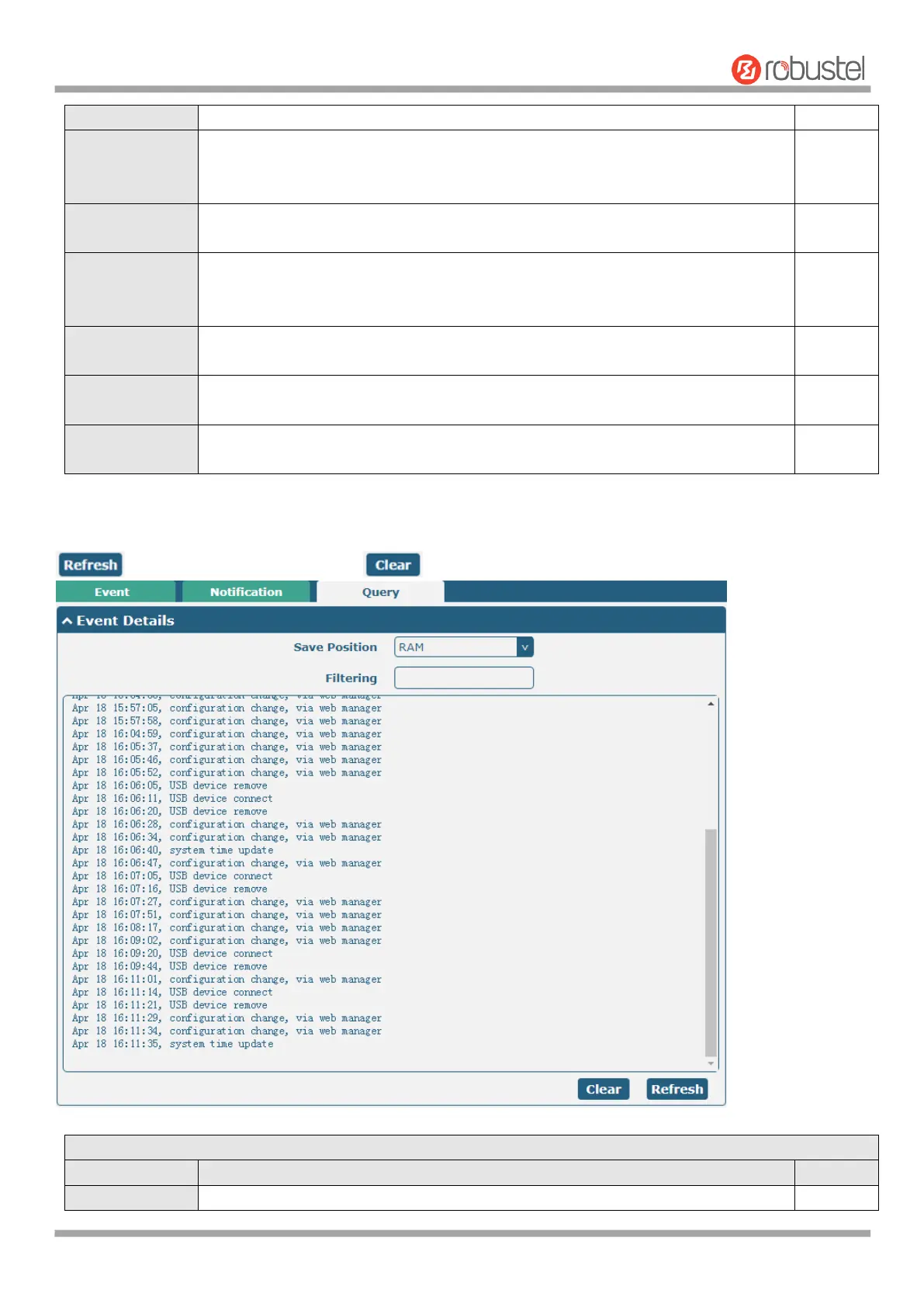
In the "Query" column, you can query the occurrence records of various events. Select the storage location, enter
keywords in the filter item to filter events, and use the separator "&" to separate two or more keywords. Click
to query filtered events while click to clear the event records in the window.
Select the events’ save position from “RAM” or “NVM”.













 To Next Page