Robustel R5020 User Guide
RT_UG_R5020_v.1.0.2 Mar. 17, 2023 73/167
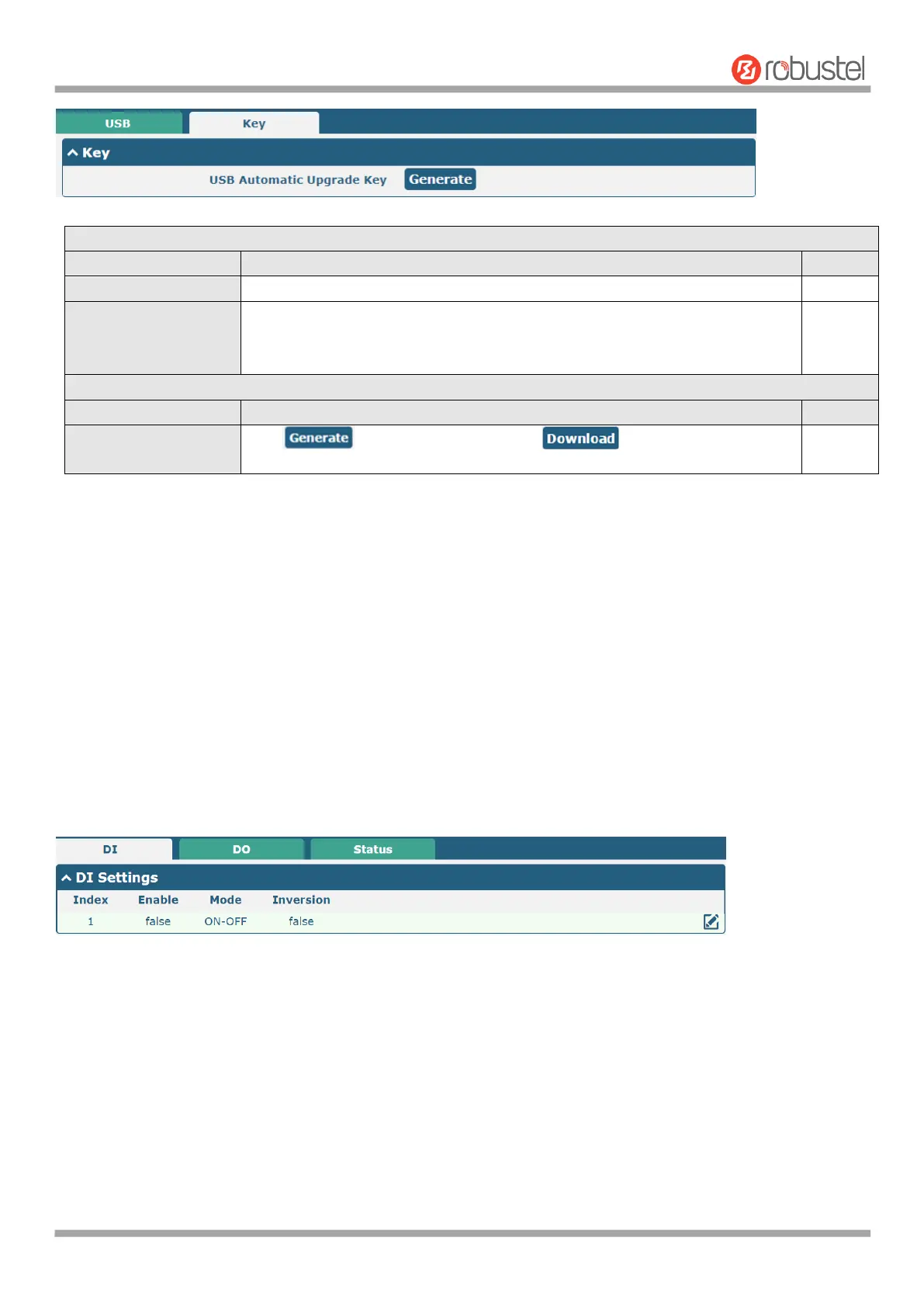
Click the toggle button to enable/disable the USB option.
Click the toggle button to enable/disable this option. Enable to automatically
update the firmware of the router when inserting a USB storage device with a
router firmware.
Click to generate a key, and click to download the key.
Note: In the process of USB auto upgrade, when using the USB auto-upgrade function, when the running light appears,
it means the upgrade is in progress. When the running light stops and the USER light is on, it means the upgrade is
complete. After upgrading, the device will not restart automatically. If there is no running light effect, it means that
there is an abnormality and it does not enter into the automatic upgrade process
4.2.7 DI/DO
This section allows you to set the DI/DO parameters. Digital Input and Digital Output are the specific interfaces for
R5020. The DI interface can be used for triggering alarm, while the DO can be used for controlling the slave device so
as to realize real-time monitoring.
DI













 To Next Page