Robustel R5020 User Guide
RT_UG_R5020_v.1.0.2 Mar. 17, 2023 116/167
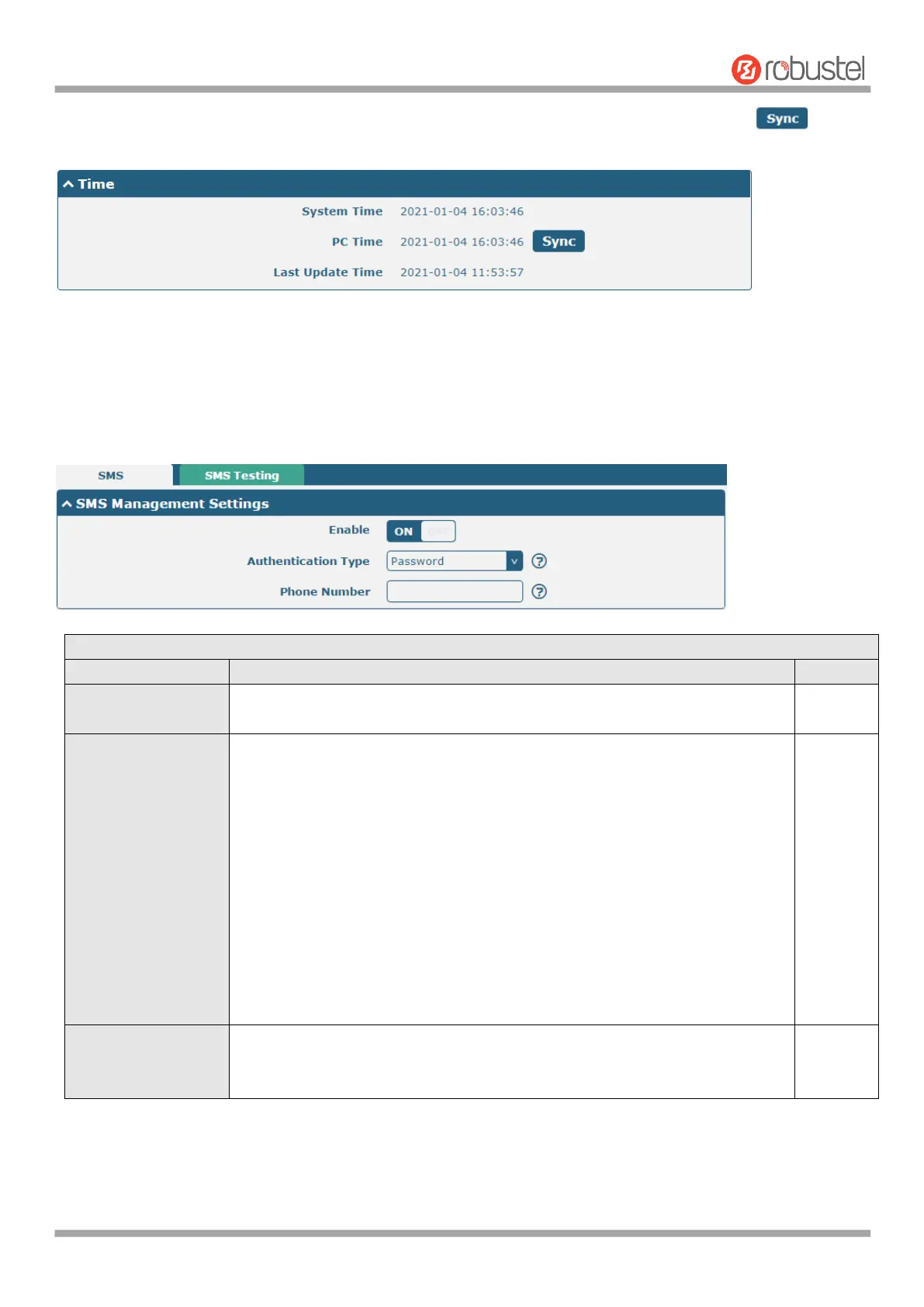
This window allows you to view the current time of router and also synchronize the router time. Click button
to synchronize the router time with PC’s.
4.5.4 SMS
This section allows you to set SMS parameters. Router supports SMS management, and user can control and
configure their routers by sending SMS. For more details about SMS control, refer to 5.1.2 SMS Remote Control.
Click the toggle button to enable/disable the SMS Management option.
Note: If this option is disabled, the SMS configuration is invalid.
Select Authentication Type from “Password”, “Phonenum” or “Both”.
Password: Use the same username and password as WEB manager for
authentication. For example, the format of the SMS should be “username:
password; cmd1; cmd2; …”
Note: Set the WEB manager password in System > User Management
section.
Phonenum: Use the Phone number for authenticating, and user should set
the Phone Number that is allowed for SMS management. The format of
the SMS should be “cmd1; cmd2; …”
Both: Use both the “Password” and “Phonenum” for authentication. User
should set the Phone Number that is allowed for SMS management. The
format of the SMS should be “username: password; cmd1; cmd2; …”
Set the phone number used for SMS management, and use ‘; ‘to separate each
number.
Note: It can be null when choose “Password” as the authentication type.













 To Next Page