Robustel R5020 User Guide
RT_UG_R5020_v.1.0.2 Mar. 17, 2023 23/167
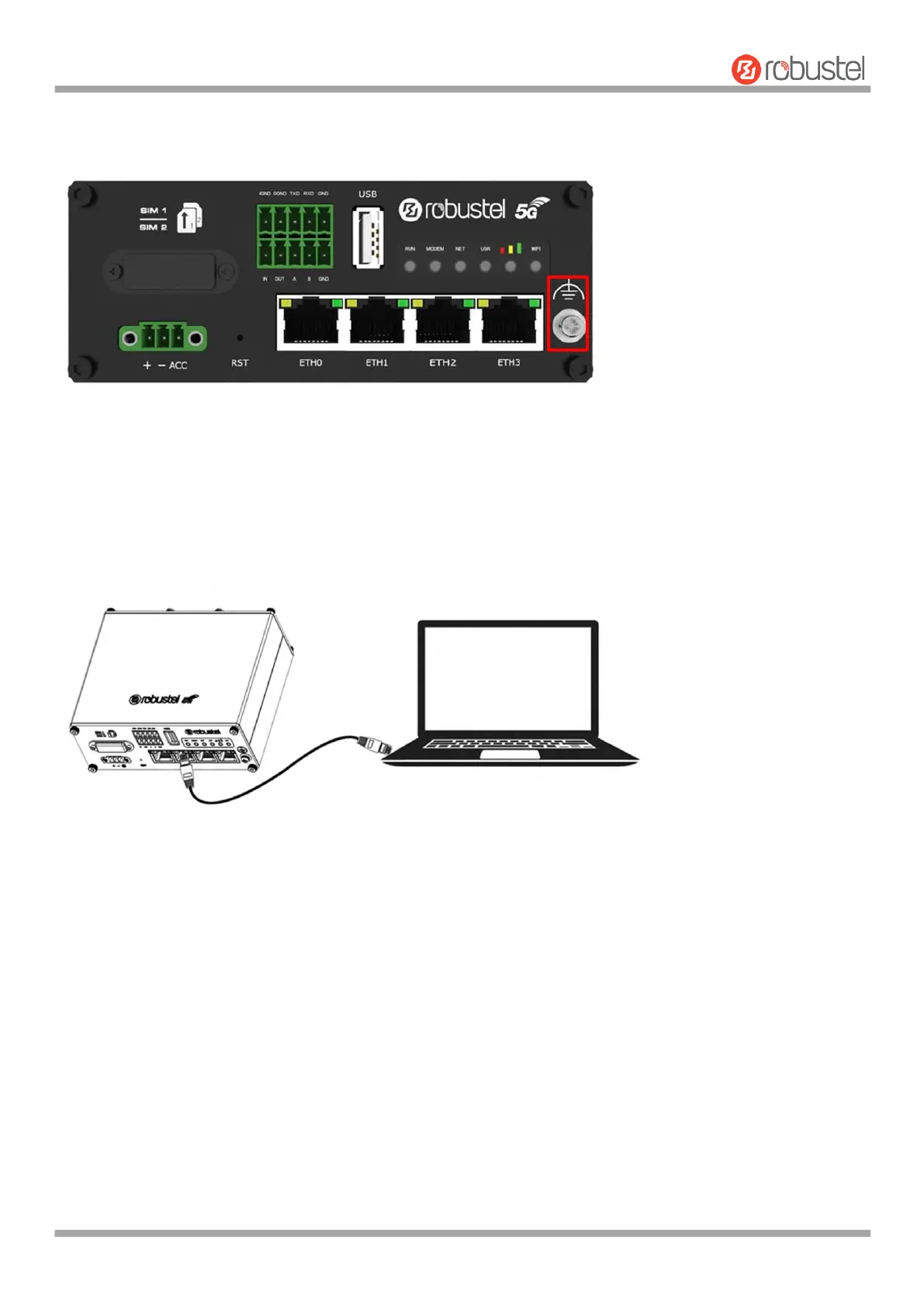
2.10 Ground the Router
Router grounding helps prevent the noise effect due to electromagnetic interference (EMI). Connect the router to the
site ground wire by the ground screw before powering on.
Note: This product is appropriate to be mounted on a sound grounded device surface, such as a metal panel.
2.11 Connect the Router to a Computer
Connect an Ethernet cable to the port marked ETH1~ETH3 at the front of the R5020 Router, and connect the other
end of the cable to your computer.













 To Next Page