Robustel R5020 User Guide
RT_UG_R5020_v.1.0.2 Mar. 17, 2023 153/167
Chapter 6 Introductions for CLI
6.1 What Is CLI
The Command Line Interface (CLI) is a set of software interfaces that provide another way to configure device
parameters. Users can connect to the router through SSH or telnet to configure CLI commands. After
establishing a Telnet or SSH connection with the router, enter the login account and password (default
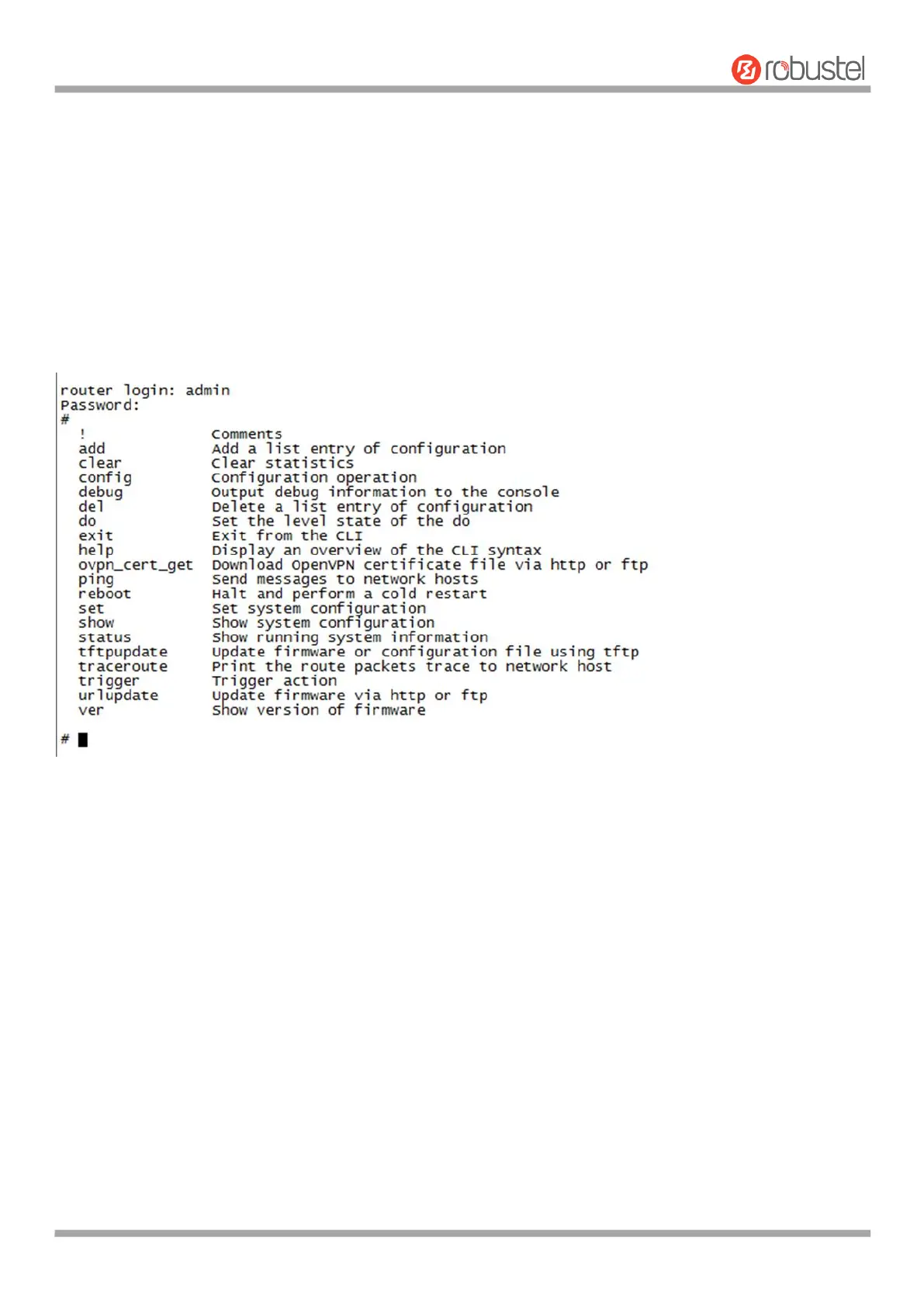
admin/admin) to enter the router's configuration mode, as shown below.
Route login:
Router login: admin
Password: admin
#
CLI commands:
# ? (Note: the ‘?’ won’t display on the page.)
#
! Comments
add Add a list entry of configuration
clear Clear statistics
config Configuration operation
debug Output debug information to the console
del Delete a list entry of configuration
do Set the level state of the do
exit Exit from the CLI













 To Next Page