Robustel R5020 User Guide
RT_UG_R5020_v.1.0.2 Mar. 17, 2023 71/167
ACL Settings @ Access Point 5G
List” can be allowed
Deny: All the packets fitting the entities of the “Access Control
List” will be denied
Note: Router can only allow or deny devices which are included in
“Access Control List” at one time.
Access Control List @ Access Point 5G
Indicate the ordinal of the list.
Enter a description for this access control list.
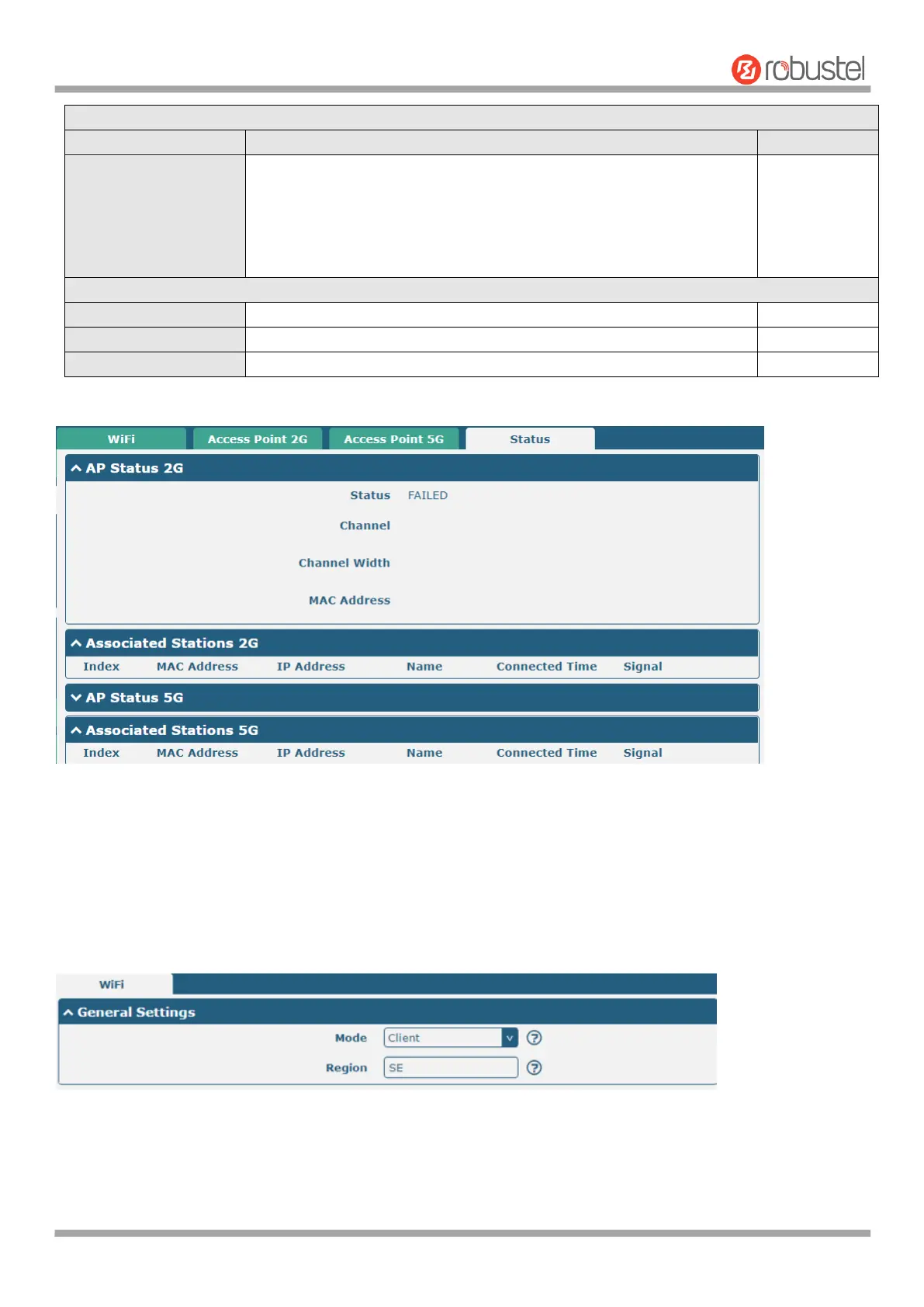
This section allows you to view the status of AP.
Note: WiFi is off by default. Follow the steps below to enable it and configure the router as WiFi client.
WiFi Client
Configure Router as WiFi Client
Click Interface > WiFi > WiFi, select “Client” as the mode and regarding the AP type to choose the related Client Band
then click “Submit”.













 To Next Page