Robustel R5020 User Guide
RT_UG_R5020_v.1.0.2 Mar. 17, 2023 72/167
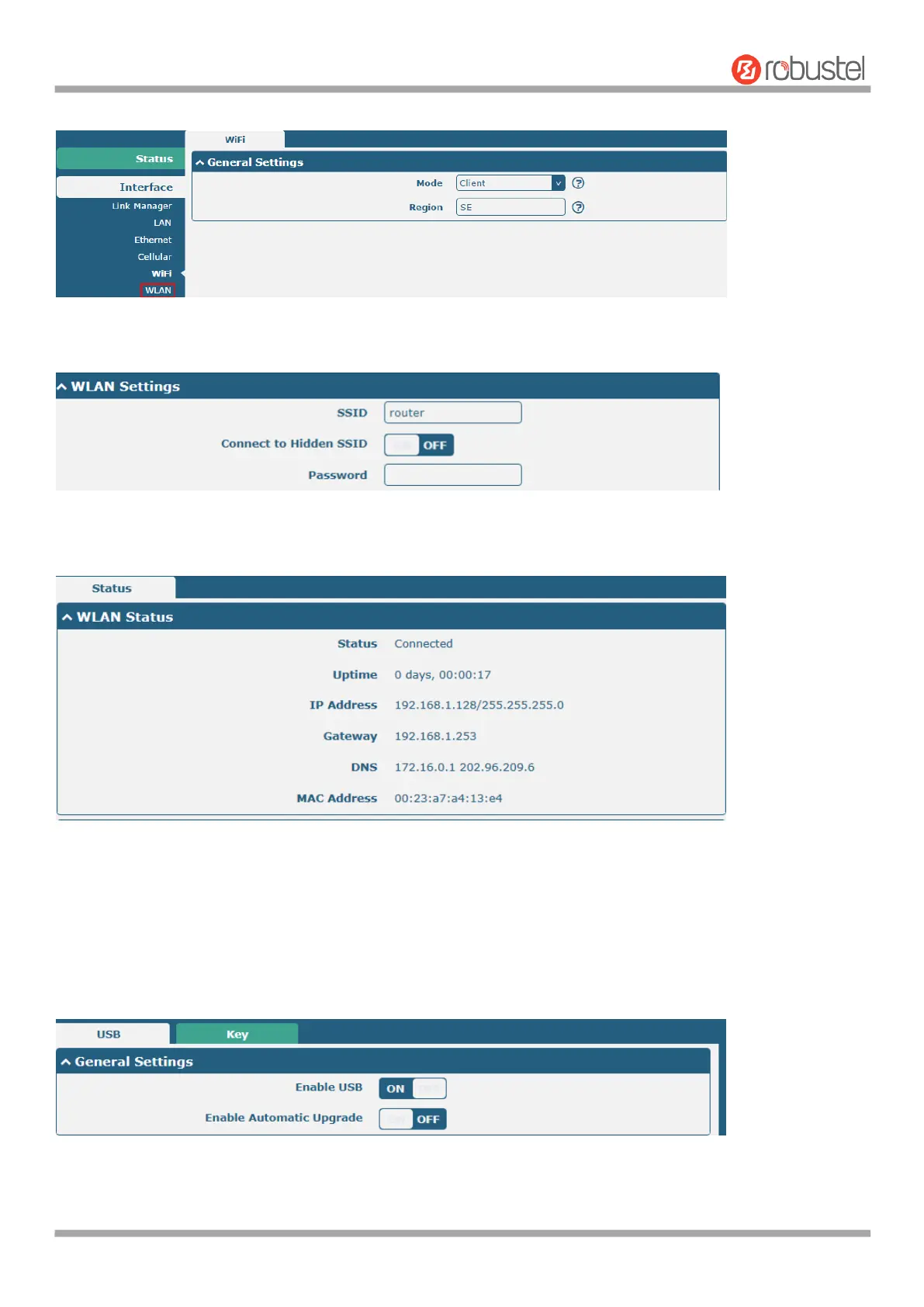
And then a “WLAN” column will appear under the Interface list.
Click Interface > Link Manager > Link Settings, and click the edit button of WLAN, then configure its related
parameters.
Click Interface > WLAN to configure the parameters of WiFi Client after setting the mode as Client. Please remember
to click Save & Apply > Reboot after finish the configuration, so that the configuration can be took effect.
4.2.6 USB
This section allows you to set the USB parameters. The USB interface of the router can be used for firmware upgrade
and configuration upgrade.













 To Next Page