Robustel R5020 User Guide
RT_UG_R5020_v.1.0.2 Mar. 17, 2023 97/167
Choose a valid tunnel from “tunnel 1”, “tunnel 2”, “tunnel 3”, “tunnel 4”,
“tunnel 5” and “tunnel 6”.
Click on “Choose File” to locate the certificate file from local computer, and
then import this file into your router.
Click on “Choose File” to locate the certificate file from remote computer,
and then import this file into your router.
Click on “Choose File” to locate the private key file from local computer, and
then import this file into your router.
Click on “Choose File” to locate the private key file from local computer, and
then import CA certificate into your router.
Click on “Choose File” to locate the private key file from local computer, and
then import PKCS#12 certificate into your router.
Indicate the ordinal of the list.
Show the imported certificate’s name.
Show the size of the certificate file.
Show the timestamp of that the last time to modify the certificate file.
4.4.2 OpenVPN
This section allows you to set the OpenVPN and the related parameters. OpenVPN, an open source SSL-based VPN
system. The OpenVPN feature can support both point-to-point and point-to-multipoint (client-side) VPN channels.
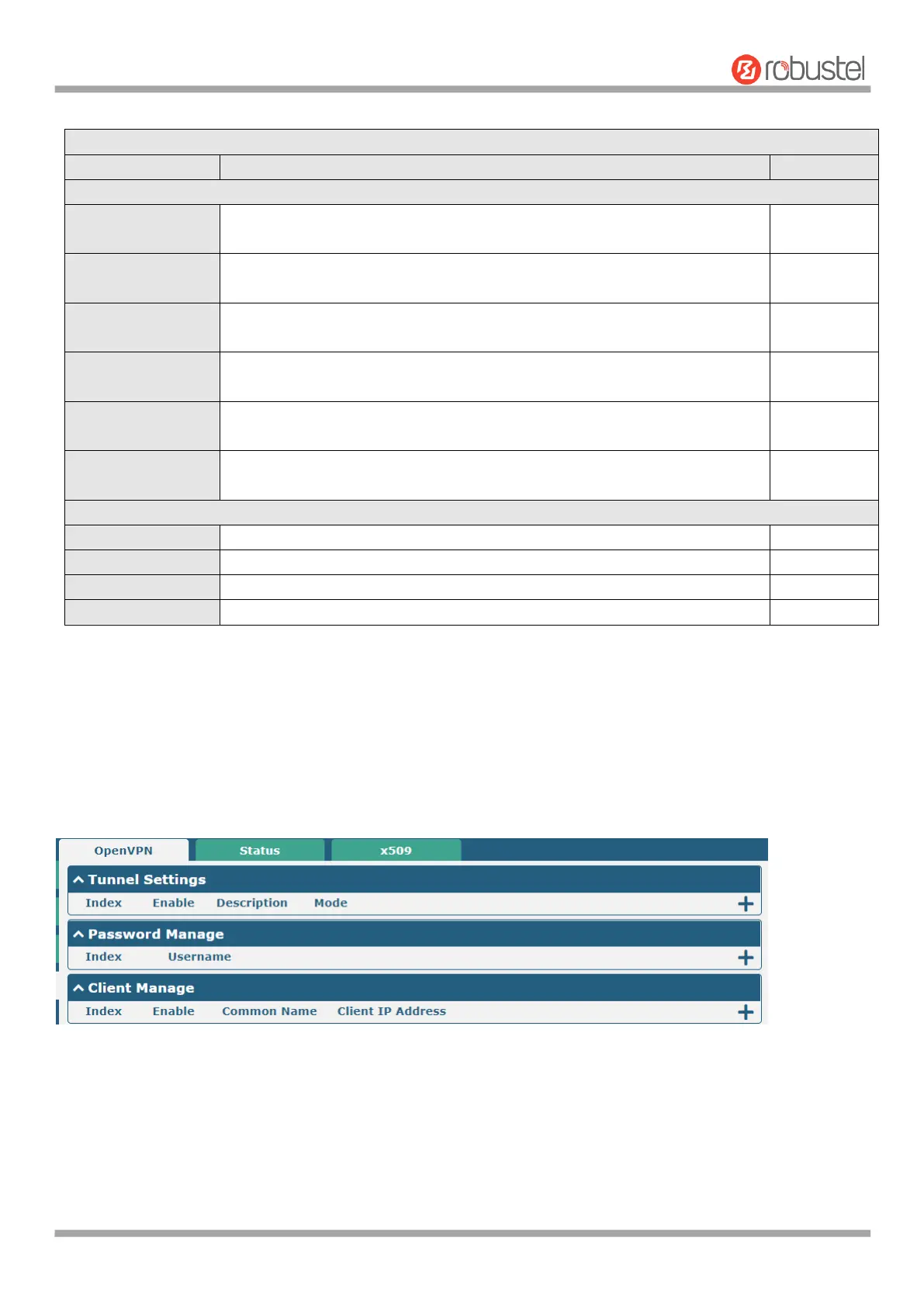
Click "VPN > OpenVPN > OpenVPN" to display the following.
Click to add tunnel settings. The maximum count is 5. The window is displayed as below when choosing “P2P” as the
mode.













 To Next Page