Robustel R5020 User Guide
RT_UG_R5020_v.1.0.2 Mar. 17, 2023 33/167
3.4 Control Panel
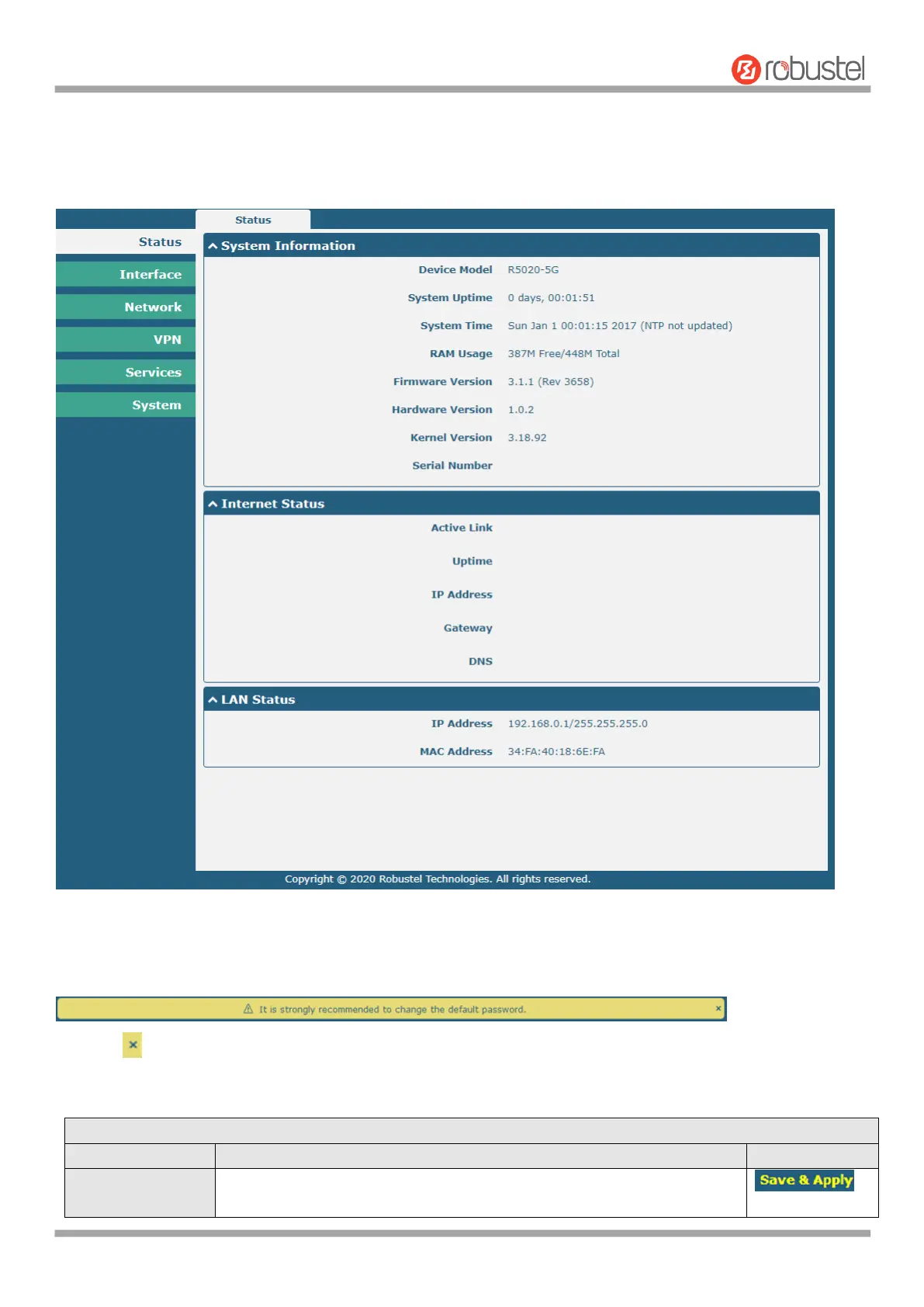
After logging in, the home page of the R5020 Router’s web interface is displayed, for example.
In the home page, users can perform operations such as saving the configuration, restarting the router, and logging
out.
Using the original password to log in the router, the page will pop up the following tab
Click the symbol to close the popup. It is strongly recommended for security purposes that you change the default
username and/or password. To change your username and/or password, see 4.6.6 User Management.
Click to save the current configuration into router’s flash and apply the
modification on every configuration page, to make the modification













 To Next Page