Robustel R5020 User Guide
RT_UG_R5020_v.1.0.2 Mar. 17, 2023 89/167
4.3.3 IP Passthrough
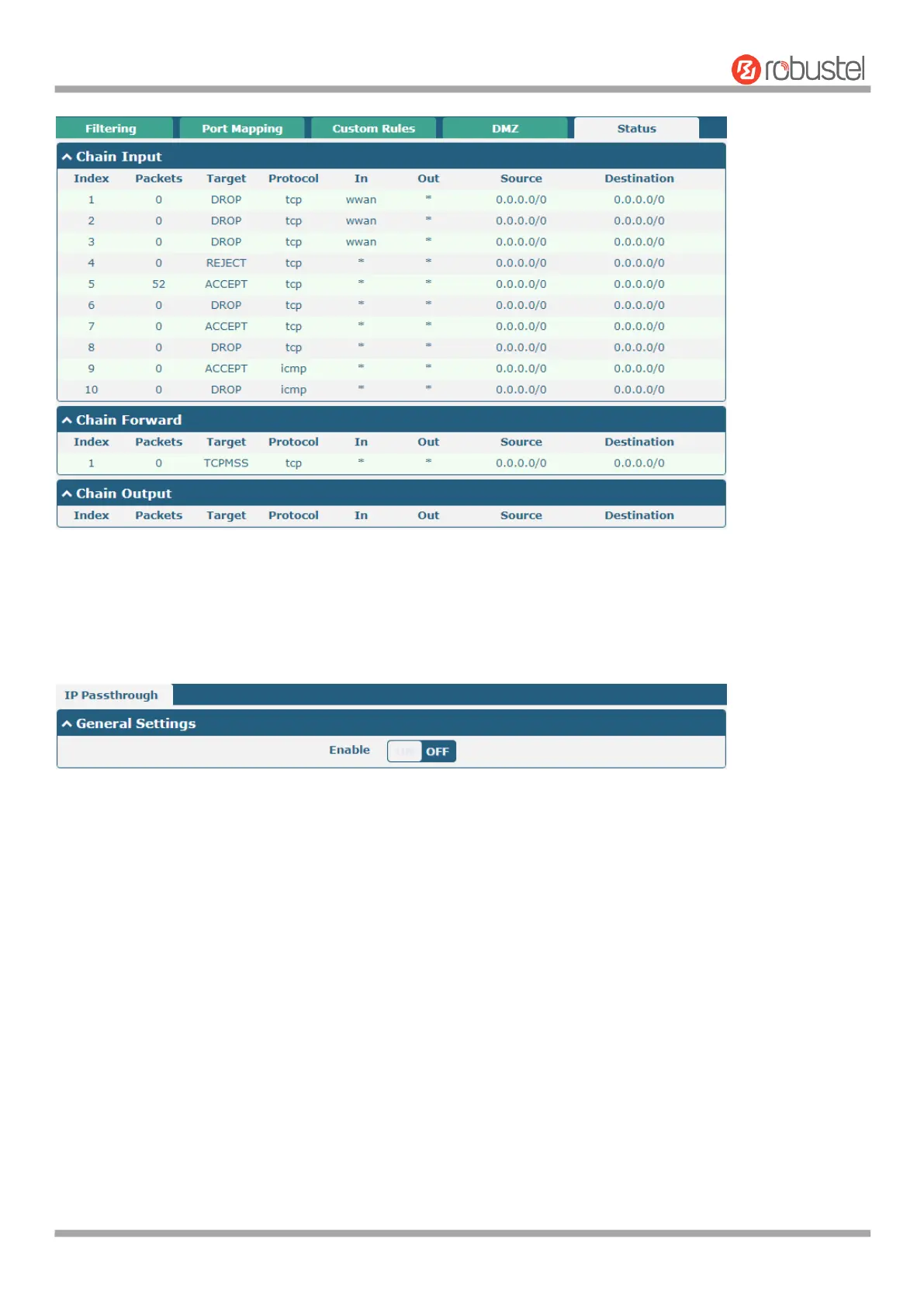
Click Network > IP Passthrough > IP Passthrough to enable or disable the IP Pass-through option.
If router enables the IP Pass-through, the terminal device (such as PC) will enable the DHCP Client mode and connect
to LAN port of the router; and after the router dial up successfully, the PC will automatically obtain the IP address and
DNS server address which assigned by ISP. To use this feature, the primary link needs to be set to WWAN and the
backup link needs to be set to None.
4.4 VPN
4.4.1 IPsec
IPsec (Internet Protocol Security) is a protocol built on the Internet Protocol layer that enables two hosts to
communicate in a secure manner. IPsec is the direction of secure networking and provides proactive protection
against attacks on private networks and the Internet through end-to-end security.
Click Virtual Private Network > IPsec > General to set IPsec parameters













 To Next Page