Robustel R5020 User Guide
RT_UG_R5020_v.1.0.2 Mar. 17, 2023 36/167
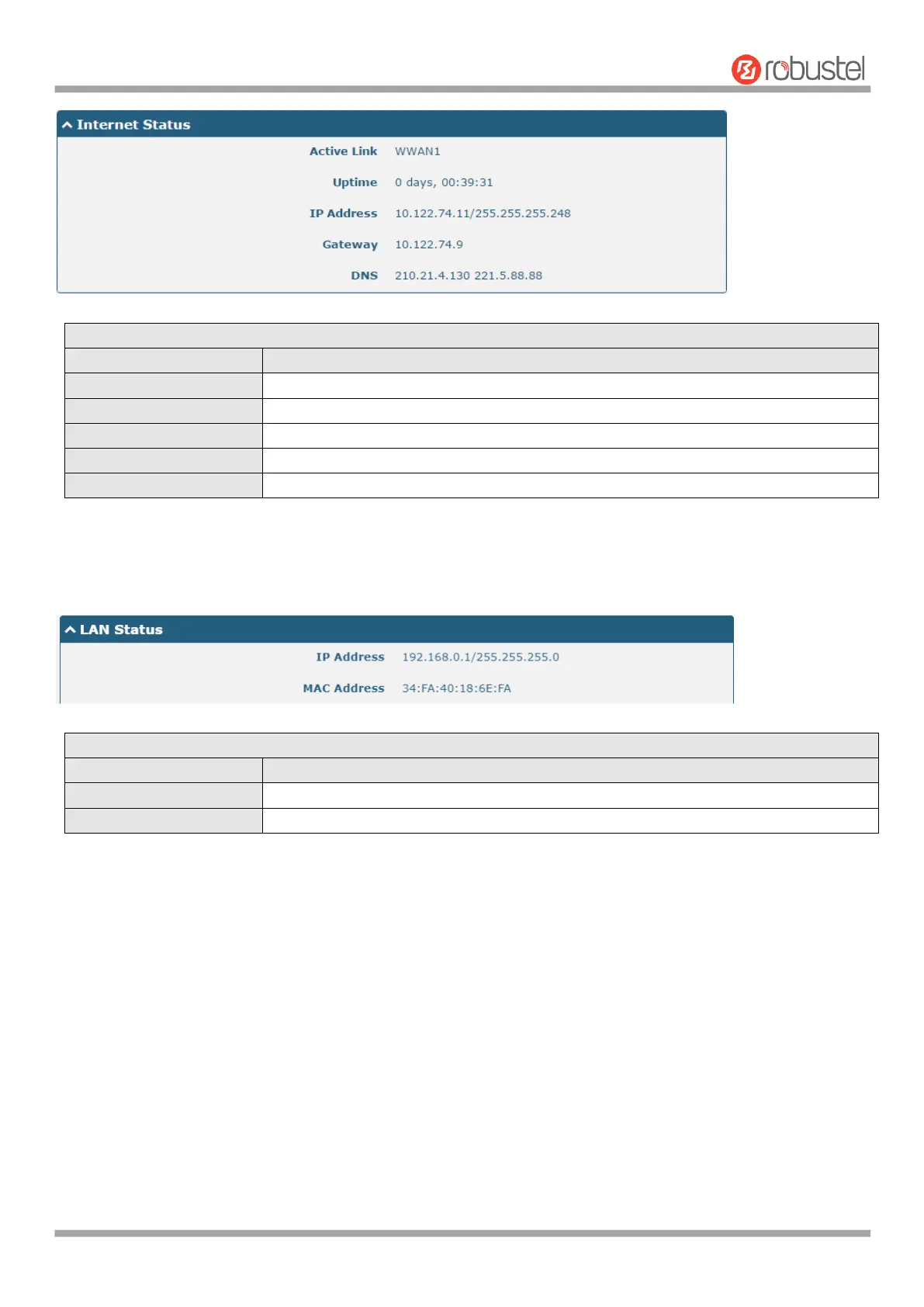
Show the current active link. WWAN1,WWAN2 or WAN.
Show the current amount of time the link has been connected.
Show the IP address of current link.
Show the router address of the current link.
Show the current primary DNS server and secondary server.
4.1.3 LAN Status
This section shows the LAN status information of the router.
Show the IP address and the Netmask of the router.
Show the MAC address of the router.













 To Next Page