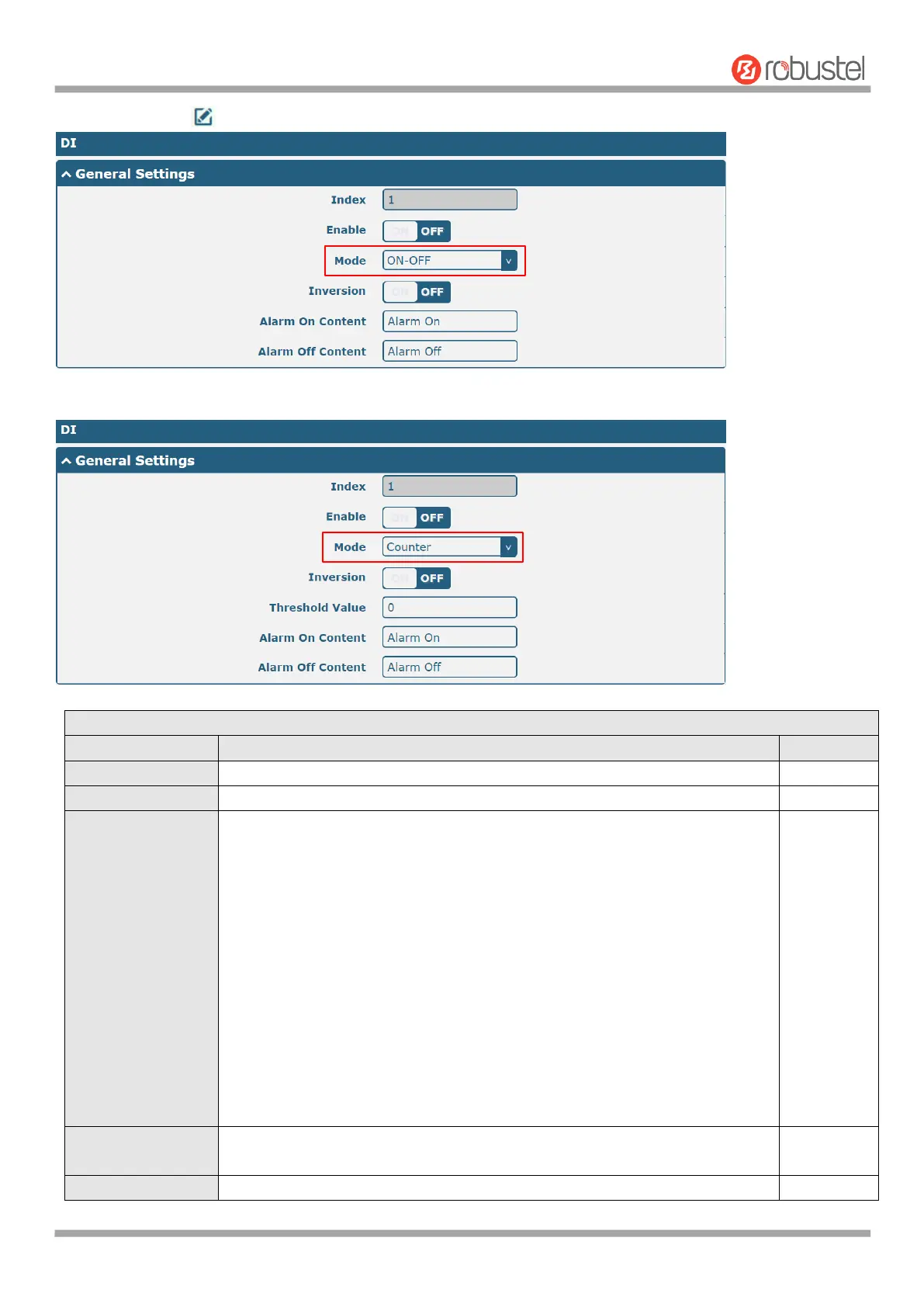
Select from “ON-OFF” or “Counter”.
ON-OFF: DI interface support ON and OFF mode (high or low level
electrical) trigger DI alarm. The mode default to ON, and OFF mode is
available only when enabling the inversion feature
ON—Under this mode, DI alarm status will be triggered to ON when DI
interface open from GND or input a high level electrical (logic 1), on the
contrary DI alarm status will be trigged to OFF when DI interface connect
to GND or input a low level electrical (logic 0)
OFF—Under this mode, DI alarm status will be triggered to ON when DI
interface connect to GND or input a low level electrical (logic 0), on the
contrary DI alarm status will be trigged to OFF when DI interface open
from GND or input a high level electrical (logic 1)
Counter: Event counter mode













 To Next Page