Robustel R5020 User Guide
RT_UG_R5020_v.1.0.2 Mar. 17, 2023 75/167
figure. After triggering alarm, DI will keep counting but not trigger alarm
again. Enter 0 to 65535 digits. (0=will not trigger alarm)
Note: This option is only available when DI under the “Counter” mode.
Show the content when alarm on.
Show the content when alarm off.
Note: It defaults as high alarm, while turns to low alarm after enabling the “Inversion” button.
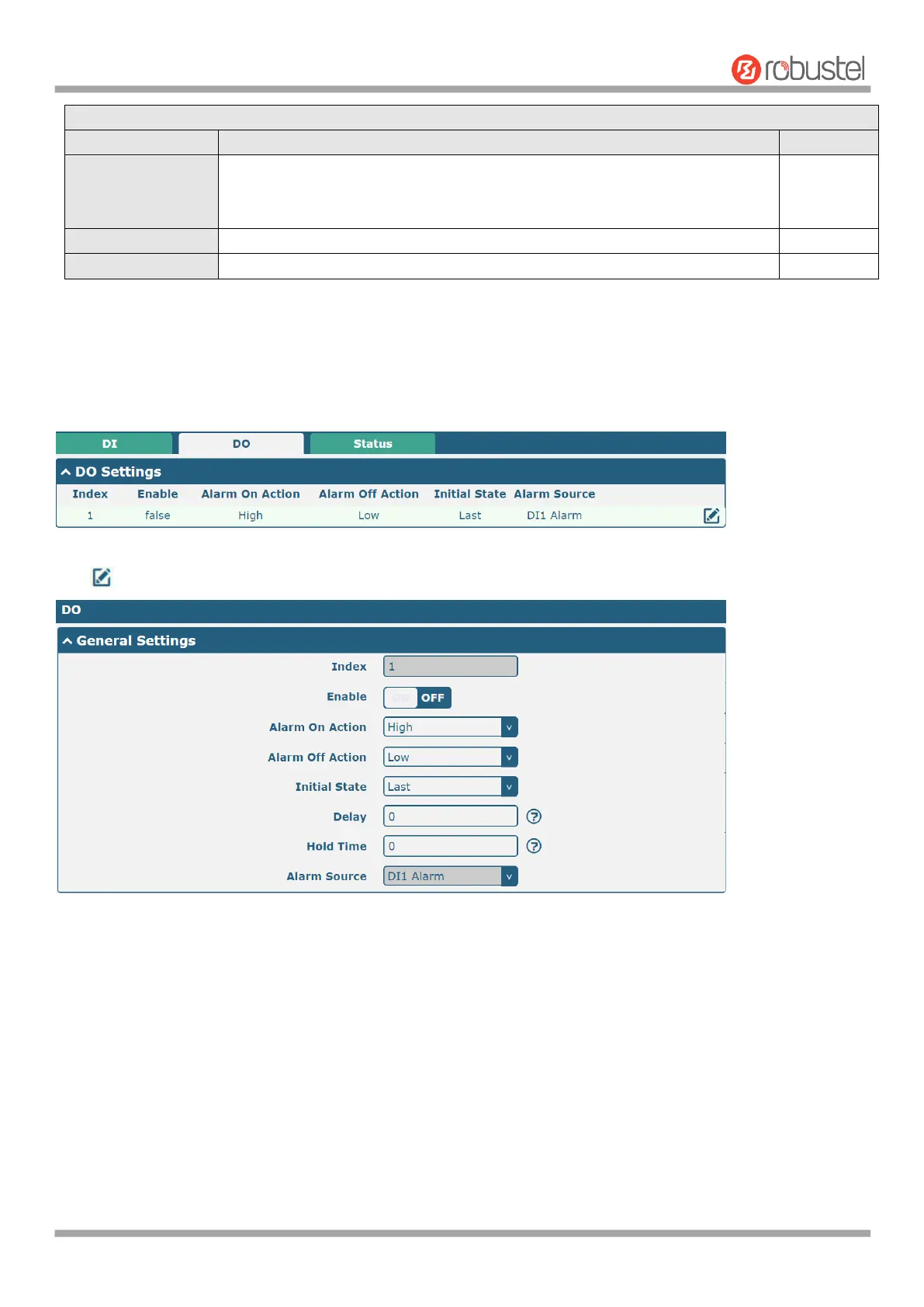
DO
Click to enter the DO configuration window.













 To Next Page