Robustel R5020 User Guide
RT_UG_R5020_v.1.0.2 Mar. 17, 2023 76/167
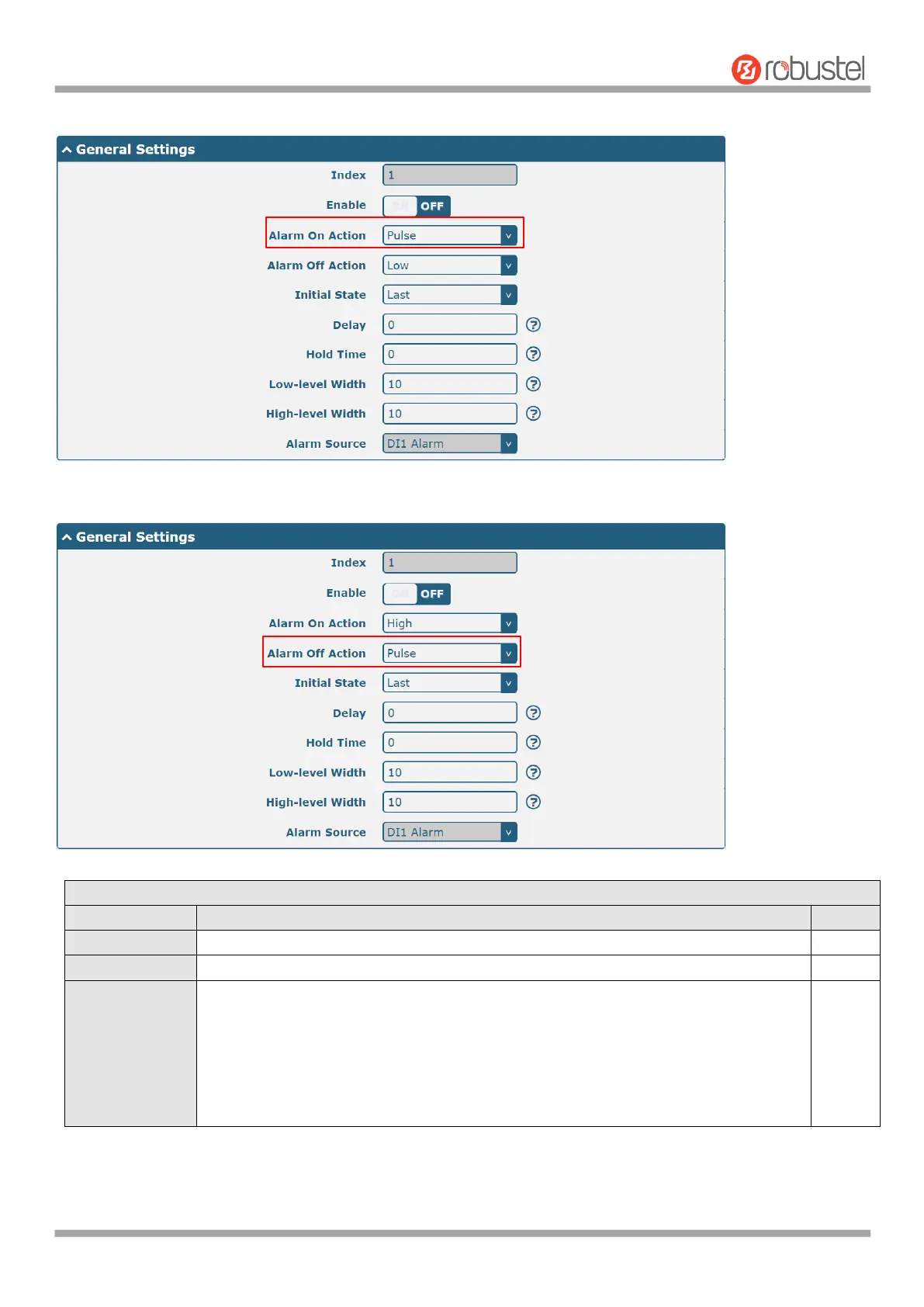
The window is displayed as below when choosing “Pulse” as the alarm on action.
The window is displayed as below when choosing “Pulse” as the alarm off action.
Indicate the ordinal of the list.
Click the toggle button to enable/disable this DO.
Digital Output initiates when there is an alarm. Selected from “High”, “Low” or
“Pulse”.
High: a high electrical level output
Low: a low electrical level output
Pulse: Generates a square wave as specified in the pulse mode parameters when
triggered













 To Next Page