Robustel R5020 User Guide
RT_UG_R5020_v.1.0.2 Mar. 17, 2023 47/167
Set the max ping tries. Switch to another link or take emergency action if
the max continuous ping tries reached.
Click the toggle button to enable/disable the Network Address Translation
option.
Enter the Maximum Transmission Unit.
Enter the upload bandwidth used for QoS, measured in kbps.
Enter the download bandwidth used for QoS, measured in kbps.
Override primary DNS will override the automatically obtained DNS.
Override secondary DNS will override the automatically obtained DNS.
Click the toggle button to enable/disable this option. Enable for debugging
information output.
Click the toggle button to enable/disable this option. Enable for verbose
debugging information output.
Status
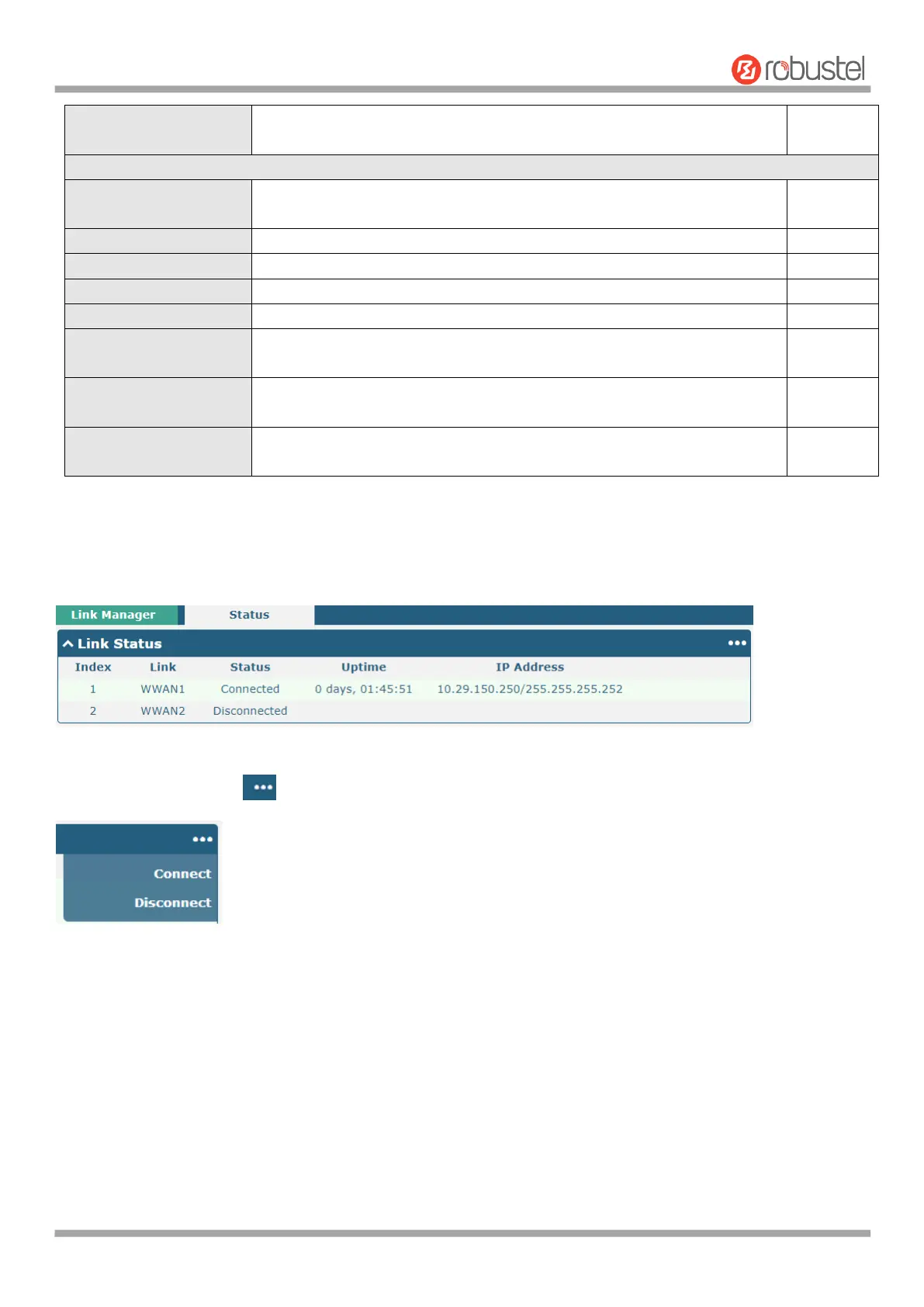
This page allows you to view the status of link connection and clear the monthly data usage statistics.
Click the right-most button to select the connection status of the current link.













 To Next Page