Robustel R5020 User Guide
RT_UG_R5020_v.1.0.2 Mar. 17, 2023 57/167
Enter the AT commands used for cellular initialization.
Specify the Port listening of telnet service, used for AT over Telnet.
Cellular Network Settings
Select from “Auto”, “3G Only”, and “4G Only”.
Auto: Connect to the best signal network automatically
3G Only: Only the 3G network is connected
4G Only: Only the 4G network is connected
Select from “All” or “Specify”. You may choose certain bands if choosing
“Specify”.
Click the toggle button to enable/disable this option. Enable for debugging
information output.
Click the toggle button to enable/disable this option. Enable for verbose
debugging information output.
Network
Registration
Timeout
The timeout required for the module to register to the network. 0 indicates that
the default configuration is used.
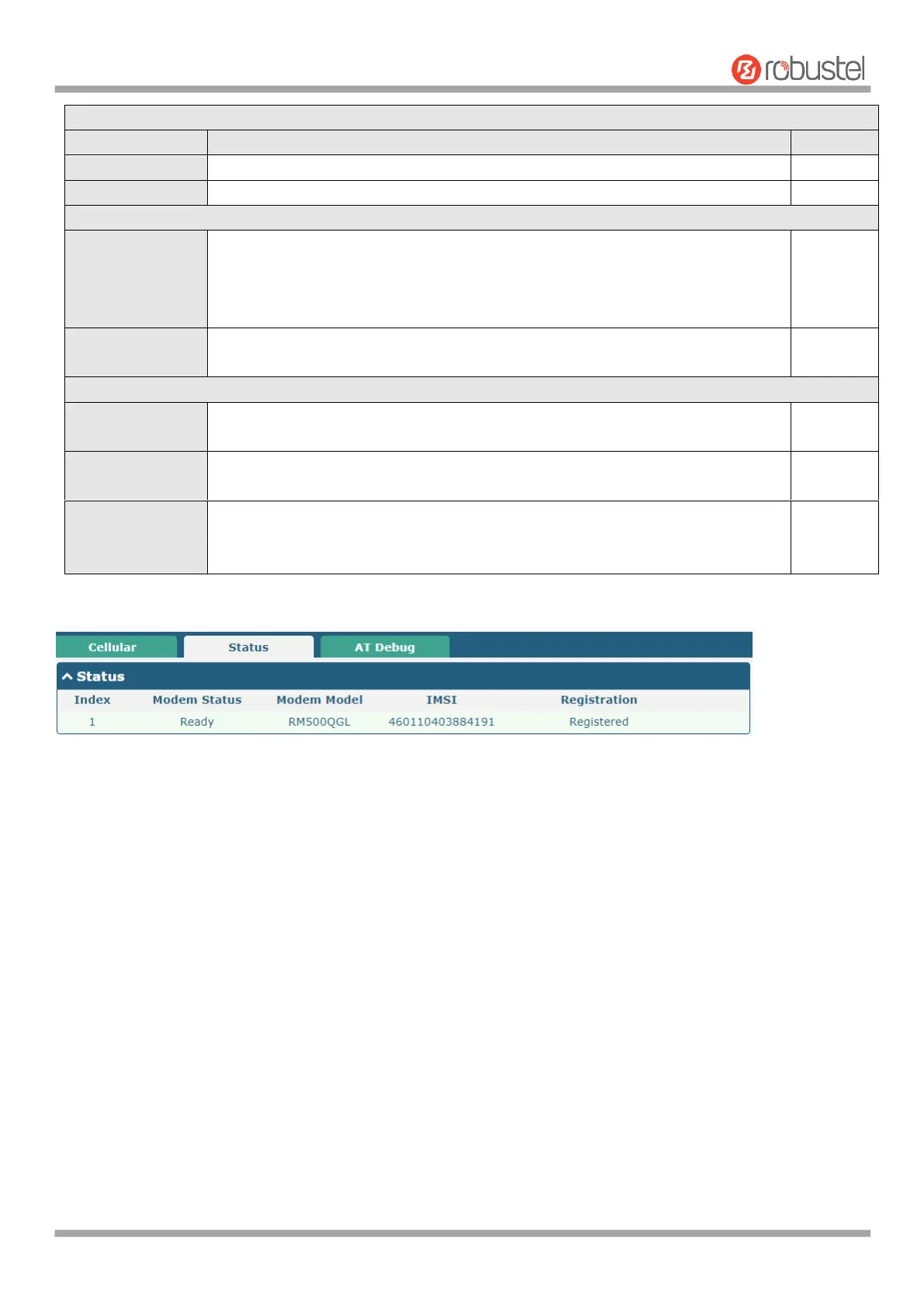
This section allows you to view the status of the cellular connection.













 To Next Page