36
NOTE-MH01-EN rev05
5.3 MENU
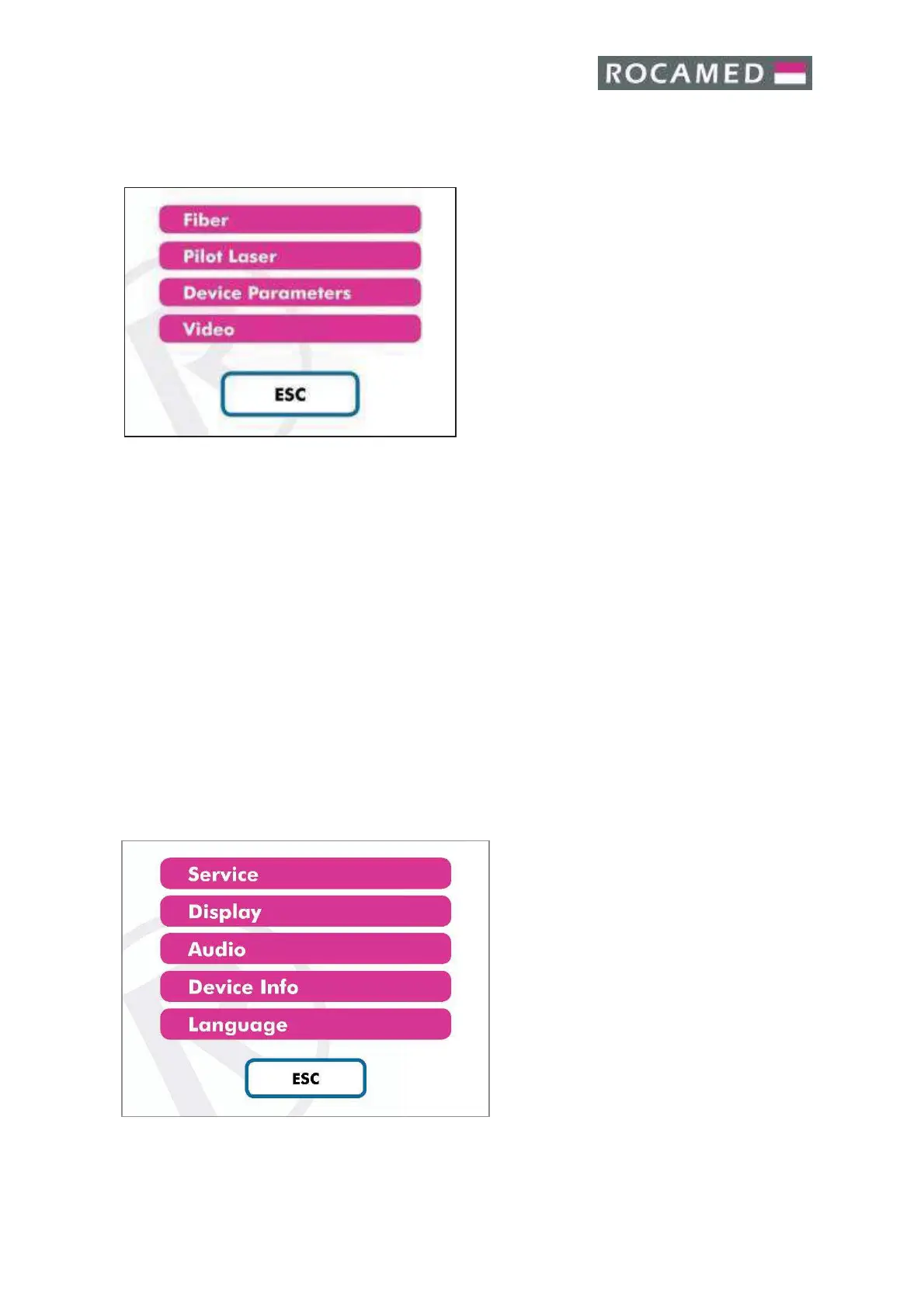
When pressing on the Menu button (“Main Screen” 5.2.1), the sub Menu panel will appear.
The available functions are the following:
· Fiber
· Pilot Laser Brightness
· Device Parameters
· User Manual
It is possible to access the “Fiber” information,
“Pilot Laser Brightness”, also by using the
shortcut area from the Main Screen (“Main
Screen” 5.2.1).
Press “Esc” to exit to the Main Screen.
5.3.1 Fiber
Please see chapter 5.2.5
5.3.2 Pilot laser
Please see chapter 5.2.6
5.3.3 Device Parameters
Please see chapter 5.4
5.3.4 User Manual
The electronic version of this User Manual is consultable directly from this area by the MH01
Software.
5.4 DEVICE PARAMETERS
By selecting the Device Parameters from
the sub Menu (Menu Functions 5.3), the
Device Parameters Panel will appear.
The available functions are the following:
· Service (Only for Technical
Service)
· Display
· Audio
· Device Info
· Language
Press “Esc” to exit to the Main Screen.


 To Next Page