41
NOTE-MH01-EN rev05
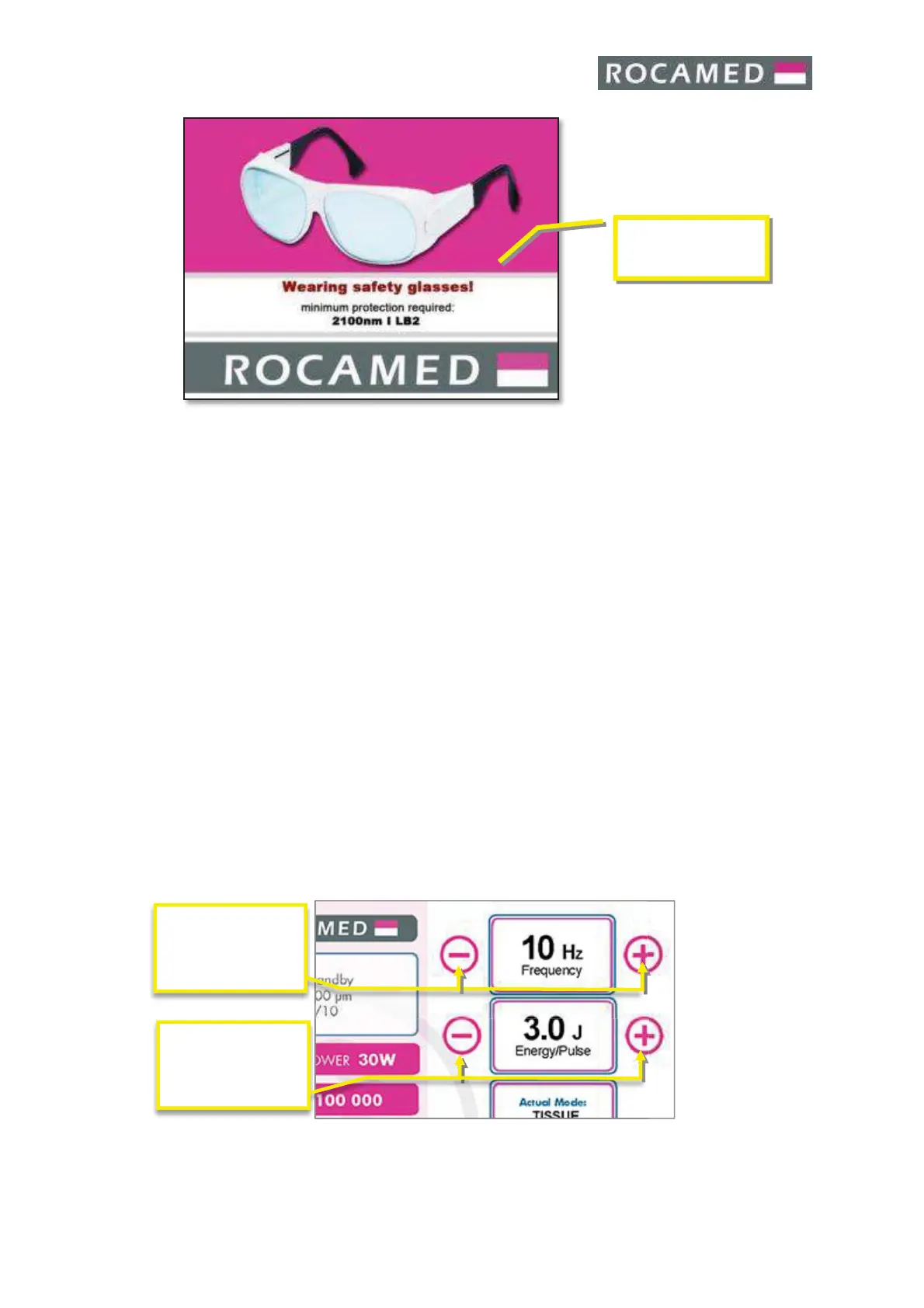
Touch the display to exit from the “Warning Safety Screen”.
When an Optical Fiber is connected and the RFID system is active, the system shows you
the type of the fiber before passing from the Standby Status to the Ready Status. (5.2.2
Fiber Information).
If the fiber is missing or an invalid fiber is inserted, when touching the “Ready/Standby”
button an Error Message will appear.
When you are in READY mode it is possible to change the energy output and the frequency
of emission by the dedicate buttons.
The Touch Screen Control Panel contains the controls and displays for operating and
monitoring the laser. It is essential that operators understand and use these controls
properly
5.5.3 Mode of Emission
Please see cap. 5.2.2
5.5.4 Power output settings
The values for energy and frequency can be changed, within the permissible limits, using
the dedicated buttons. The selected values are displayed.


 To Next Page