38
NOTE-MH01-EN rev05
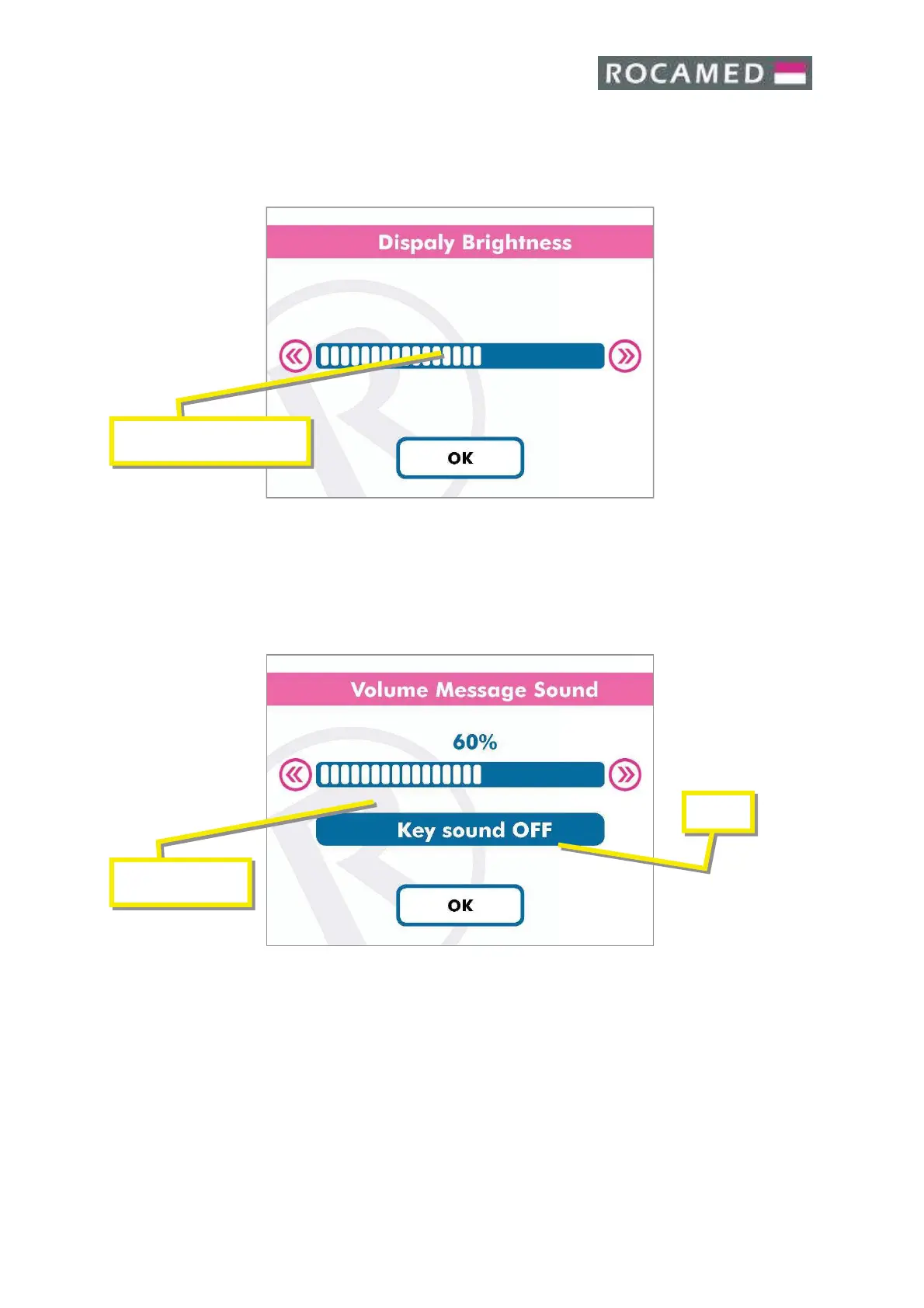
5.4.2 Display
Touching the » button increase the Brightness.
Touching the
« button decreases the Brightness.
When the Display Brightness corresponds to your desire, press OK to confirm and exit to
the main screen.
5.4.3 Audio
The Volume is adjustable by software, the minimal value is 1% and the maximal is 100%.
Also it is possible to activate or deactivate the Key sounds by the Key Sound button (1) .
Touching the
» button increase the energy displayed.
Touching the
« button decreases the energy displayed.
When the Sound emission corresponds to your desire, press OK to confirm and exit to the
main screen.


 To Next Page