37
NOTE-MH01-EN rev05
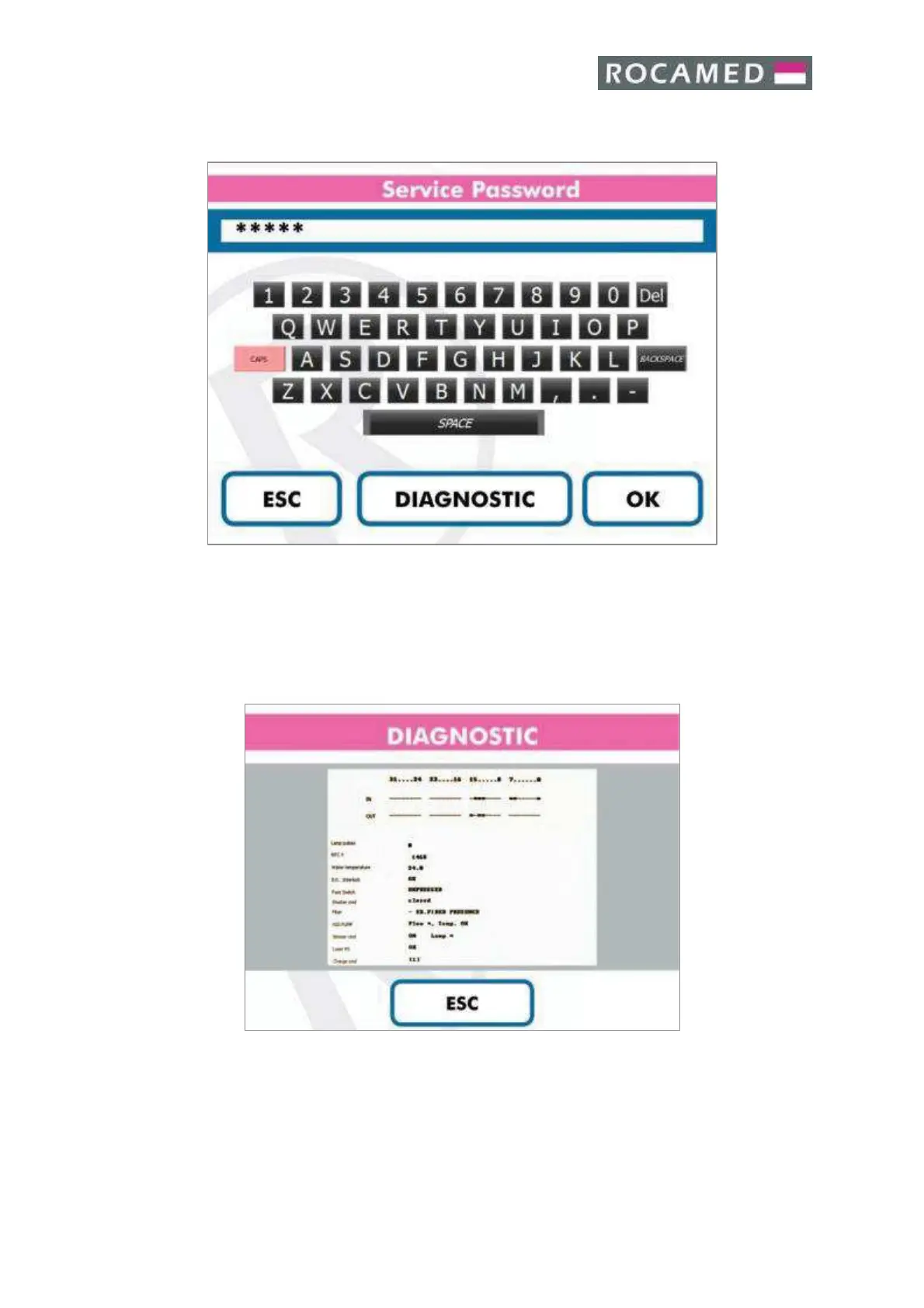
5.4.1 Service (Only for Technical Service)
· Insert the Password and press OK to access to the Service Area.
· Press “Diagnostic” to access to the Diagnostic Screen (see below).
· Press ESC to come back to the Main Screen.
Diagnostic
Without the Service Password it is possible to access the Diagnostic Panel by pressing on the
“Diagnostic” button in the Service Screen.
Press “Esc” to exit to the Main Screen.


 To Next Page