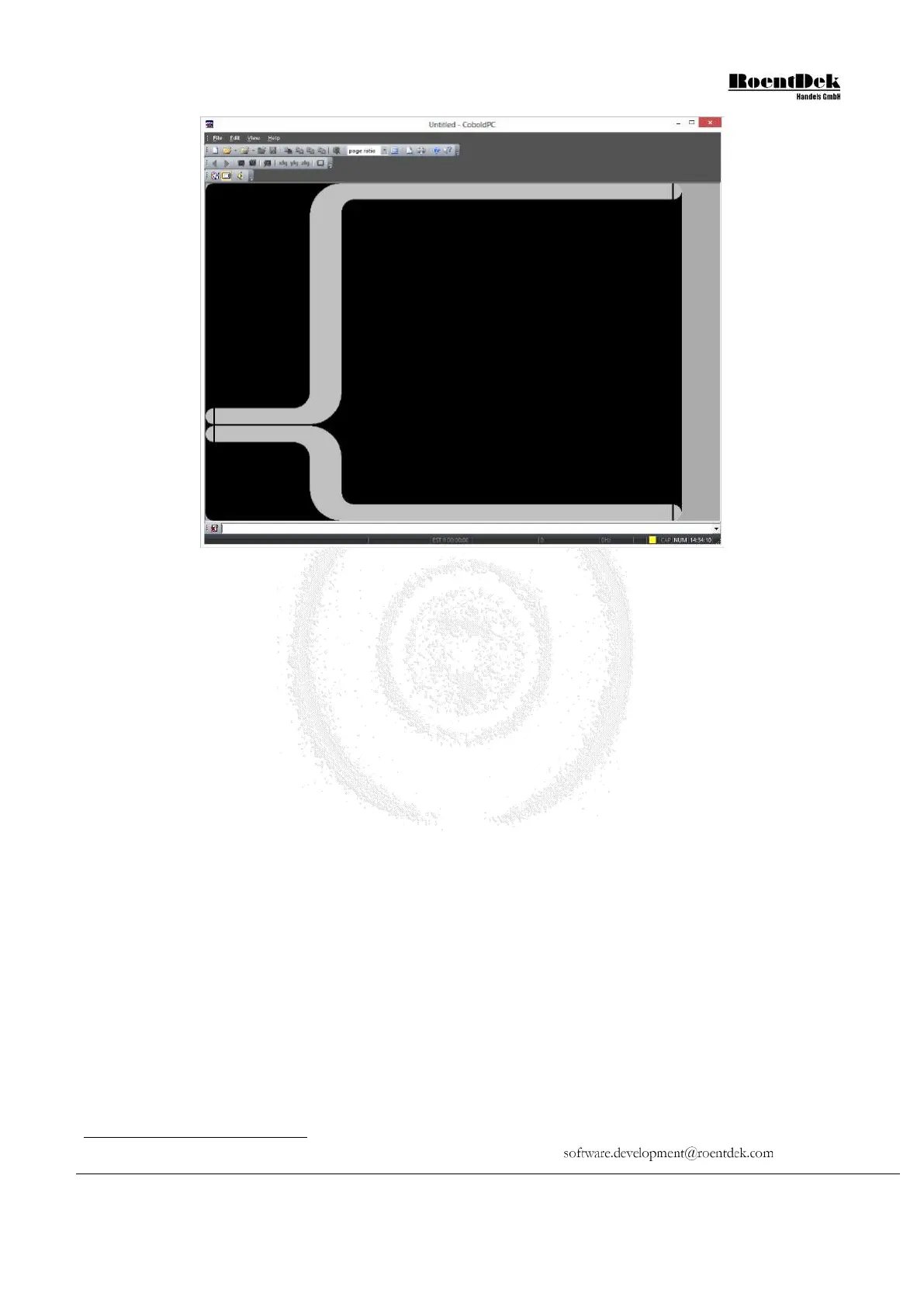
Figure 4.8: Screen after starting the CoboldPC 2011 R3 program
You will recognize corresponding files easily from the similarities in the filenames. Browse for a “filename.lmf” and select it
*
.
If you have selected an adequate listmode file. The program will resume and sort the file. Now you can look at the spectra with
the “view” command. First you may check with the “show spectra” command which spectra are defined and can be displayed.
If you have not yet referred to the
help file so far, it is time for that now in order to proceed. Some frequently used
standard commands are listed below:
exe calls a command file
new hardware prepares for starting hardware acquisition
start starts the acquisition
pause pauses the acquisition (for starting again use the start
command)
stop stops the acquisition (for starting again use the new
hardware and the start command)
clear all clears the contents of all spectra (instead of all, a
certain spectrum number is also possible to clear only one
spectrum)
restart deletes all coordinates, parameters, conditions and
spectra for a total reset
coordinate defines a coordinate
parameter defines a parameter
condition defines a condition
define1 defines a 1-dimensional spectrum
define2 defines a 2-dimensional spectrum
view 1 shows spectrum 1
show status shows the status report window
help shows the help file
We have prepared a startup command file “Startup.ccf” which contains all commands for reading out the TDCs TDC8HP,
HM1 or TDC8PCI2. It provides already most of the desired definitions, i.e. 2d position spectra and time-of-flight spectra in
*
If you should not find the file corresponding to your hardware please contact
MCP Delay Line Detector Manual (11.0.1304.1) Page 59 of 83


 To Next Page