Royal 240DX User’s Guide
16
Clerk Display
Your cash register has a 5 line display for the operator. All lines shows letters and
numbers (alphanumeric).
About the Menus on the Clerk Display
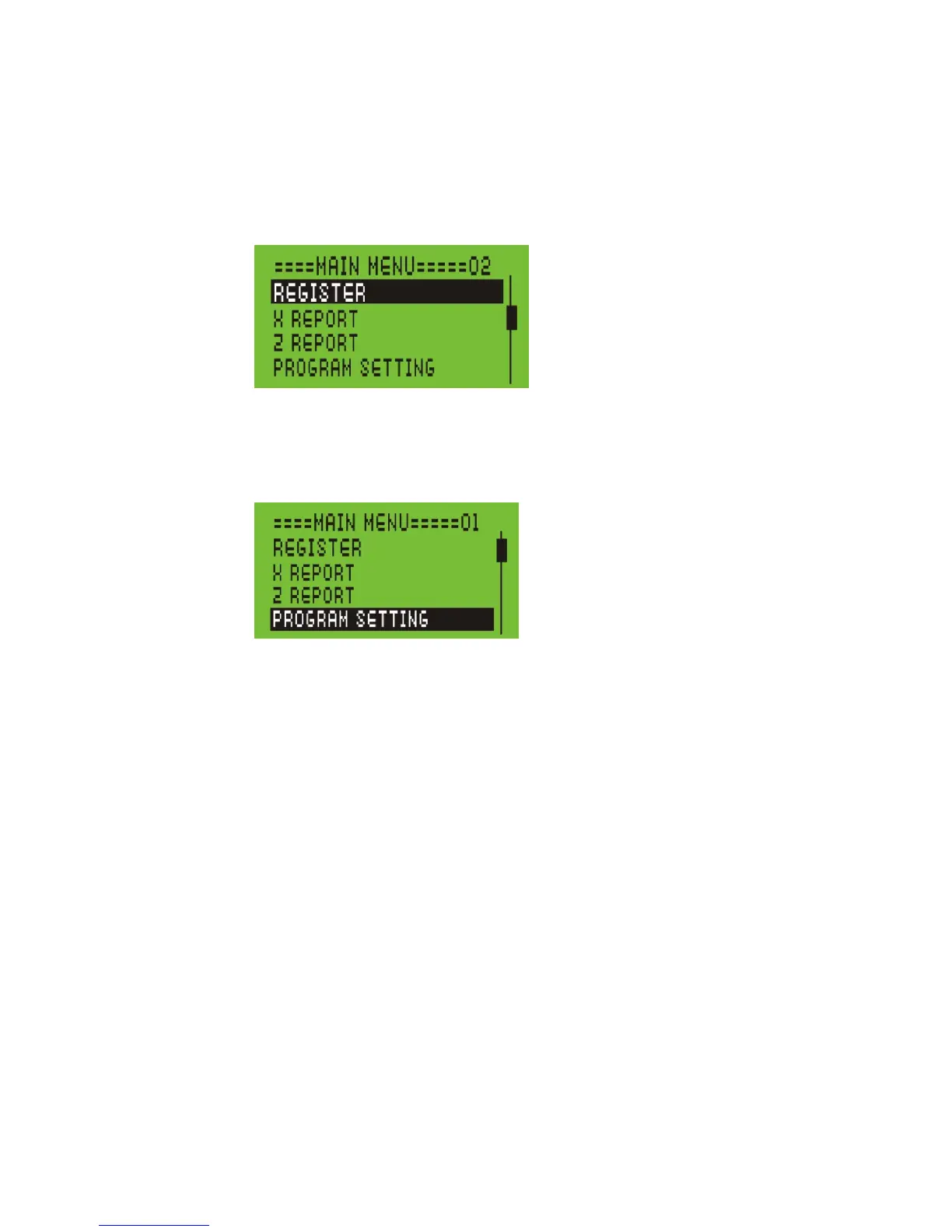
This cash register uses menus on the 5 line LCD clerk display to prompt you
through both PROGRAM SETTING and using the cash register. The 5 line LCD
clerk screen looks like:
The menu system prompts you through PROGRAM SETTING and sales. Always
follow the instructions on the screen. Refer to this manual for detailed information
about the options on the screen.
You may see a scroll bar on the right side of the screen. This means that there are
more options to see if you use the Arrow Up and Arrow Down keys.



 To Next Page