53
Royal 240DX User’s Guide
Entering and Exiting Training Mode
You can enter and exit Training mode.
When the cash register is in Training mode, all transactions print Training Mode
on the receipt.
To start Training mode
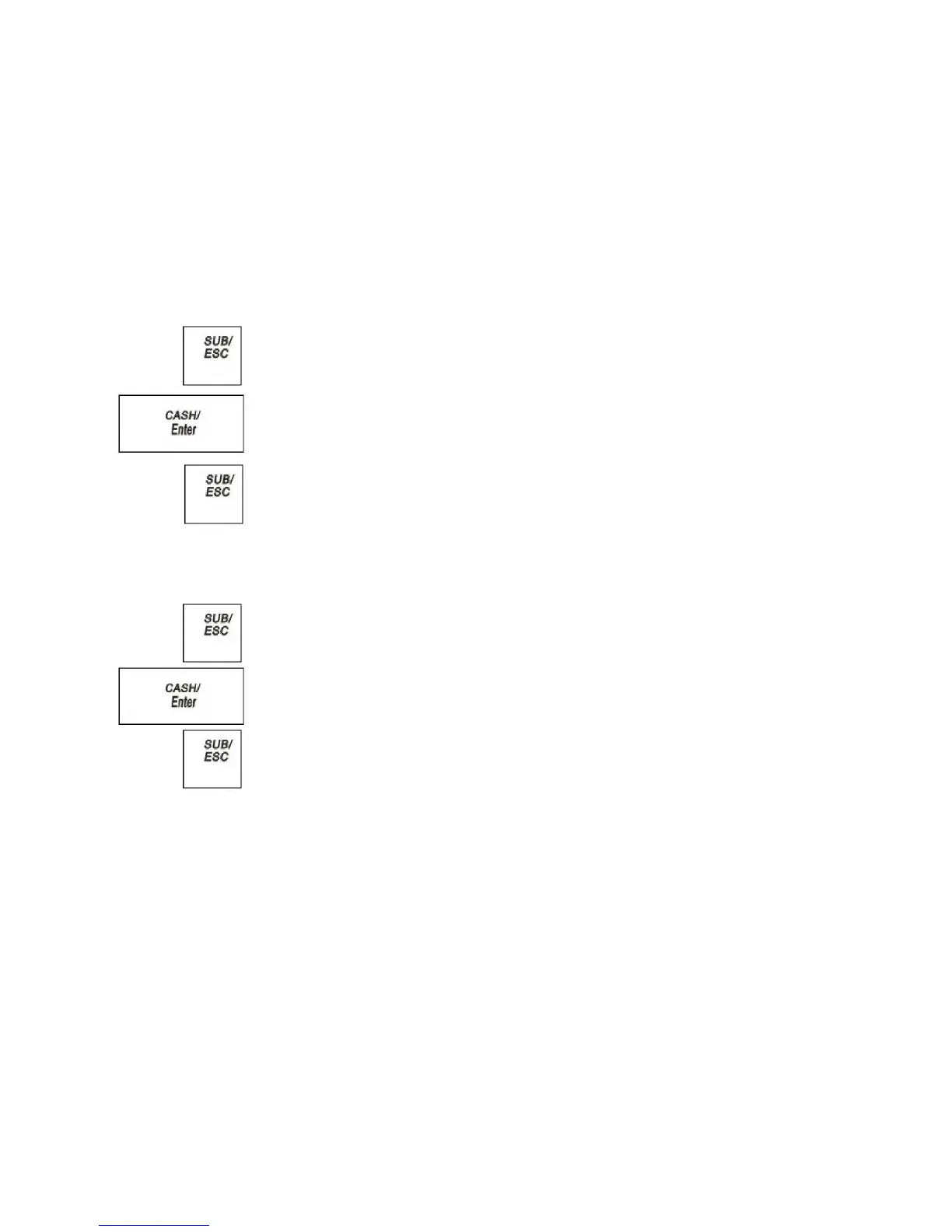
1 Press the SUB/ESC key.
2 Select REGISTER. Press the CASH/Enter key.
3 If the clerk numbers are set, do the following:
• Using the round Number keys, press the password and then press the
CASH/Enter key.
4 Using the Round number keys, enter the 000987. Press the SUB/ESC
key. The receipt Start Training mode print.
5 Now you can ring up sales in training mode. These sales do not appear in the
sales reports.
To Exit Training mode
1 Press the SUB/ESC key.
2 Select REGISTER. Press the CASH/Enter key.
3 If the clerk numbers are set, do the following:
• Using the round Number keys, press the password and then press the
CASH/Enter key.
4 Using the Round number keys, enter the 000789. Press the SUB/ESC
key. The receipt Exit Training mode print.
5 Now you can ring up sales normally. These sales do appear on sales reports.



 To Next Page