Royal 240DX User’s Guide
26
The maximum numbers of characters that can be programmed for each item
description are shown below. As you enter text descriptions, the lower left of the
clerk screen also shows you the remaining characters available.
Department 12 Characters
PLU 12 Characters
Clerk Name 12 Characters
• Header and Footer messages 6 Lines (24 characters each)
Using Double Wide Characters
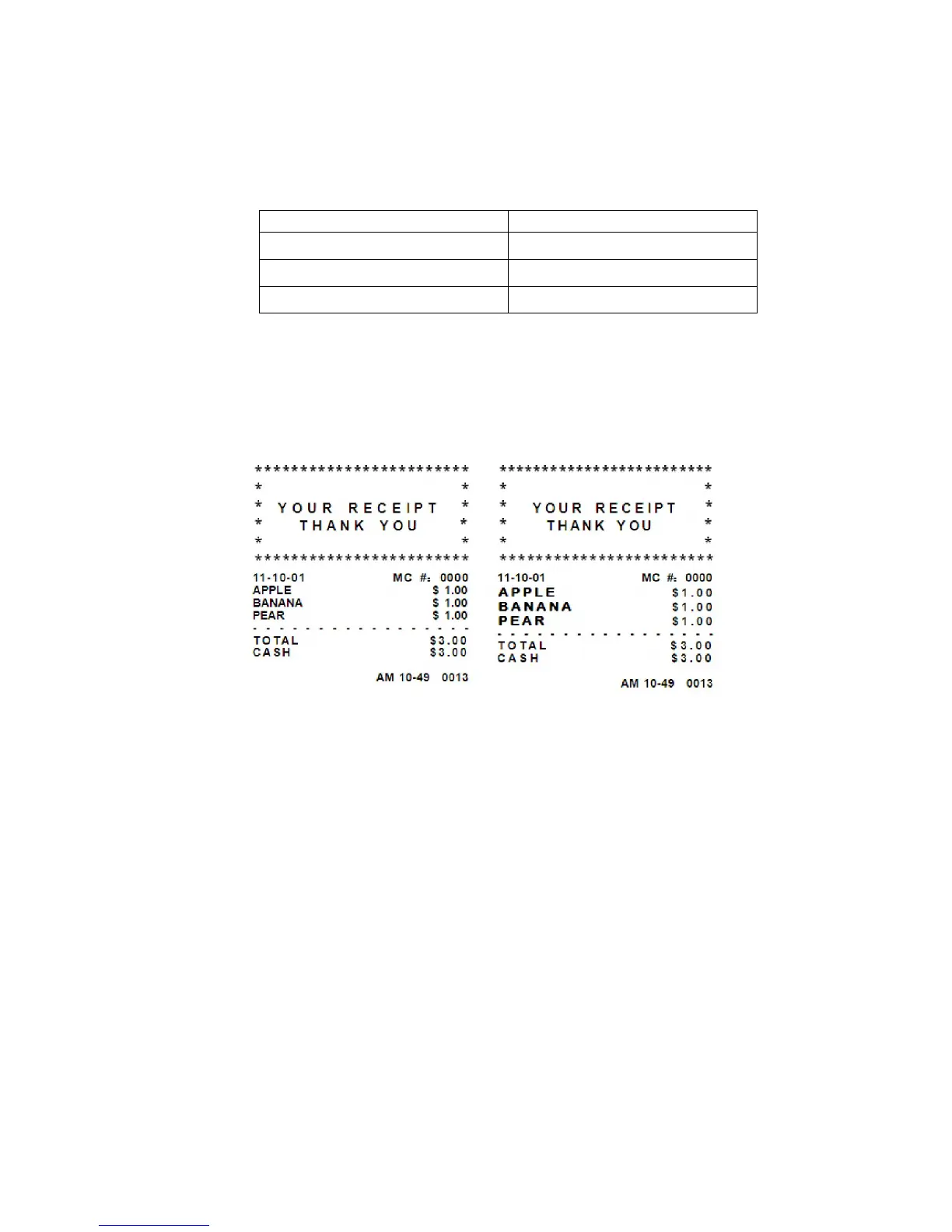
For extra emphasis, you can program double wide characters for a specific character
or a line of characters.
Normal Size
Double Wide
Only the Header and Footer message supply the double wide characters
If you use double wide characters, the maximum number of characters you can
use is reduced by half.
• Header and Footer messages 6
Setting Header Messages and Footer Messages
You can specify a header message and/or footer message to print on customer
receipts. Each message can be a maximum of 6 lines. Each line can have 24
characters.
Welcome you
Call again
is the default printout for the header message.
The default printout for the footer message is null.
Make a copy of the blank Worksheet below for future changes or revisions to your
header message or footer message.



 To Next Page