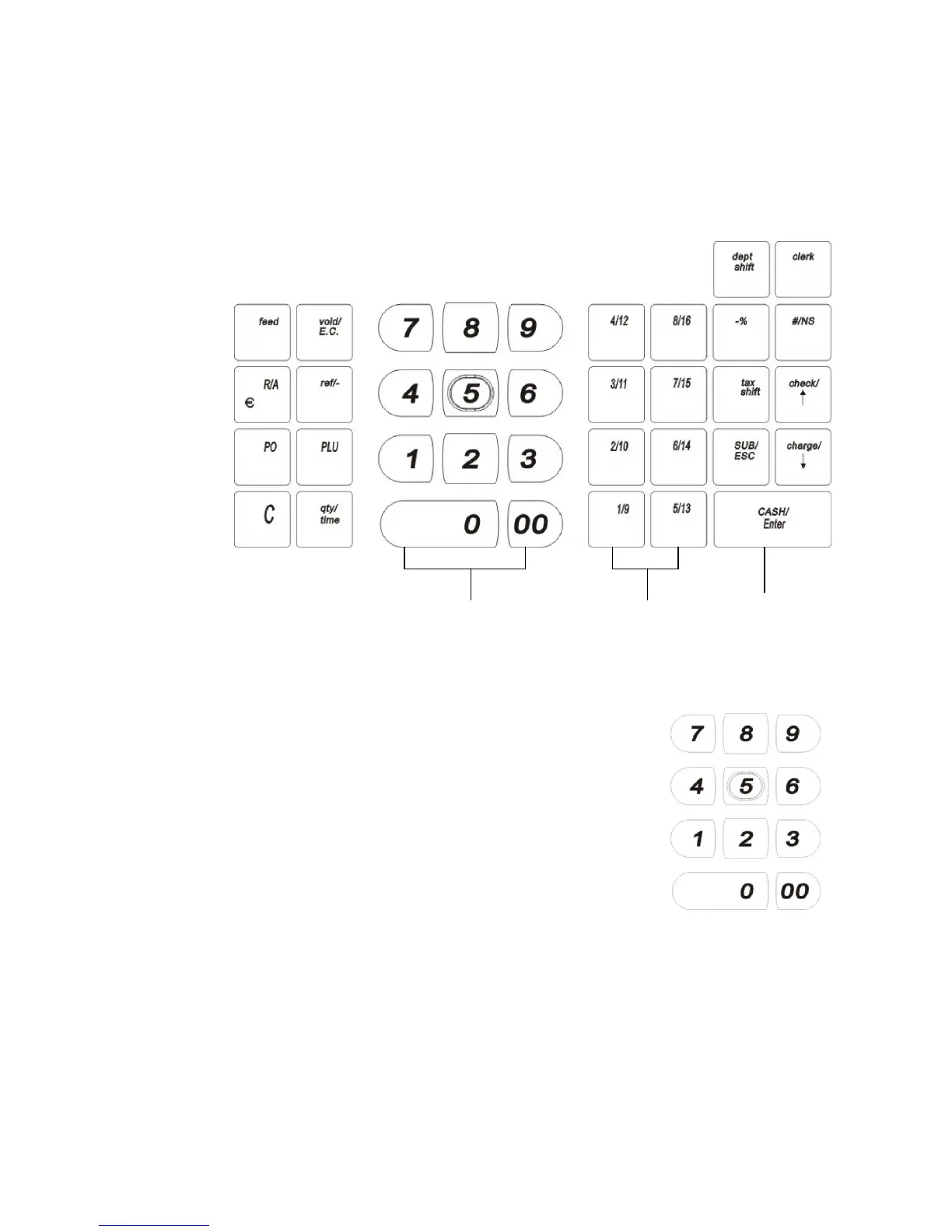
Amount Tend Total key
opens cash drawer
To use the keyboard, do the following:
• Plugging the cash register into a power source. Now
you can press the round Number keys and Department
keys to ring up a sale. For more information about
ringing up sales, see Runing up Sales and Using
Training Mode on page49.
• To program the cash register, press the SUB/ESC
key. Select PROGRAM SETTING and press the
CASH/Enter key. For more information about
PROGRAM SETTING the cash register, see Setting
Up Your Cash Register - the Basics on page 22 and
Setting up Your Cash Register Parameters on page 39.
The following identifies some of the keys on the keyboard and what you can use
them for



 To Next Page