Royal 240DX User’s Guide
48
Parameter Print
This report contains all the parameter option settings for the cash register and in the
following order:
• Dept
• PLU
• Clerk
• Tax
• System Parameters
• Receipt Parameter
You can select one to print or all to print.
When you select all, the report can use a lot of paper. Before you print, make sure you
have enough paper installed in the cash register.
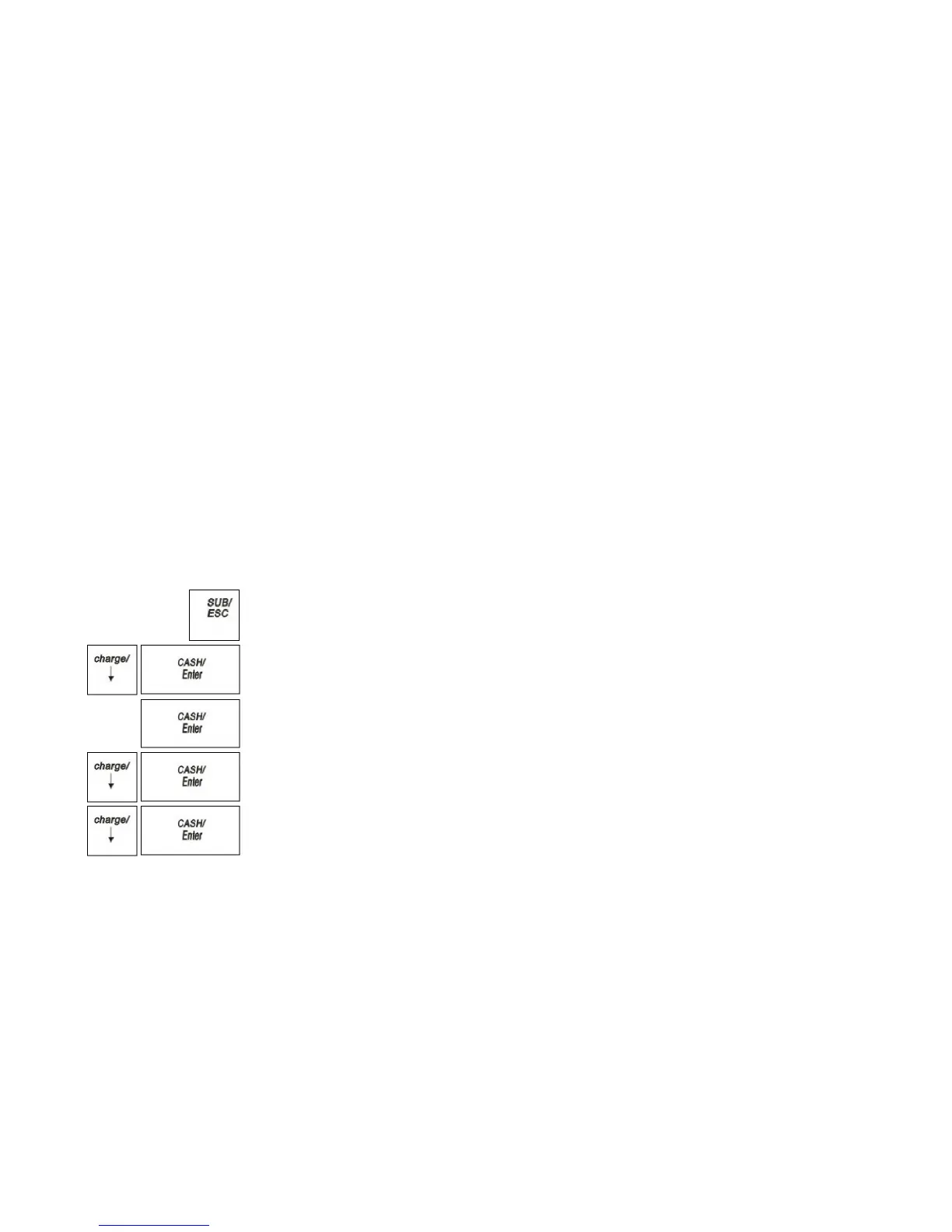
To print the Parameters
X REPORT Parameter Print
1 Press the SUB/ESC key.
2 Press the Arrow Down key to select X REPORT. Press the CASH/Enter key.
3 If you are prompted for a Manager Password, type the password number and then
press the CASH/Enter key. If you did not program a Manager Password, go to the
next step.
4 Press the Arrow Down key to select Parameter Print. Press the CASH/Enter
key.
5 Press the Arrow Down key to select all. Press the CASH/Enter key to print all
the parameters.
6 Press the Arrow Down key to select single. Press the CASH/Enter key to select
one parameter. Press the CASH/Enter key



 To Next Page